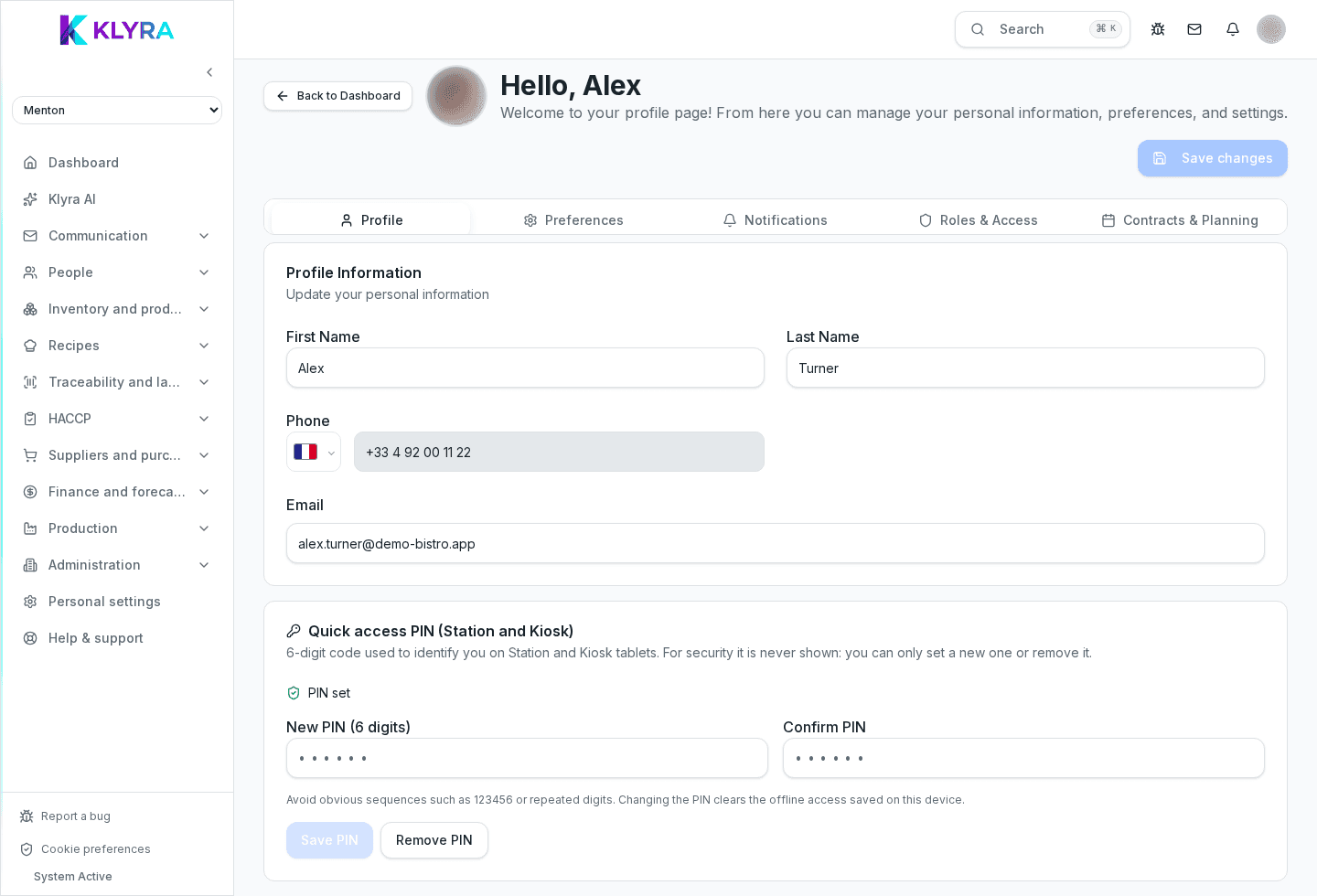
Complete your profile, set your PIN for Station, and turn on the notifications you need.
After your first login, it is worth completing your profile straight away: photo, contact details and, most importantly, the personal PIN needed to clock in and use on-site stations. Notifications should also be set to match what you actually need.
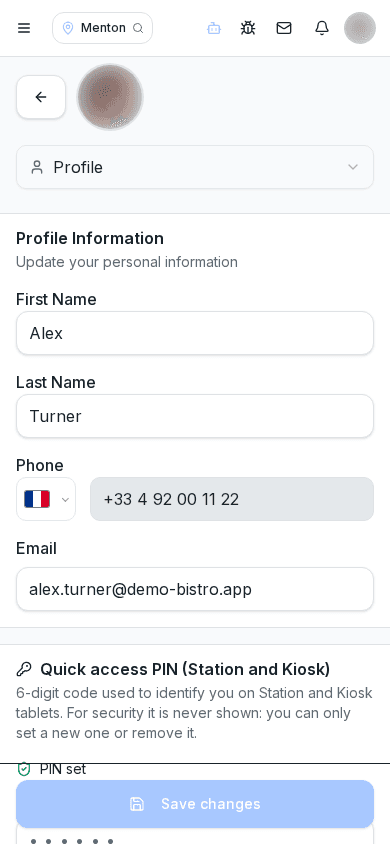
In the profile section you can add a photo (useful to be recognised in schedules and on the board), check your phone number and contact email, and choose the interface language among Italian, English, French and Spanish.
The PIN is the numeric code you use on Station to clock in, open recipes or log HACCP checks: it is personal and should never be shared with colleagues, because every action stays linked to whoever performed it.
If you forget your PIN, you can reset it from your profile or ask a manager to generate a new one.
You can choose to receive notifications about published schedules, board messages, HACCP deadlines relevant to you, and clock corrections awaiting approval, depending on your role. Excessive notifications can be turned off individually.
Is the PIN the same across every site?
Yes, the PIN belongs to you and works at every site you are assigned to, not to a single station.
Can I change my PIN whenever I want?
Yes, you can update it yourself from your profile at any time.
Why do I not see the same notifications as my colleagues?
Notifications depend on your role and permissions: a waiter, for instance, does not receive HR contract-expiry alerts.
Was this guide helpful?
Still need help?
Describe the issue: page, location, organisation and role are attached automatically.
Contact support