How the shared Station handles clock-ins, HACCP, recipes, labels and department work.
Station is KlyraOS’s shared app for a fixed site tablet. It brings together clock-ins, HACCP checks, temperatures, recipes, labels and internal QR workflows without separate device modes.
Station handles both clock-ins and department operations. A team member selects their card; a PIN is requested only for protected actions or when that person has enabled PIN confirmation for clock-ins.
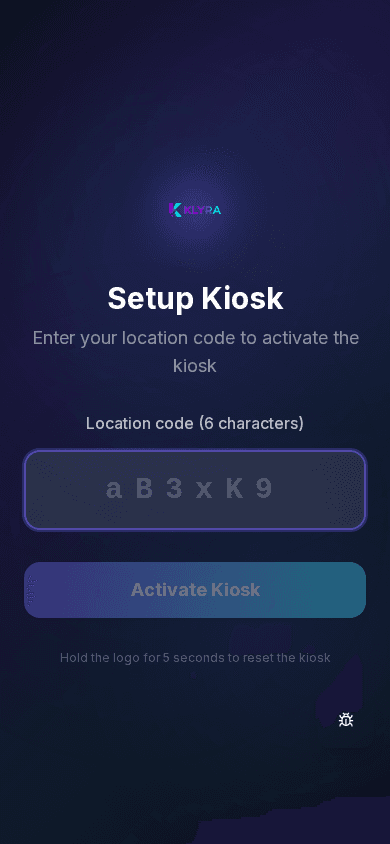
Every tablet must first have the KlyraOS app installed, then be paired with the correct site using the code shown under Organisation and sites, on the site detail page. Without pairing, the device cannot log clock-ins or activities.
Clocking in and out is allowed exclusively from Station because the device is fixed, linked to the site and verified: this prevents remote or unauthorised clock-ins and keeps timesheets reliable.
A charged battery, a screen that does not go to standby during opening hours, and stable Wi-Fi are the minimum conditions for Station to run smoothly during service.
Can I clock in from my personal phone if the Station is busy?
No, clocking in is only allowed from Station: wait your turn or report the issue to your manager.
How many Stations can I have at one site?
There is no fixed limit set by the app: it depends on operational needs and the active plan.
Can I turn a Station later on?
Yes. Unpair it from the current site, then pair it again with the new site code.
What happens if the tablet loses connection during a clock-in?
The recorded time is always the server’s: if sending fails, try again as soon as the network is back.
Was this guide helpful?
Still need help?
Describe the issue: page, location, organisation and role are attached automatically.
Contact support