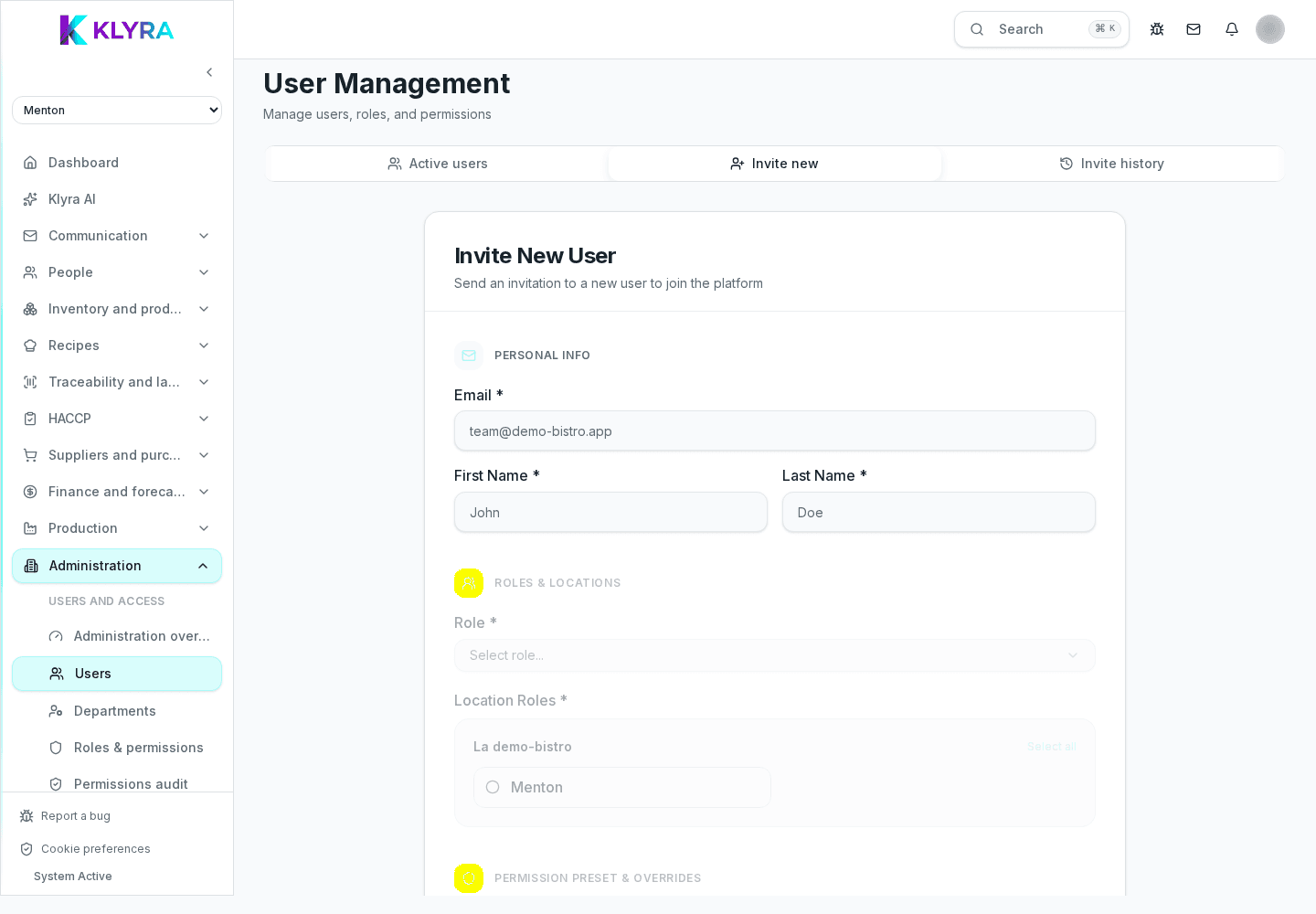
How to accept the email invitation, create your password and sign in to KlyraOS for the first time.
When a manager adds you to KlyraOS, you receive an invitation email with a personal link. From there you create your account and log in for the first time. The process takes a few minutes and nothing needs to be installed beforehand.
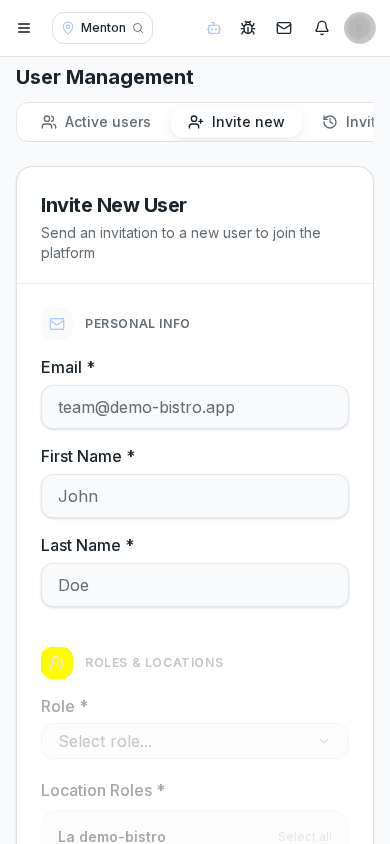
The invitation comes from your organisation’s address, with a subject like "You have been invited to KlyraOS". It contains a link valid for a limited time: if it expires, ask your manager to send a new one from the users section.
If you cannot find the email, check your spam folder and confirm you gave the correct address when you joined the team.
Opening the link asks you to set a personal password. It should be long enough and different from other services you use: KlyraOS handles sensitive data such as HACCP temperatures and staff schedules.
After setting your password you land directly in the dashboard of the site you were assigned to. Check your name, surname and role shown in the profile right away: if anything is wrong, tell whoever manages users before you start working.
What if I lost the invitation email?
Ask your manager or administrator to resend it from the users section; they can generate a new link in seconds.
Can I log into KlyraOS from several devices?
Yes, you can use the app on phone, tablet and the website with the same credentials.
Do I need a credit card for my first login?
No, activating a staff account does not require payment details; those only apply to the organisation’s subscription.
What happens if I enter the wrong password too many times?
You can always use the password reset from the login screen, without needing a new invitation.
Was this guide helpful?
Still need help?
Describe the issue: page, location, organisation and role are attached automatically.
Contact support