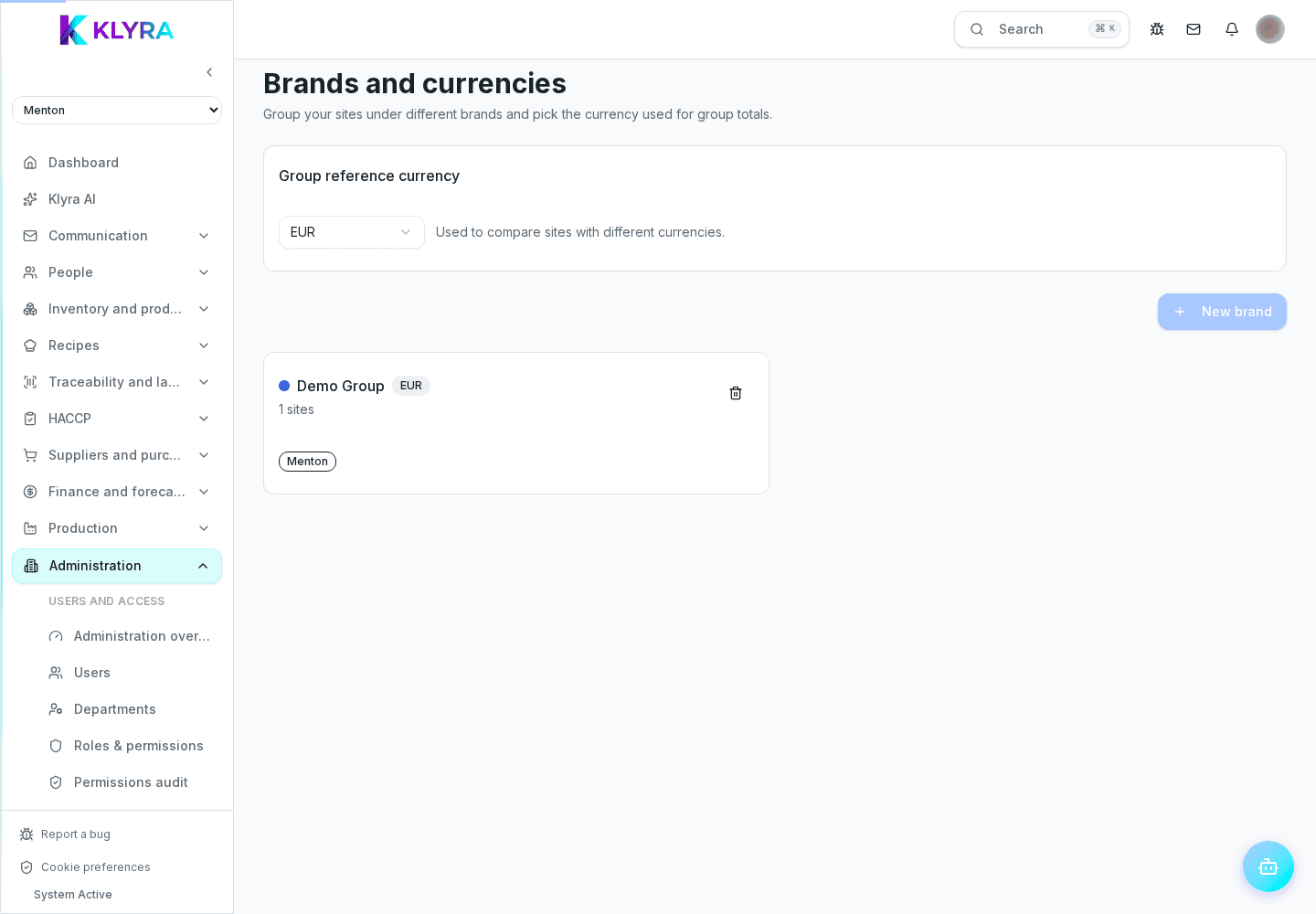
How to organize locations under different brands when your organization runs several restaurant banners.
Some organizations run several banners under one account, for example a pizzeria and a separate family restaurant. KlyraOS lets you group locations by brand, so each venue keeps its own identity on documents and labels.
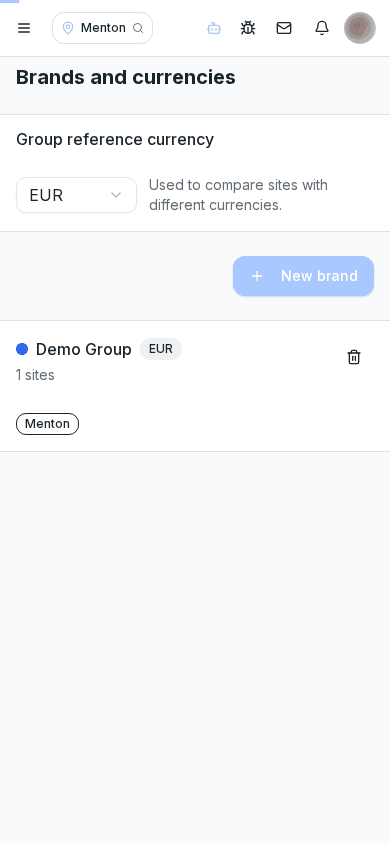
A brand groups one or more locations that share a logo, trading name and a few base settings. It mainly drives label printing, the public lot-traceability page and auto-generated documents, which all show the correct brand logo.
An organization can use a single brand matching its own name, or several distinct brands if it runs separate banners. Each brand has its own logo, trading name and, where needed, its own business details for documents.
Each location is assigned to the right brand from the location’s own details. Changing the brand of an active location updates the logo on future labels and documents, but does not change ones already printed or exported.
Managers with visibility across several brands can compare performance by grouping data by banner, which is useful when banners target very different customers or price points.
Can I have locations under the same brand in different cities?
Yes, brands group locations by commercial identity, not by geography.
Does changing a location’s brand affect past documents?
No, documents already issued keep the logo they had when they were created.
Do I need a different plan to manage several brands?
It depends on your active subscription: check the features included in the billing section.
Was this guide helpful?
Still need help?
Describe the issue: page, location, organisation and role are attached automatically.
Contact support