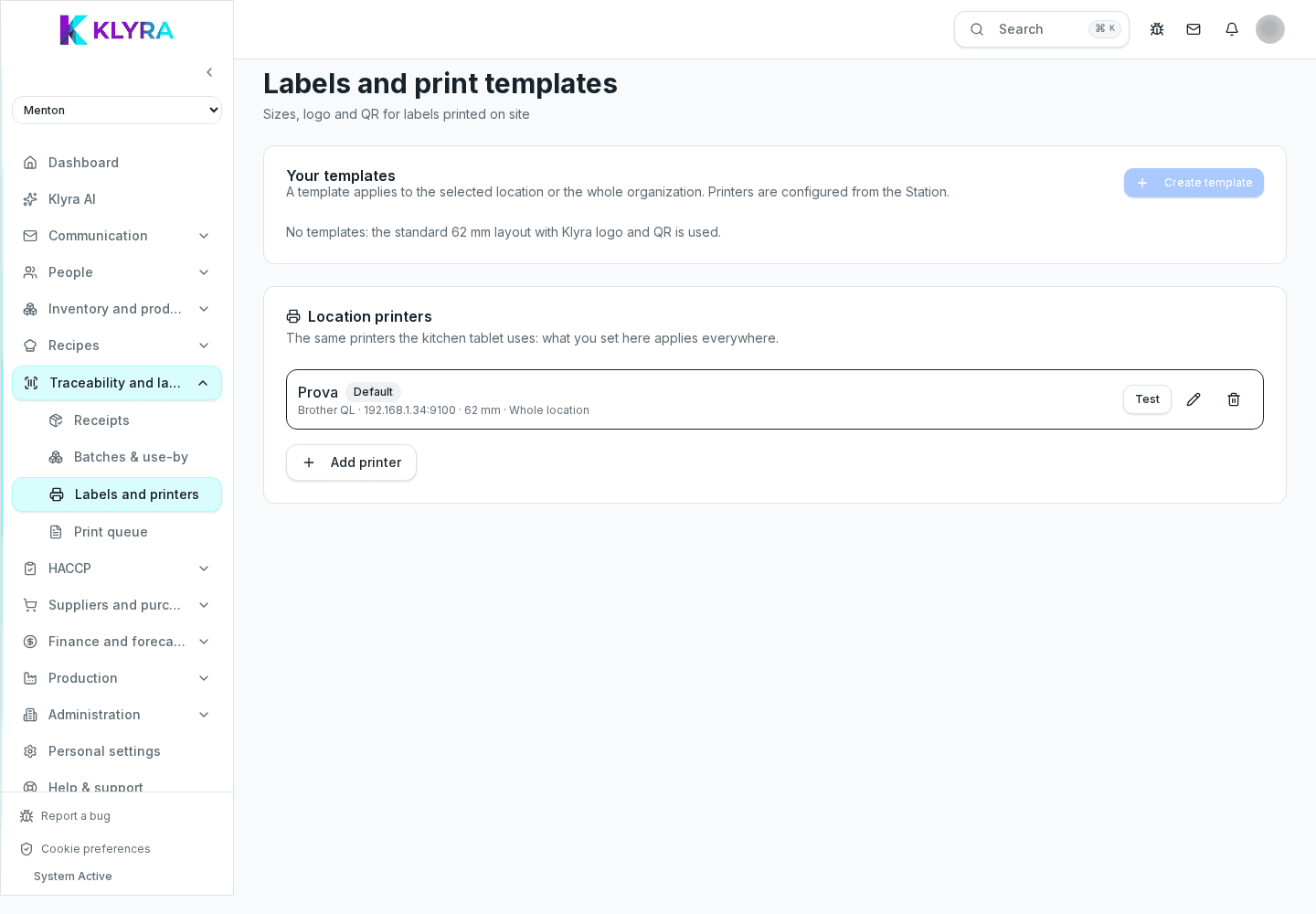
How to set up label templates, connect Brother QL-810Wc and print from a batch, a recipe or a delivery receipt.
Access to label settings uses the HACCP “manage” permission; there is no separate Labels permission. The Labels module handles everything needed to print compliant HACCP labels: shared templates across sites, the connected Brother QL-810Wc, and a queue that shows the status of every print in real time. Support for more Brother models is coming soon.
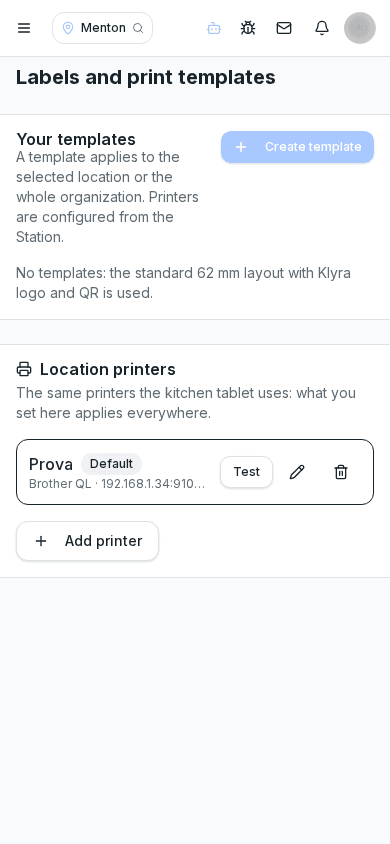
A template defines which information appears on print: product name, batch, production date, expiry, allergens and traceability QR code. Setting a single organization-wide template guarantees consistent labels across every site.
You can create different presets for different contexts, for example a label for a product opened in the fridge and one for a portion sold to customers.
KlyraOS currently supports the Brother QL-810Wc with a continuous 62 mm roll, connected to the site's local network and assigned to a station. Each station can have a default printer; support for more Brother models is coming soon.
Printing always starts from a specific source: an existing batch, a just-produced recipe, or a confirmed goods receipt. KlyraOS pre-fills the label data from the information already in the system, with no manual re-entry.
When a batch is split into several containers or portions, you can print multiple copies in a single action.
Every request moves through the states pending, sent and printed, or reports an error to solve before continuing. Reprinting doesn't create a new batch: it simply resends the same content to the printer.
Do I need a different template for every product type?
Not necessarily, but you can create presets linked to the same base template for contexts like frozen items or sale portions.
Can I print a label without going through a batch?
No, printing always starts from a traceable source: a batch, a produced recipe, or a confirmed receipt.
What roll format do the supported printers use?
The currently supported and documented model is the Brother QL-810Wc with a continuous 62 mm roll. Support for more models is coming soon.
Can I use printers other than the Brother QL-810Wc, for example Zebra or ESC/POS models?
No. Today KlyraOS only supports the Brother QL-810Wc on the local network with a 62 mm roll. Other printer families, including Zebra or ESC/POS command models, exist only at internal technical level and are not enabled for use yet: they are coming, with no announced date.
Does reprinting create a new batch or duplicate data?
No, it reuses the same data and doesn't generate any new traceability movement.
What should I do if the printer stops responding during service?
Check the cable and power, then check the print queue to see if the issue is the printer or the connection.
Was this guide helpful?
Still need help?
Describe the issue: page, location, organisation and role are attached automatically.
Contact support