How to add a new location to your organization and complete its details, opening hours and contacts.
Every venue managed in KlyraOS is a standalone location, with its own inventory, shifts and food safety checks. Creating a new location only takes a few minutes, but the details you enter at this stage shape the daily work of everyone using it.
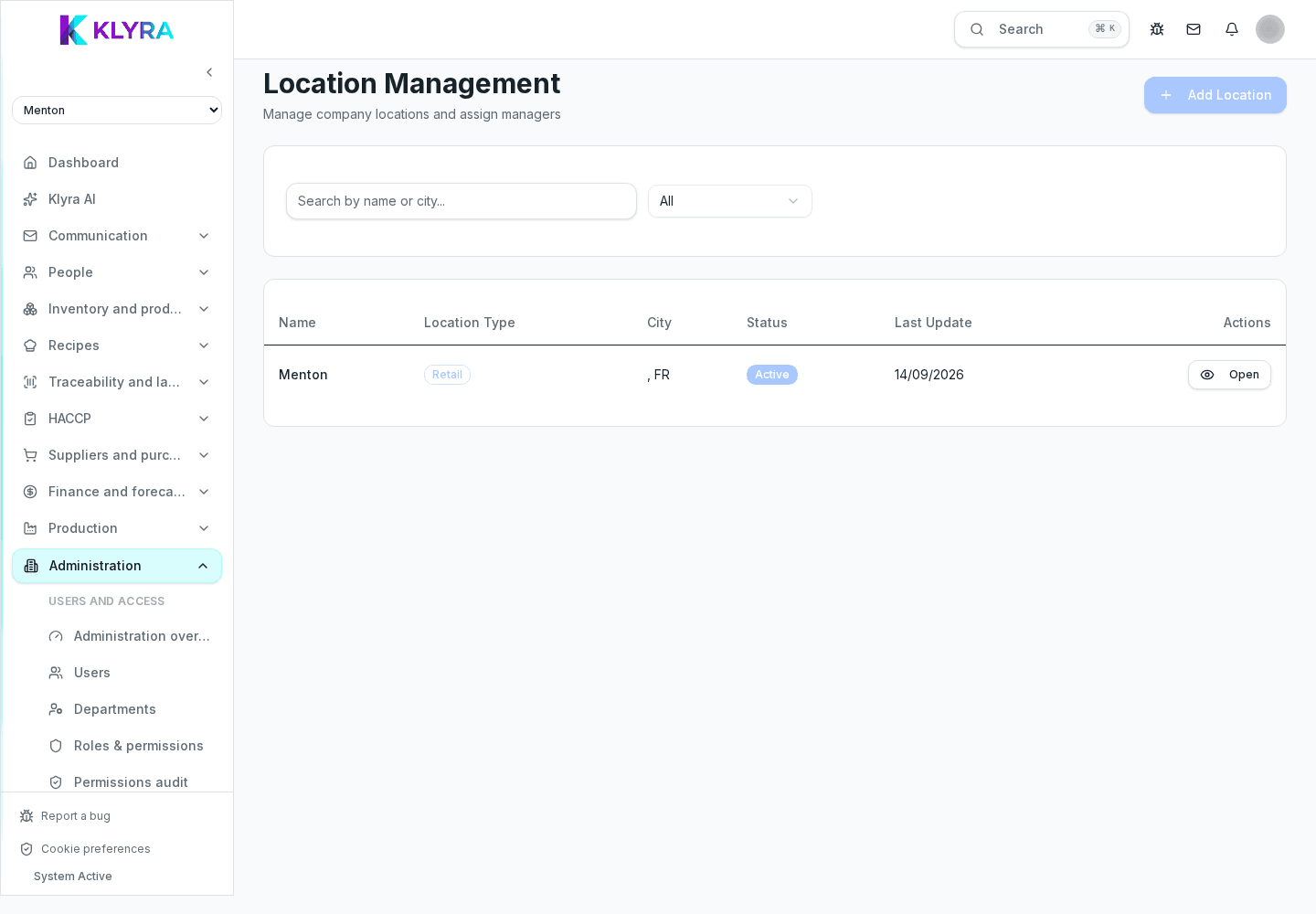
Have the full address, weekly opening hours, phone number and business details ready, so you can fill in the record in one pass instead of correcting it later.
The address and hours also feed related features, such as the public lot-tracking page and the footfall forecasts used for shift planning: entering them accurately avoids mismatches in those tools.
If your organization runs several brands or banners, link the location to the right one: this determines the logo shown on labels and documents. Also confirm the active modules for that location, for example whether it has its own production or is sales-only.
A freshly created location is empty: no products, shifts or users are assigned yet. The next step is to invite people and set up the location code to pair the venue’s Station tablets.
Can I create a location without assigning staff right away?
Yes, a location can exist empty and people can be assigned later from user management.
Does every added location need a separate subscription?
It depends on your plan: some plans include a limited number of locations, others bill each one separately.
Can I move a product from one location to another after creation?
Yes, using inter-location transfers available in the production and inventory module.
Was this guide helpful?
Still need help?
Describe the issue: page, location, organisation and role are attached automatically.
Contact support