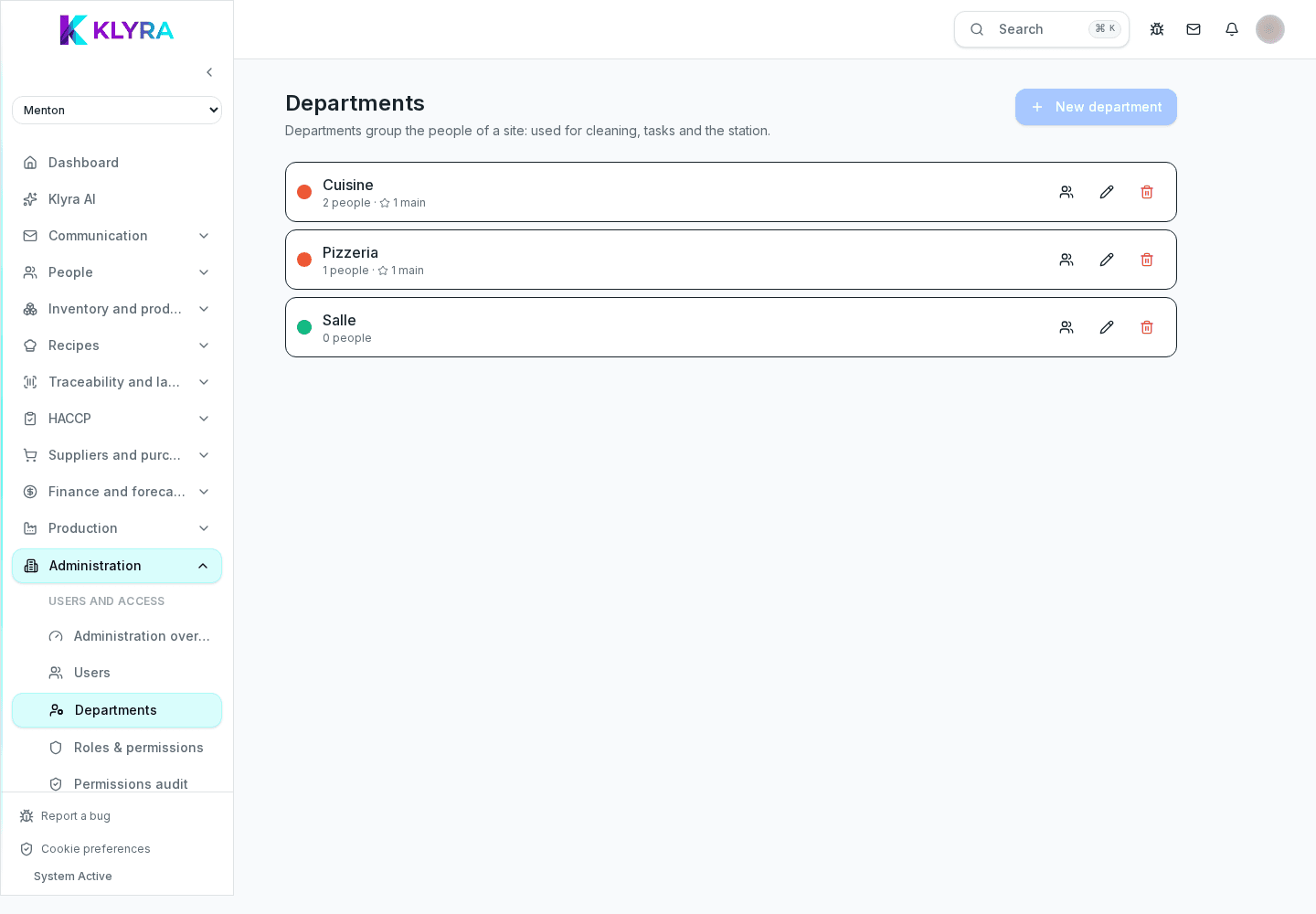
Organizing departments and teams within a Klyra location
How to structure kitchen, floor and storage into departments and teams to plan shifts and permissions more clearly.
Within a location, splitting staff into departments such as kitchen, floor and storage makes it easier to plan shifts, assign targeted permissions and read reports by area instead of the whole venue at once.
Why organize by department
A venue with ten kitchen staff and six floor staff has very different coverage needs between the two groups. Organizing departments lets you plan shifts separately, avoiding comparisons between areas that aren’t alike.
Creating a department
Each department has a name, a manager and a list of assigned people. A person belongs to one main department, but can still occasionally be involved in other activities through individually assigned permissions.
- Typical departments: kitchen, floor, bar, storage, admin
- Each department can have a different manager
- Labor cost reports can be read by department
Teams and working groups
Besides departments, larger locations may benefit from smaller teams, for example the lunch shift crew and the dinner shift crew, to organize internal communications without notifying the whole venue.
Link to job roles and permissions
A department doesn’t replace an individual’s job role: a person in the kitchen department can hold the role of chef or kitchen assistant, and permissions stay tied to the role, not just the department.
Cosa trovi in questa guida
- departments
- teams
- internal organization
- shift planning
- location structure
- job roles
Passaggi
- Open the location’s Organization section
- Create the venue’s main departments
- Assign a manager to each department
- Move existing people into the correct department
- Create smaller teams for specific shifts or communications, if needed
- Check labor cost reports filtered by department
Problemi frequenti
- A person shows up in the wrong department → assignment not updated after a role change → update the department from the employee’s profile
- A department manager can’t see their group’s shifts → scheduling permissions not granted → check the shift management permission for that department
- Department reports look incomplete → some people not yet assigned to a department → complete the assignment for all active staff
- An announcement meant for one team reaches the whole location → team not configured correctly → check the team member list before publishing
Domande frequenti
Can a person belong to more than one department?
They have one main department, but can be involved in other activities through individually assigned permissions.
Do departments affect pay or contracts?
No, departments are only for internal organization and reporting; they don’t change contract data managed in HR.
Can I rename a department later?
Yes, you can change a department’s name and manager at any time without losing the history of linked data.
Guide collegate
Questa guida ti è stata utile?
Hai ancora bisogno di aiuto?
Descrivi il problema: alleghiamo in automatico pagina, sede, organizzazione e ruolo.
Contatta l’assistenza