Employee files, contracts, documents, e-signatures and labour cost: how HR is organised in KlyraOS.
The People and HR area brings together everything about your staff: personal data, contracts, documents with expiry dates and labour cost per site. It is the reference data that feeds shift scheduling, clocking and financial reports.
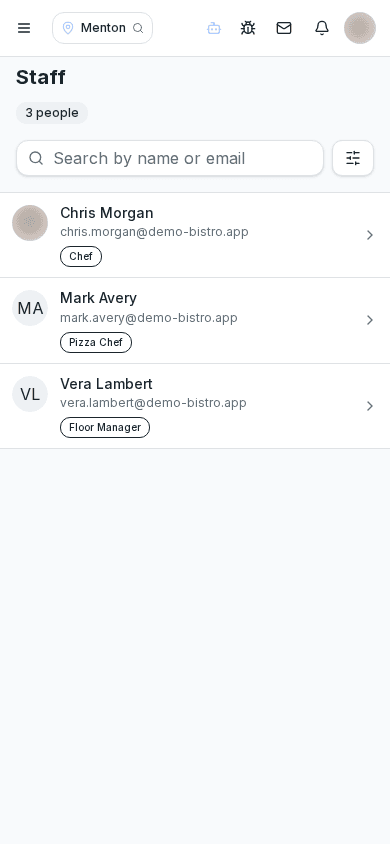
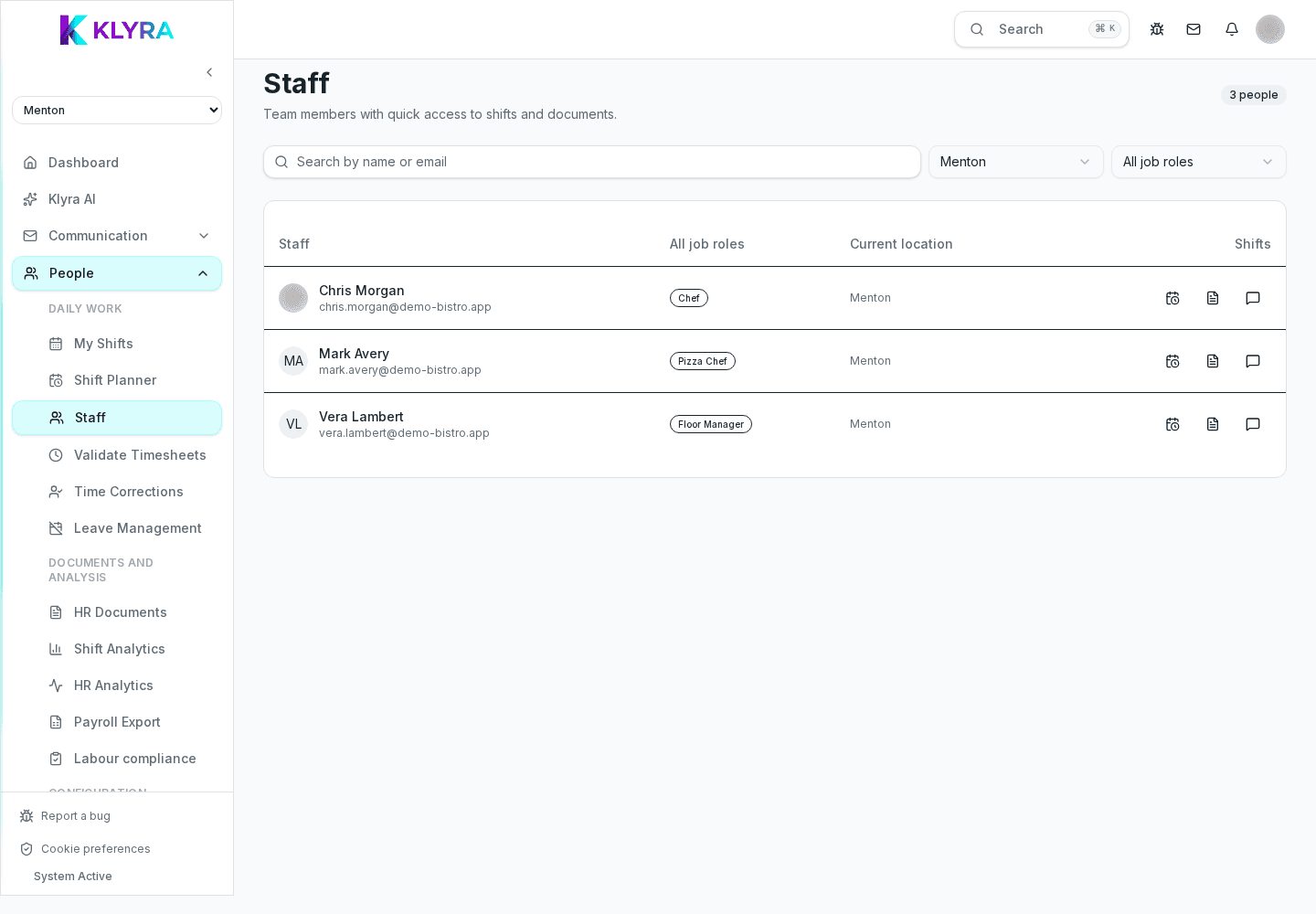
Every person has a file with personal data, role, position, assigned sites and status (active, suspended, terminated). It's the base data shifts and clocking rely on.
Contracts link to the file and keep a history of extensions, changes in hours or grade, so you can always trace which conditions applied on a specific date.
Fitness certificates, training attestations and other documents with an expiry date are uploaded to the file and flagged in advance. Policies and notices can be sent for electronic signature directly in the app.
Combining worked hours (from clocking or planned shifts) with contract data, KlyraOS calculates labour cost per site and period, and its share of revenue.
HR data feeds shift scheduling and can be exported for your payroll accountant; KlyraOS does not process payroll itself.
Does KlyraOS process payroll?
No, KlyraOS manages personal data, contracts, documents and labour cost; data can be exported for your payroll accountant or software.
Who can see staff personal data?
Only people with HR management permission for that site; the rest of the team cannot access it.
How do I know a document is about to expire?
Set the expiry date on the document: you'll get a notification before it becomes invalid.
Can I see past contract conditions?
Yes, the contract history shows every version with its validity dates.
Was this guide helpful?
Still need help?
Describe the issue: page, location, organisation and role are attached automatically.
Contact support