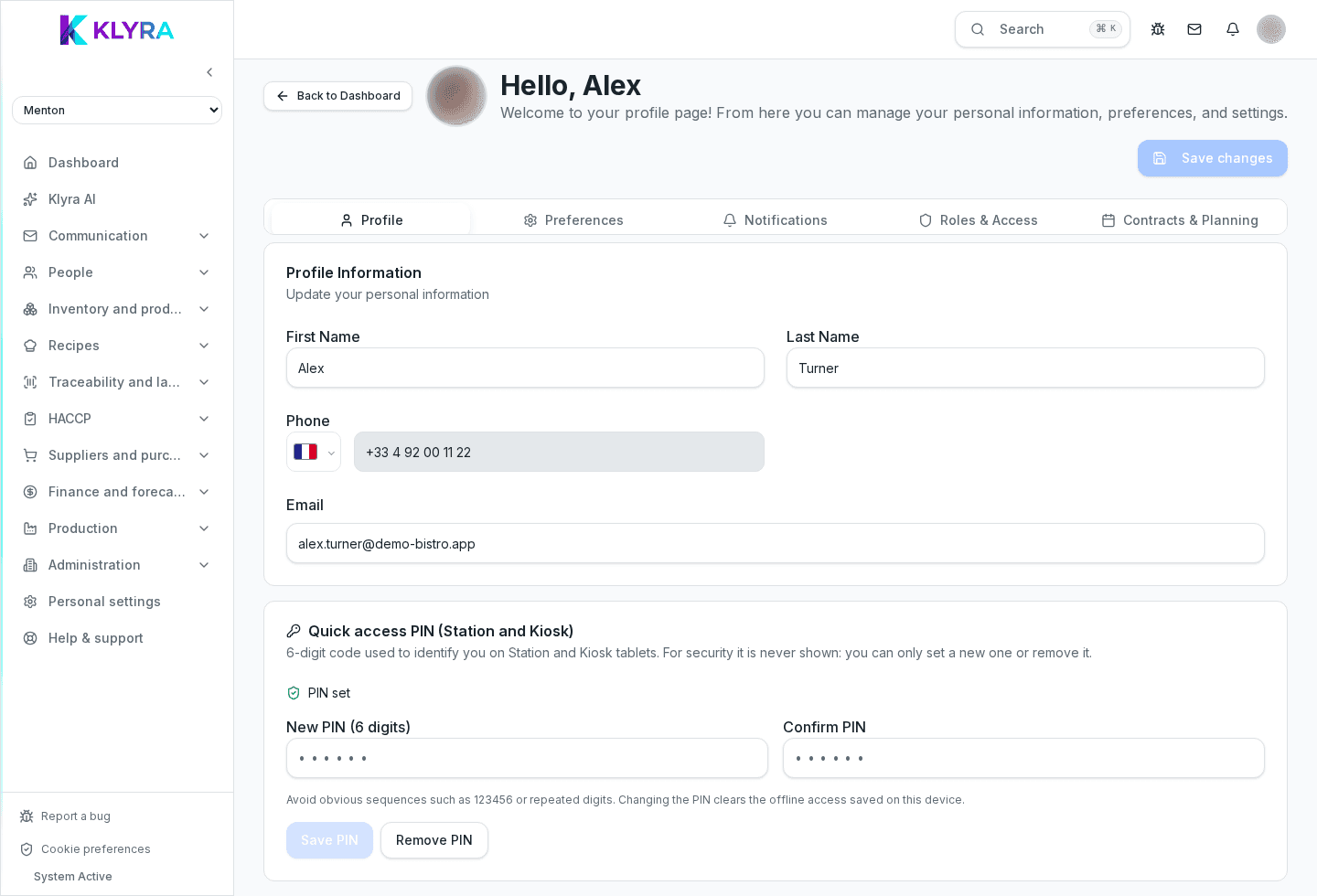
Activate your account, complete your profile with PIN and notifications, and take your first steps in KlyraOS across dashboard, location and mobile app.
When you're added to a KlyraOS organization you receive an email invite, and in a few minutes you can log in, complete your profile and see what's available based on your role. This overview covers the activation path and the key links.
The invite email contains a personal link to set your password and log in for the first time. From there you land directly in the dashboard of the location you were assigned to.
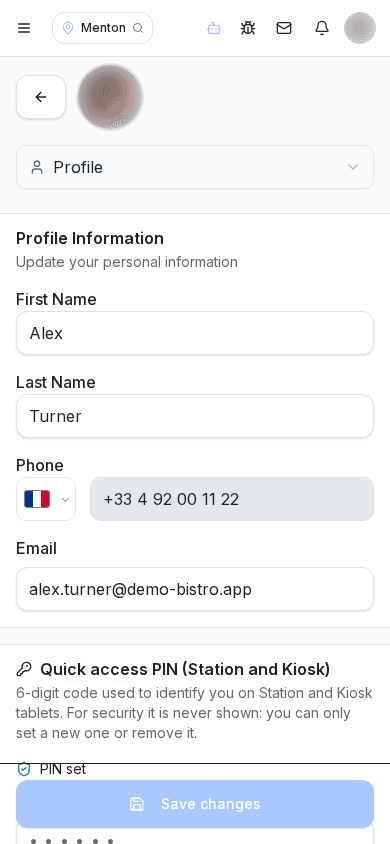
Your profile holds your contact details and interface language. The personal PIN is required to use Station: without it you can't clock in or record HACCP checks on venue devices.
If you work at more than one location, KlyraOS always asks which is your active location: dashboard, inventory and shift data depend on this choice. Language is a personal preference independent of the location.
You can use KlyraOS from your phone or tablet with the same credentials as the website. Clock-ins remain restricted to Station, the fixed devices paired to a location via a code.
Menus, dashboard tiles and available sections change based on role, job function and assigned permissions: it's normal for two colleagues to see different screens.
What if I never receive the invite email?
Check your spam folder and ask your manager to verify the email address or send a new invite.
Does the PIN replace my account password?
No, they're different: the password logs you into the app or website, the PIN is only used on Station.
Can I work at multiple locations with one account?
Yes, if you're assigned to several locations you can switch the active location from the top selector at any time.
Do I need a credit card to activate my personal account?
No, activating a staff account doesn't require payment details: the subscription belongs to the organization.
Where do I change the interface language?
In your profile: the choice applies across the whole app, including messages and exports.
Was this guide helpful?
Still need help?
Describe the issue: page, location, organisation and role are attached automatically.
Contact support