How to invite people and assign roles, job titles and custom permissions across the right locations for every staff member.
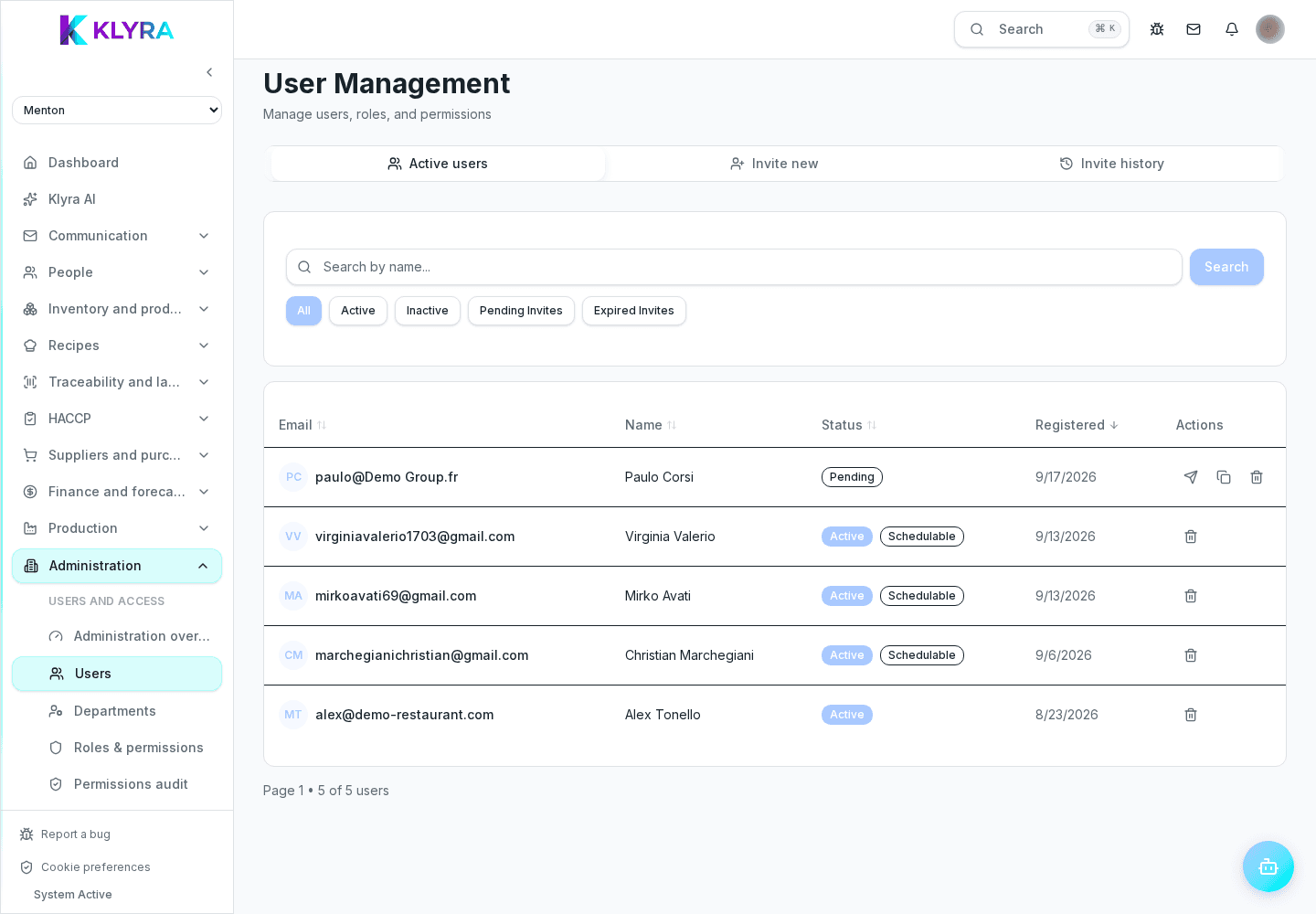
The Users and permissions area controls who gets into KlyraOS, with what role and at which locations. From here you invite new people, assign roles and job titles, and check at any time what a person actually sees in the app.
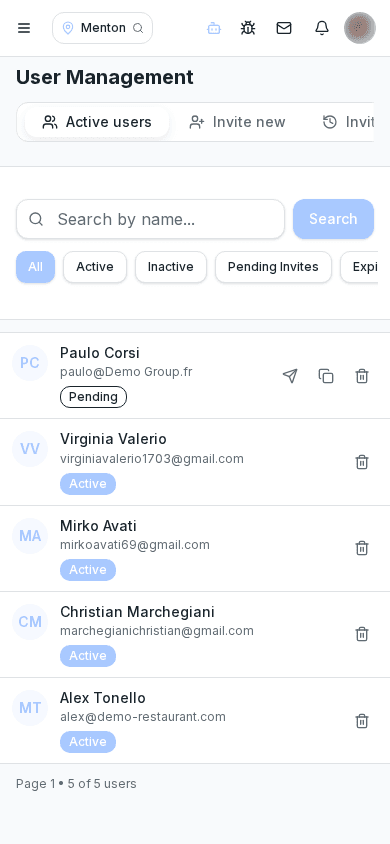
Invitations are sent by email with a configurable expiry. Until accepted, the person stays invited and has no access to any feature.
Each person has a role (admin, manager, staff) that defines the base set of accessible features, which can later be fine-tuned with individual exceptions.
The job title describes the work done (e.g. cook, waiter) and is also used in shift planning. Permission presets speed up assignment by applying a consistent bundle of features.
A person can be assigned to several locations at once, with possibly different roles and permissions from one location to another.
Before considering a setup finished, it's worth checking exactly which sections and actions are visible to that person, avoiding surprises on their first login.
Can I assign the same person to several locations?
Yes, with role and permissions that can vary from one location to another.
What happens if an invitation expires?
It's no longer valid and needs to be sent again from the same section.
Can permission presets be adjusted for a single person?
Yes, you can start from a preset and add individual exceptions without changing the preset for others.
Who can invite new people?
Only people with the user management permission, typically admins and organization managers.
Was this guide helpful?
Still need help?
Describe the issue: page, location, organisation and role are attached automatically.
Contact support