Installing Kiosk and Station on a site tablet
How to prepare a dedicated tablet, install the app and tell Kiosk mode apart from Station mode.
Kiosk and Station are the two modes of the Klyra app designed for a fixed site tablet, used by several people during a shift. Before starting to work you need to prepare the device, install the app and choose the right mode for where it will be placed.
Preparing the tablet
Use a dedicated tablet, connected to the site’s Wi-Fi and with the screen always on during opening hours. Avoid installing other apps that could interfere with notifications or background operation.
Installing the app
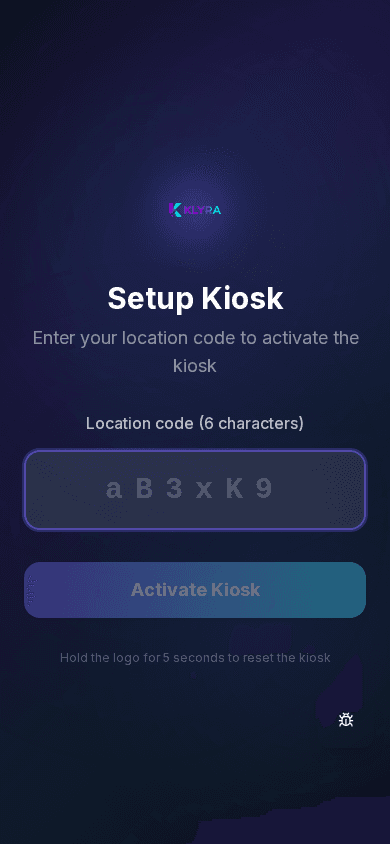
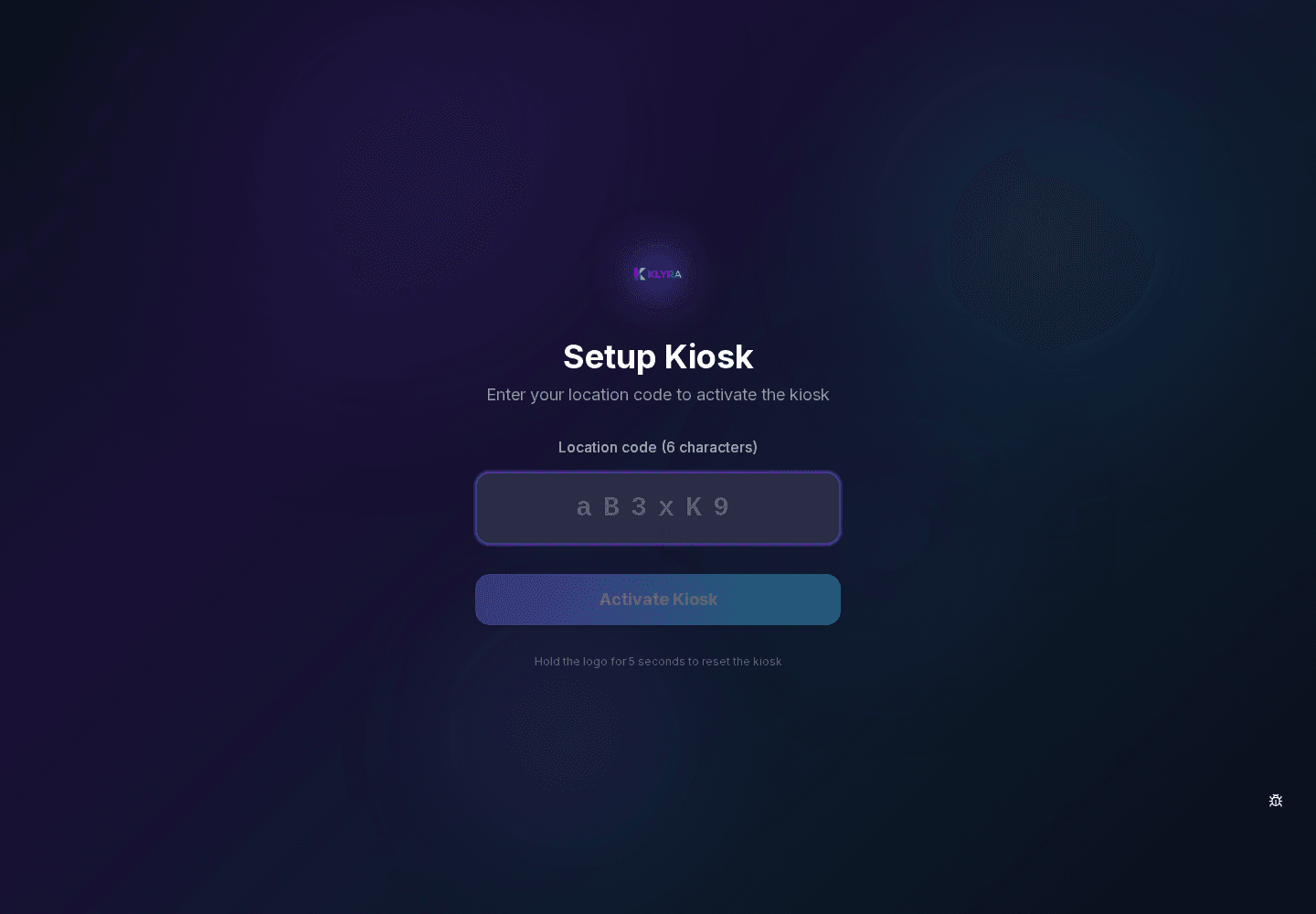
Download the Klyra app from the tablet’s operating system store and launch it: on first launch you are asked to set it up as Kiosk or as Station.
- Kiosk: only PIN clock-ins, designed for the staff entrance
- Station: HACCP checks, temperatures, recipes and QR, designed for a department
- A tablet can have only one active mode at a time
- The mode can be changed later from settings
Choosing where to place it
A Kiosk should be placed at a common passage point, while a Station should be placed near the department that will use it (kitchen, counter, warehouse) to reduce movement during service.
Several devices at the same site
You can have several Kiosks and several Stations at the same site: each is paired individually and can have independent settings.
Cosa trovi in questa guida
- tablet installation
- Kiosk
- Station
- shared devices
- initial setup
Passaggi
- Prepare a dedicated tablet with stable Wi-Fi
- Download the Klyra app from the official store
- Launch the app and choose Kiosk or Station mode
- Place the tablet where it best fits the chosen mode
- Check the screen stays on during working hours
- Move on to pairing with the site code
Problemi frequenti
- The app asks for the mode again at every launch → configuration not saved correctly → repeat the setup and check the connection while saving
- The tablet goes to standby during service → operating system power saving settings → disable auto standby for the Klyra app
- I cannot select Station → missing setup permission → ask a manager with organisation permission to complete it
Domande frequenti
Can I turn a Kiosk into a Station later on?
Yes, you can change the mode from the device settings, but you may need to redo the pairing with the site.
Do I need a specific tablet to use Kiosk or Station?
You need a tablet with a compatible operating system and stable Wi-Fi; no particular model is required.
How many devices can I have at one site?
There is no fixed limit set by the app: it depends on operational needs and the active subscription plan.
Guide collegate
Questa guida ti è stata utile?
Hai ancora bisogno di aiuto?
Descrivi il problema: alleghiamo in automatico pagina, sede, organizzazione e ruolo.
Contatta l’assistenza