How to set up locations, brands, departments and Station codes to organize your restaurant business structure properly.
The Organization area covers everything about your business structure: locations, brands, departments and the codes used to pair Station devices. It's the first module to set up when starting with KlyraOS, since it affects inventory, shifts and HACCP checks for every location.
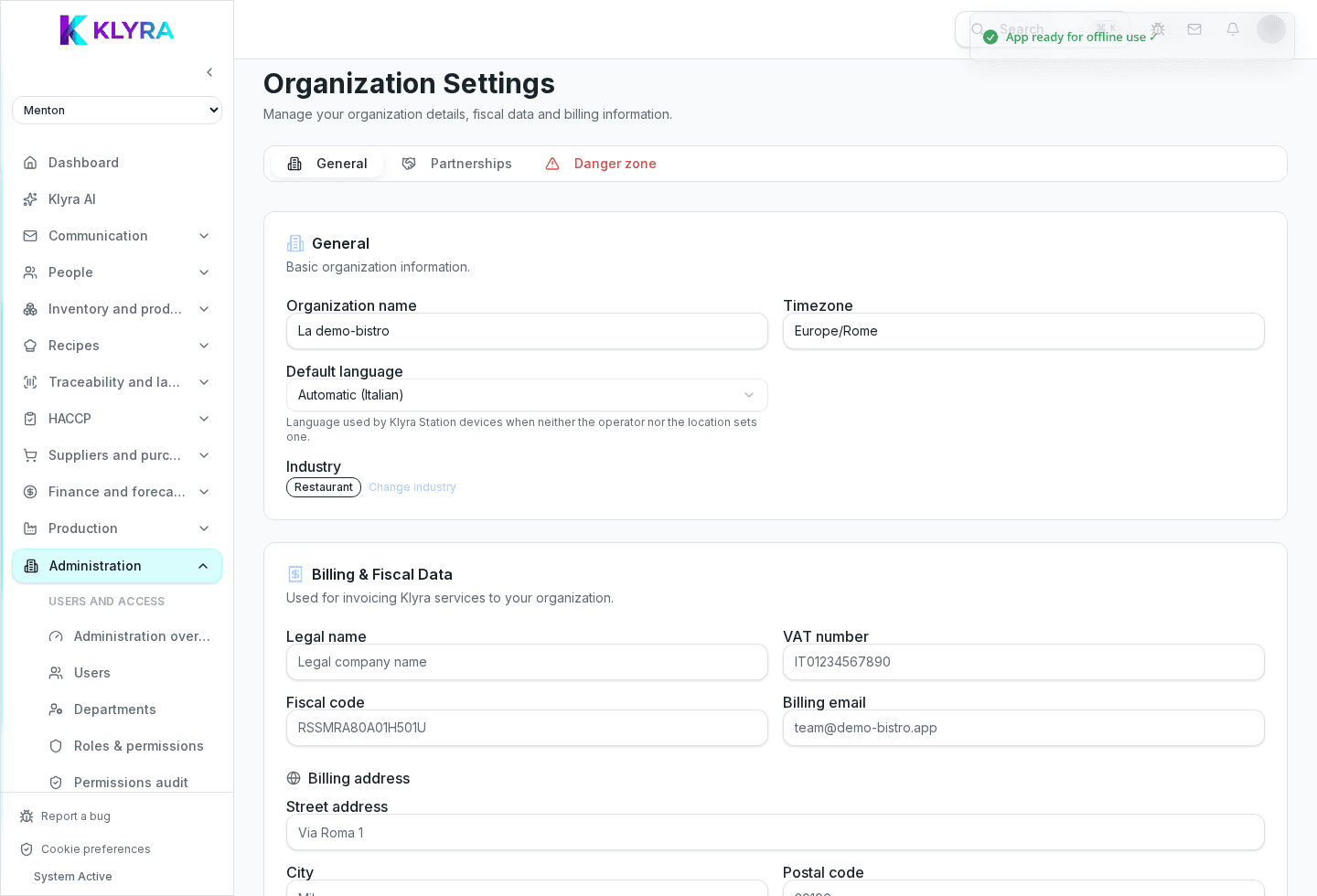
Each venue managed with KlyraOS is an independent location, with its own inventory, shifts and HACCP records. You can create several locations under the same organization and switch between them with the location picker.
If you run several banners, you can group them by brand: the brand determines the logo shown on labels, documents and the public traceability page.
Within a location you can organize staff into departments (kitchen, floor, warehouse) to plan shifts and read reports by work area.
Each location has a unique code used to pair the Station tablets: staff clock in and use operational features from there, without needing their own phone.
A location no longer in use can be archived while keeping its data history, without appearing in the daily picker anymore.
Guided tax setup for the organization already covers Italy; extending it to other countries (Germany, United Kingdom, Switzerland, Belgium, Netherlands, Portugal and Austria) is in progress, with no release date announced. In the meantime you can still create locations in those countries and complete tax details manually.
Can I have several locations under the same brand?
Yes, a brand groups locations by commercial identity, not by geography.
What happens when I archive a location?
It no longer appears in the daily picker but its data history stays available.
Do I need a different plan to add locations?
It depends on your plan: some include a limited number of locations, others bill them separately in the billing page.
Does the site code also work for the personal app?
No, the personal app uses individual login; the site code is only used to pair Station.
Was this guide helpful?
Still need help?
Describe the issue: page, location, organisation and role are attached automatically.
Contact support