How clocking works from the verified Station and when personal PIN confirmation applies.
Station is the verified site tablet used for clock-ins and operational work. Each person selects their operator card, then chooses clock in, break or clock out; PIN confirmation appears only when their profile preference requires it.
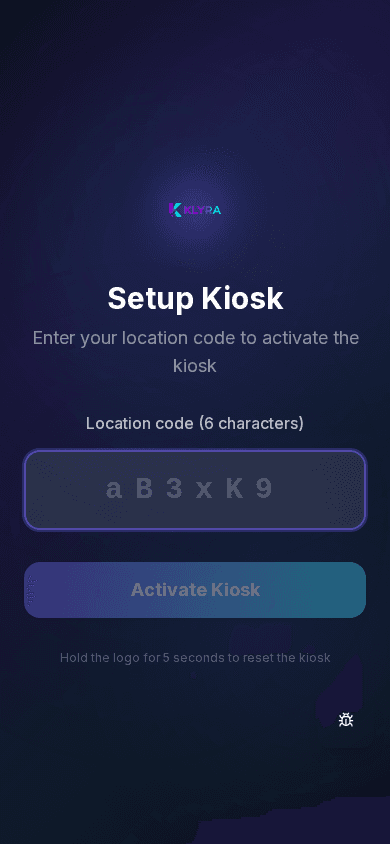
Select your operator card, then choose clock in, break or clock out. If your profile requires PIN confirmation for timeclock actions, Station asks for it after you choose the action. The recorded time is the server’s, not the device’s.
Each person has a numeric PIN assigned or chosen during account activation: keep it private, as it confirms the identity of whoever is clocking in on a shared device.
Clocking in is only allowed from Station because the device is fixed, linked to the site and verified: this prevents remote clock-ins or ones from unauthorised locations.
If a clock-in is missing or wrong, you request a correction: the manager reviews and approves it, so the month’s timesheet stays accurate.
Can I clock in from my phone if the Station is not working?
No, clocking in is only allowed from Station: if the tablet does not work, report it and request a manual correction from the manager.
What do I do if I forget my PIN?
Reset it yourself from your profile; if you cannot access it, ask the site manager for help. A PIN must be configured at first Station access for protected actions; timeclock confirmation only uses it when your preference is enabled.
Can the clock-in time be wrong on a tablet with a flat battery or no network?
No, the recorded time is the server’s at the moment the clock-in is received, not the tablet’s local time.
Was this guide helpful?
Still need help?
Describe the issue: page, location, organisation and role are attached automatically.
Contact support