How to connect a tablet to the right site using the dedicated code and what to do if pairing fails.
Before it can be used for clock-ins or checks, a tablet must be paired to the site through a code generated by KlyraOS. This guarantees every clock-in or logged activity is linked to the correct site and not to any random device.
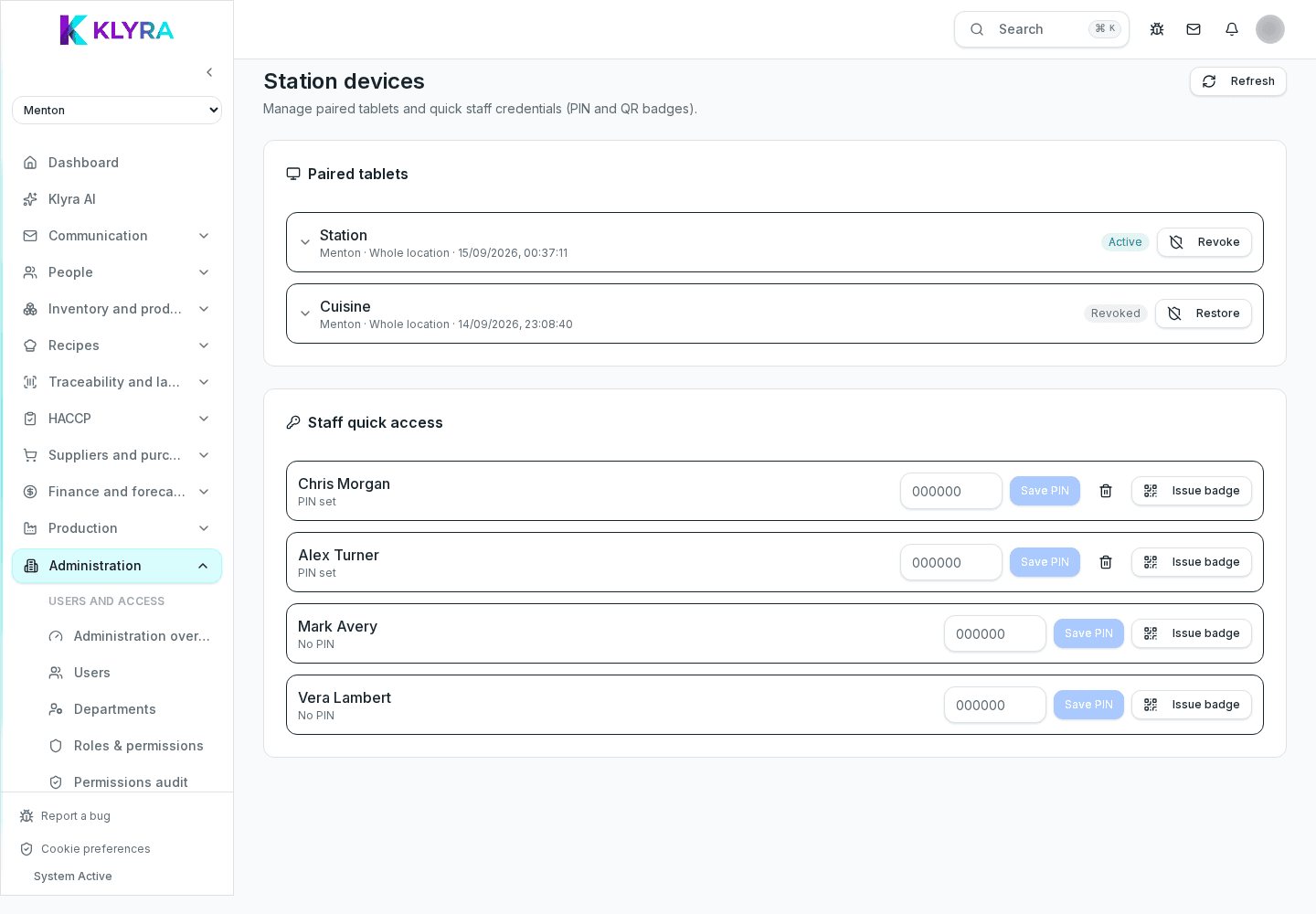
The site code is found in the Organisation and sites section, on the relevant site’s page: it is meant to be typed or scanned only by whoever manages the tablet installation.
When Station starts on an unpaired tablet, it asks for the site code: once entered, the device stays linked to that site until it is manually unpaired.
If a tablet needs to move to another site, it must first be unpaired from the current site and then paired again with the new site’s code.
Only someone with permission to manage the organisation can see and share the site code: this prevents a tablet being paired by mistake or by unauthorised people.
Does the site code expire after some time?
Yes, for security reasons the code has limited validity: if you do not use it in time, generate a new one from the organisation section.
Can a site code be used for several tablets?
Yes, the same code can pair several devices to the same site, but each keeps an independent pairing.
What happens if I unpair a tablet by mistake?
The tablet stops working as Station until it is paired again with a valid site code.
Was this guide helpful?
Still need help?
Describe the issue: page, location, organisation and role are attached automatically.
Contact support