How to pair a Brother QL-810Wc with a 62 mm roll to a station and start printing labels.
KlyraOS currently supports the Brother QL-810Wc with a continuous 62 mm roll. Before the first print, connect the printer to the site’s local network, pair it with the correct station and verify the result with a test print. Support for more Brother models is coming soon.
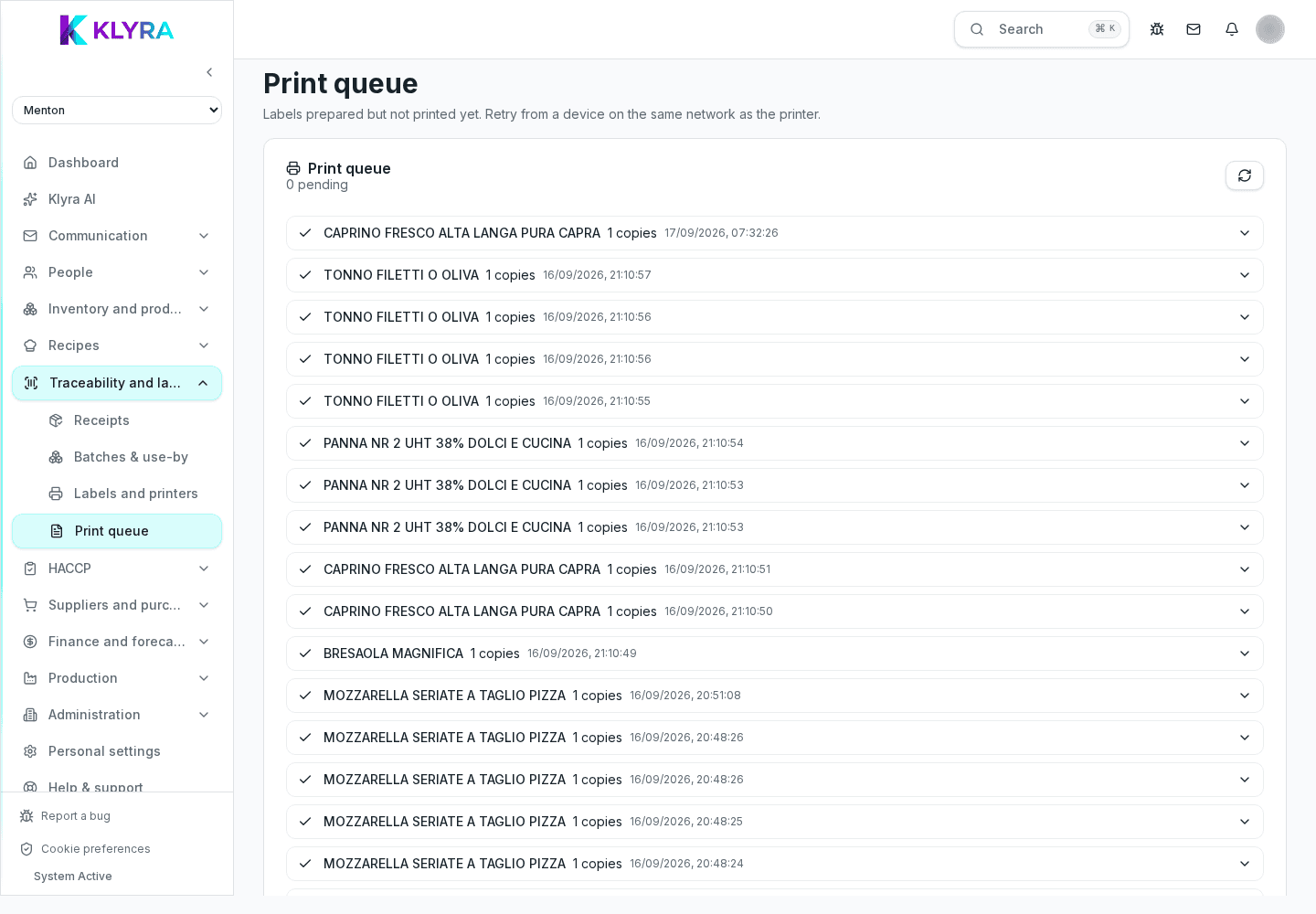
The Brother QL-810Wc communicates with KlyraOS over the local network. The station and printer must be on the same network; the job stays queued if direct delivery fails.
Every station in the app, for example the kitchen or the goods receiving desk, can have a reference printer assigned. This way, when someone prints a label from that station, the job always goes to the right printer without choosing it every time.
A roll loaded crooked or a dirty print head is the most common cause of unreadable or badly cut labels. Always check the roll feeds straight and the print head is clean before starting an intensive printing session.
After every connection or roll change, run a test print to check text alignment, QR readability and correct label cutting before printing in bulk.
Which Brother models are supported?
The currently supported and documented model is the Brother QL-810Wc. Support for more models is coming soon.
Can I share one printer between two stations?
Yes, if it is on the network you can pair it with several stations at the same site.
Do I need to install a special driver?
Follow the printer setup instructions shown while adding the device in KlyraOS.
What should I do if the printer stops responding during service?
Check cable and power, then check the print queue to see whether the issue is the printer or the connection.
Was this guide helpful?
Still need help?
Describe the issue: page, location, organisation and role are attached automatically.
Contact support