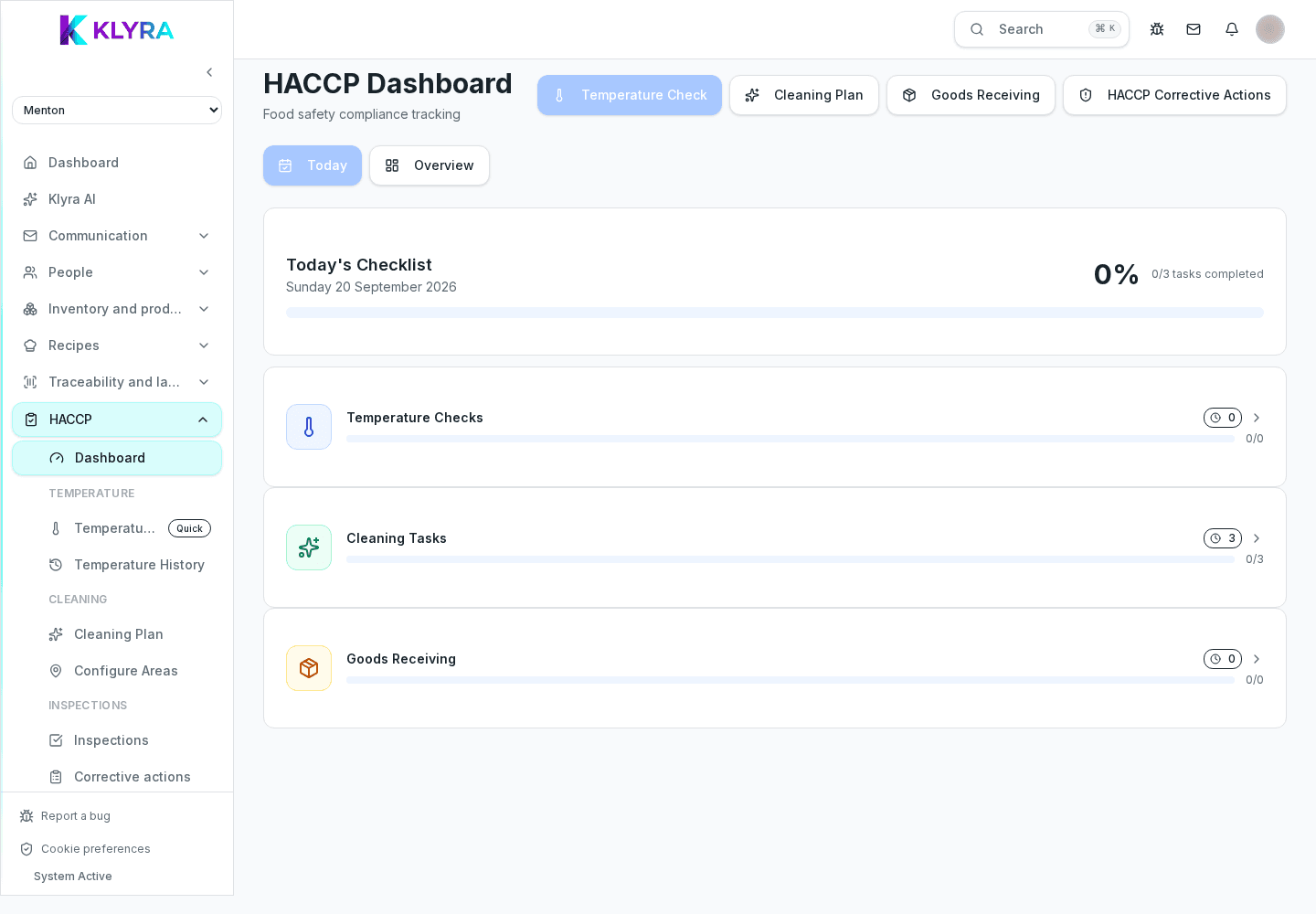
Overview of the HACCP module: daily tasks, temperatures, cleaning, equipment and inspection-ready reports.
The HACCP module brings every food safety task together in one place: temperature checks, cleaning, maintenance and goods-receiving checks. It is used daily by kitchen staff and by managers who need to prove compliance during an inspection.
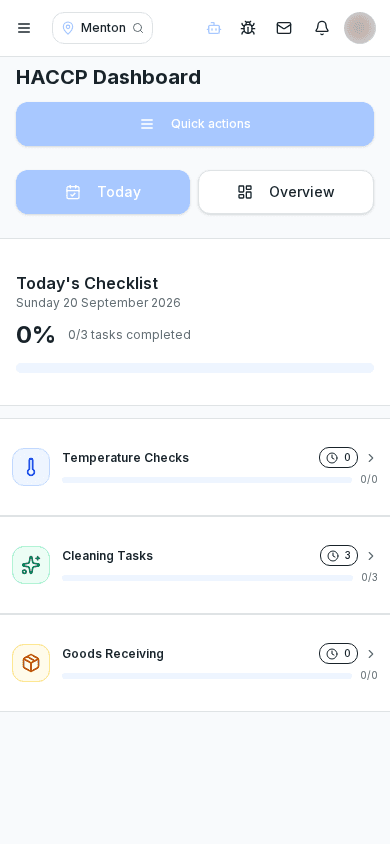
The HACCP area digitises the self-control plan: instead of paper forms, every task (temperature check, cleaning, maintenance) becomes a to-do with a deadline, an owner and a searchable history.
The system flags overdue or upcoming tasks and keeps every record ready for inspection, with no manual filing needed.
Kitchen and floor staff complete daily checks, often from Station in their department. The site manager sets up the plan, reviews anomalies and manages corrective actions. The administrator configures permissions and can export reports for inspection.
Start by configuring the recurring tasks (temperatures, cleaning, equipment) with their frequency, then log checks day by day. Anomalies open a corrective action to close.
HACCP links to Goods receiving for acceptance checks, Traceability for batches and expiry dates, and Labels for kitchen documents. Manual temperatures are stored in one history; automatic probes and their dashboard are coming soon.
Every record stays in the history and can be exported into a report ready to show during a health inspection, including any documented corrective actions.
Who can configure HACCP tasks?
Usually the site manager or the administrator, with haccp:view permission or higher depending on the action.
Do I have to log temperatures manually every time?
Today, temperatures are logged manually from Station or mobile. Plug-and-forget automatic probes are coming soon.
What happens if a check is out of range?
You can open a corrective action documenting the problem and the fix, useful during an inspection.
Is the HACCP report ready for a health inspection?
Yes, you can export the history of tasks and corrective actions into a report to show during the inspection.
Was this guide helpful?
Still need help?
Describe the issue: page, location, organisation and role are attached automatically.
Contact support