How to generate and use the location code to securely pair Station tablets to a venue.
Tablets used as Stations for clock-ins or as Stations for department checks don’t connect with a personal user’s credentials, but with a location code designed specifically for shared, fixed stations.
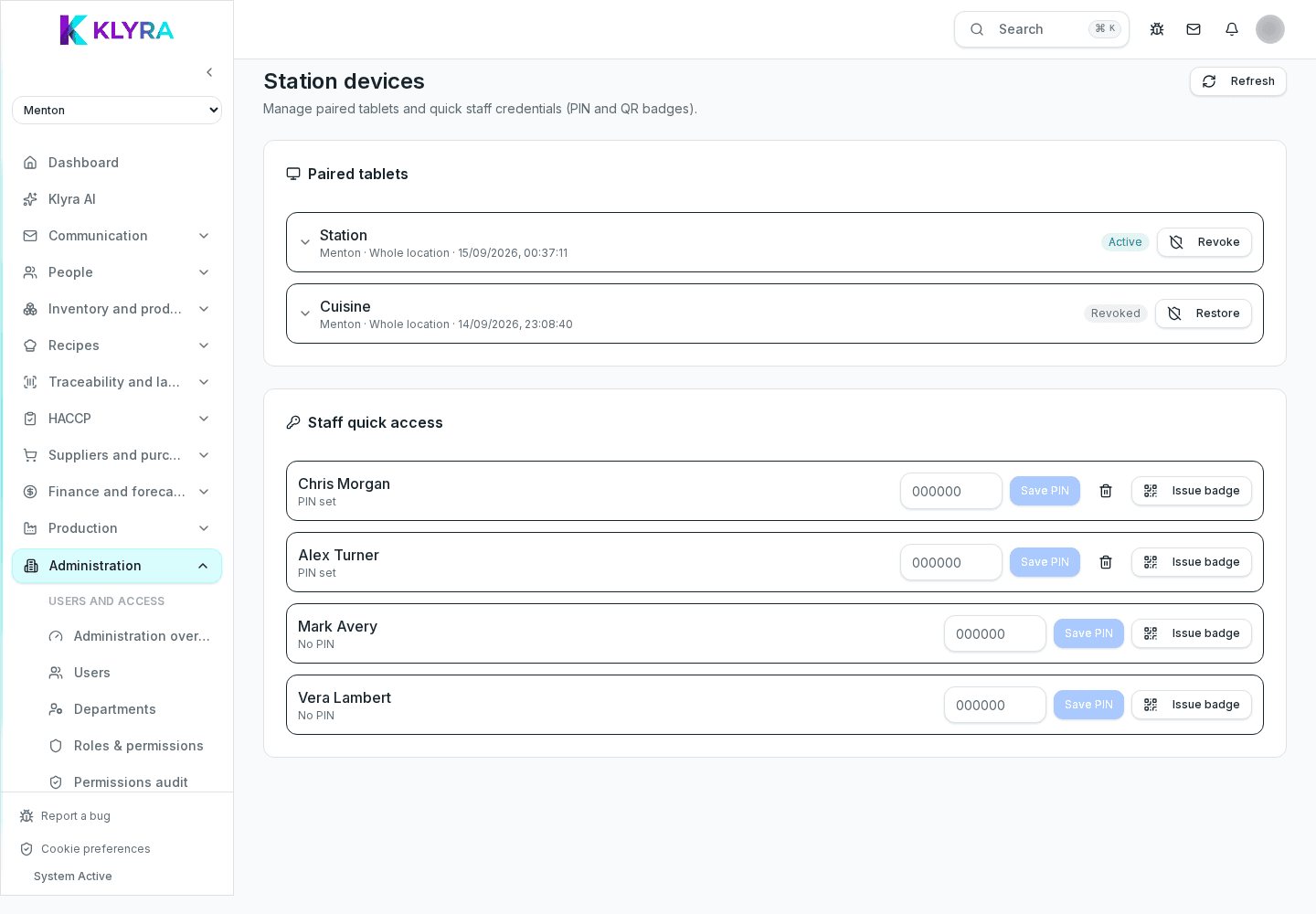
A shared tablet is used by many people throughout the day: if it were tied to a single account, every clock-in or check would be attributed to that person instead of whoever is actually using it. The location code avoids this by keeping the device neutral across users.
The code is generated from the location details and is specific to that venue: using it on a tablet pairs it permanently to that location, until a manager explicitly unpairs it.
After pairing, the same code lets you choose whether the tablet works as a Station, mainly for PIN clock-ins, or as a Station, geared towards department checks, recipes and QR scanning. You can adjust the choice based on where the device is physically placed.
A paired tablet stays linked to the location even after being turned off or restarted. If a device is lost, replaced or retired, unpair it from the location so it stops showing up as an active station.
Does the location code expire after a while?
The code stays valid until it is manually regenerated by a manager with the right permissions.
Can I pair several tablets with the same code?
Yes, the same location code can be used to connect several devices to the same venue.
What happens if a paired tablet is stolen?
Unpair it immediately from the location details so it can no longer record clock-ins or checks on behalf of the venue.
Was this guide helpful?
Still need help?
Describe the issue: page, location, organisation and role are attached automatically.
Contact support