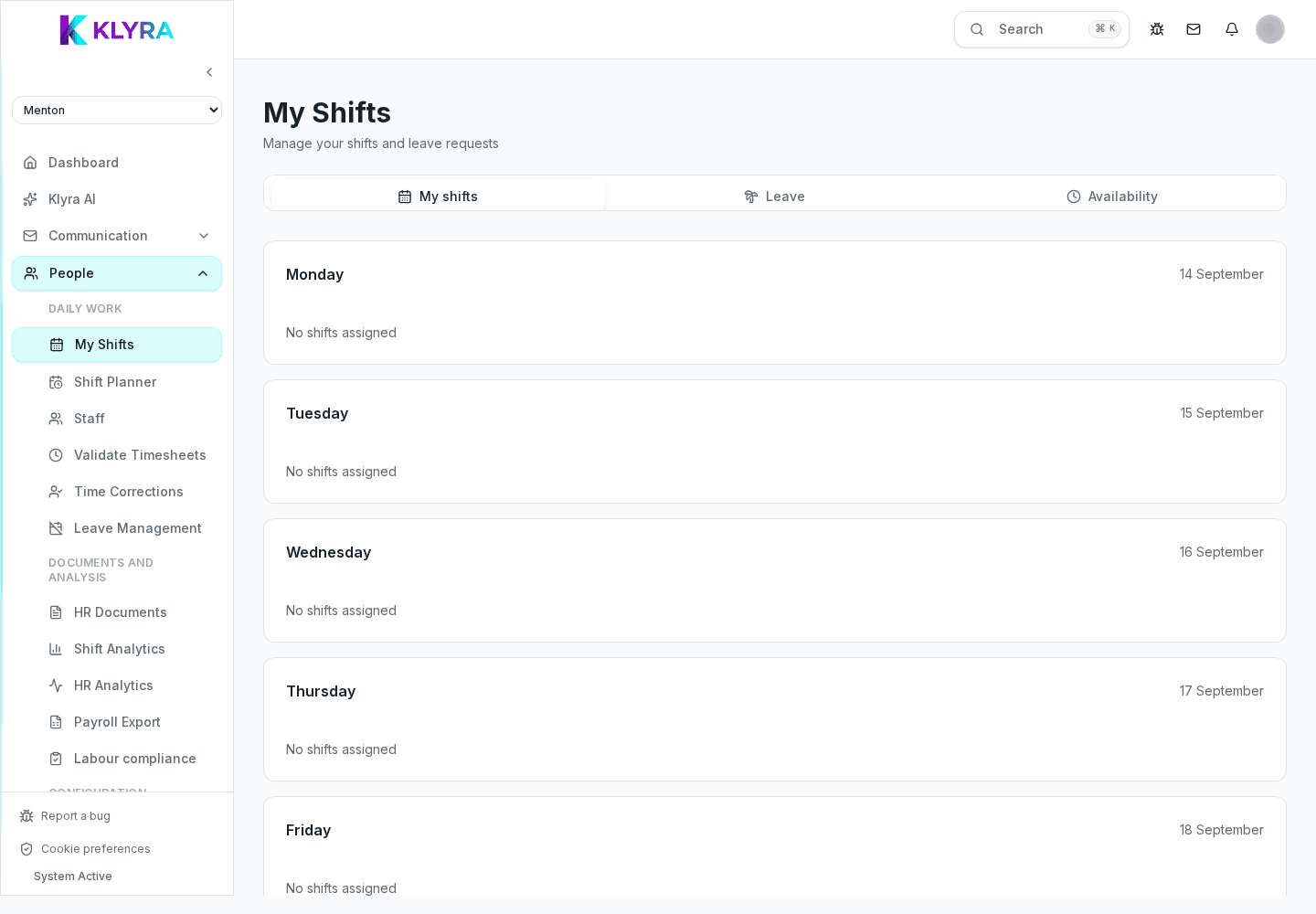
How clocking works in KlyraOS: clock in, break and clock out only from Station, corrections and payroll export.
The Time clock area manages clock in, breaks and clock out for staff, always from a physical on-site device. Here managers approve corrections, check real-time presence and generate timesheets for payroll.
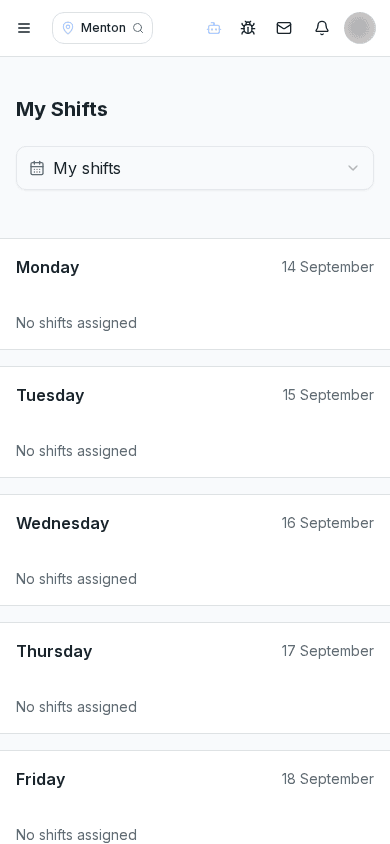
Clocking is never available from the personal app: it happens only on Station devices physically installed on site, ; the PIN is required only when the person enabled it for time clock actions.
This choice ensures that whoever clocks is actually present in the venue and keeps the data used for payroll reliable.
The device guides the sequence clock in, start break, end break, clock out and flags anomalies, such as a clock out with no recorded clock in, before confirming.
If a clock event is missing or wrong, the person can request a correction from their app; the manager reviews it and approves or rejects it from the dedicated admin area.
At month end KlyraOS automatically generates the timesheet with actual hours worked, ready for export to the payroll system.
Can I clock in from my phone?
No, clocking is only available from Station devices installed on site.
What do I do if I forget to clock out?
Request a correction from your app: the manager will review and can approve it.
Who approves clocking corrections?
Managers with the 'timeclock:manage' permission, from the corrections admin area.
How is a Station paired to a site?
Using the site code generated in the organisation settings the first time the device starts.
Is the monthly timesheet available for export?
Yes, it can be exported in a format compatible with payroll processing.
Was this guide helpful?
Still need help?
Describe the issue: page, location, organisation and role are attached automatically.
Contact support