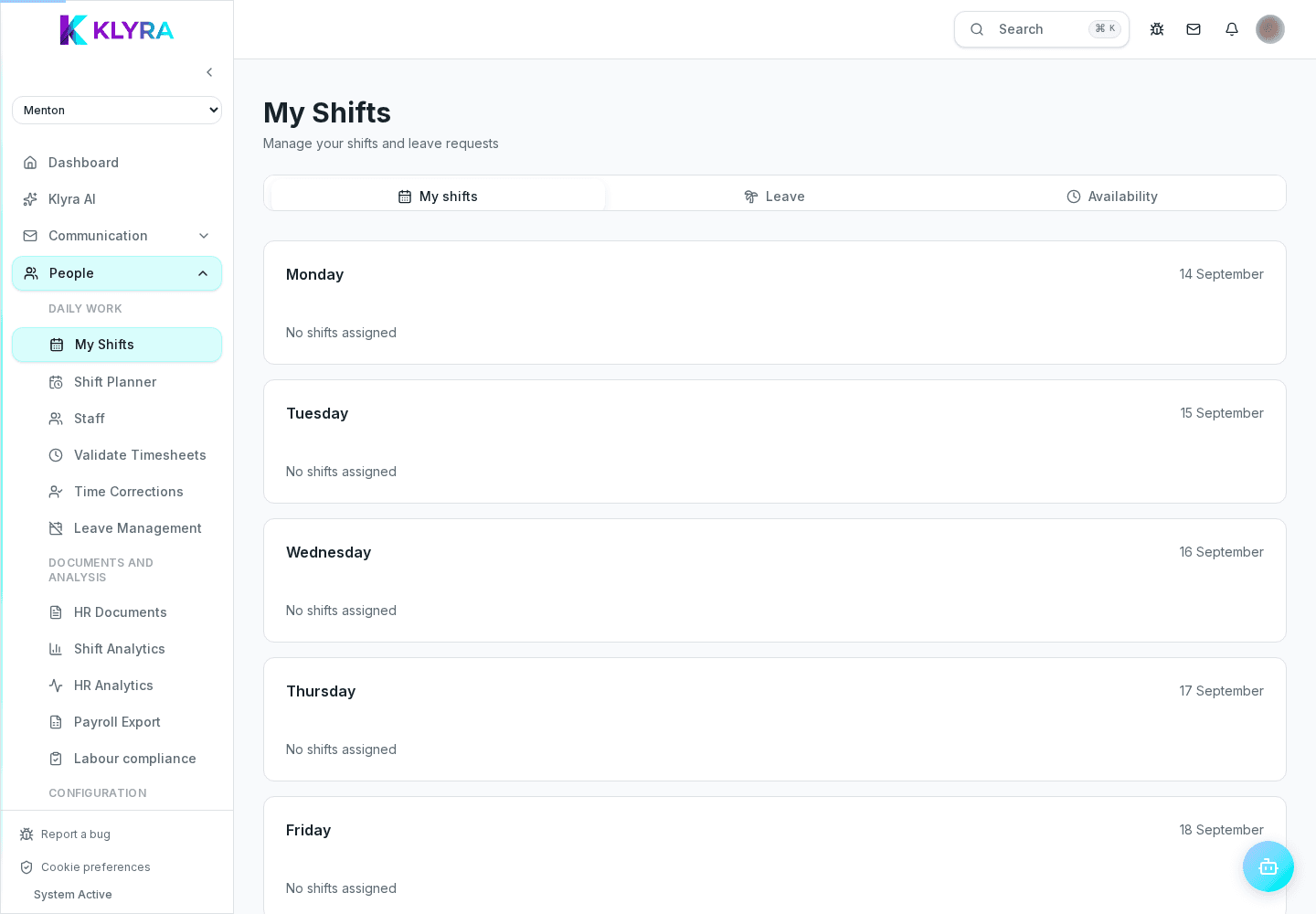
Read your published week, check breaks and job roles, request leave, and record recurring availability.
My Shifts brings together your personal schedule, leave requests and recurring availability. It only shows data for the signed-in person and shifts published or locked by a manager; clocking is never available from the personal app.
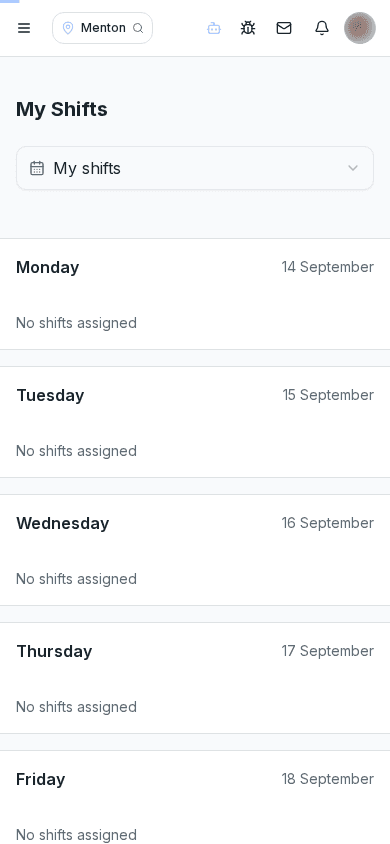
The Shifts tab shows all seven days of the current week. Each assignment includes start and end time, break minutes, job role and manager notes. Draft shifts stay hidden until the schedule is published.
The Leave tab shows balances and approved, pending or rejected requests. You can submit a request with a type, start, end and optional note; KlyraOS calculates the days before submission, while approval remains with a manager.
In Availability, add time slots for each weekday as preferred, possible or unavailable. These recurring preferences help Planner decisions: they do not change a published shift and are not the same as approved leave.
This page is for viewing shifts and communicating availability or leave. Clock-in, breaks and clock-out are recorded only from the site’s paired Station using your personal PIN.
Why can’t I see a newly created shift?
Employees only see shifts from published or locked schedules; drafts remain visible to managers.
Does unavailable status prevent assignment?
No. It informs planning but does not replace an approved leave request.
Can I clock in from My Shifts?
No. Everyone must clock only on a Station paired to the site.
Who sees my leave requests?
Authorised managers for the site or team can review and approve or reject them.
Was this guide helpful?
Still need help?
Describe the issue: page, location, organisation and role are attached automatically.
Contact support