How staff declare availability and request leave, and how managers approve them within the schedule.
Before even building the schedule, KlyraOS collects declared availability and time-off requests from staff. This reduces conflicts upfront and speeds up managers’ approval of leave requests.
Each person can indicate from the app the slots when they are available or not, either recurring or for a specific week. This information appears directly in the planner as a suggestion when you assign a shift.
Availability is not binding: it remains an indication the manager can still override, but every override generates a visible warning to avoid last-minute surprises.
Staff submit a request indicating the period and type of absence: leave, permit, sick leave or another reason configured by the company. The request reaches the manager with a "pending" status and stays visible on the calendar until resolved.
When configured, the remaining leave balance is shown to both the person and the manager at request time, so approval automatically accounts for what has already been used.
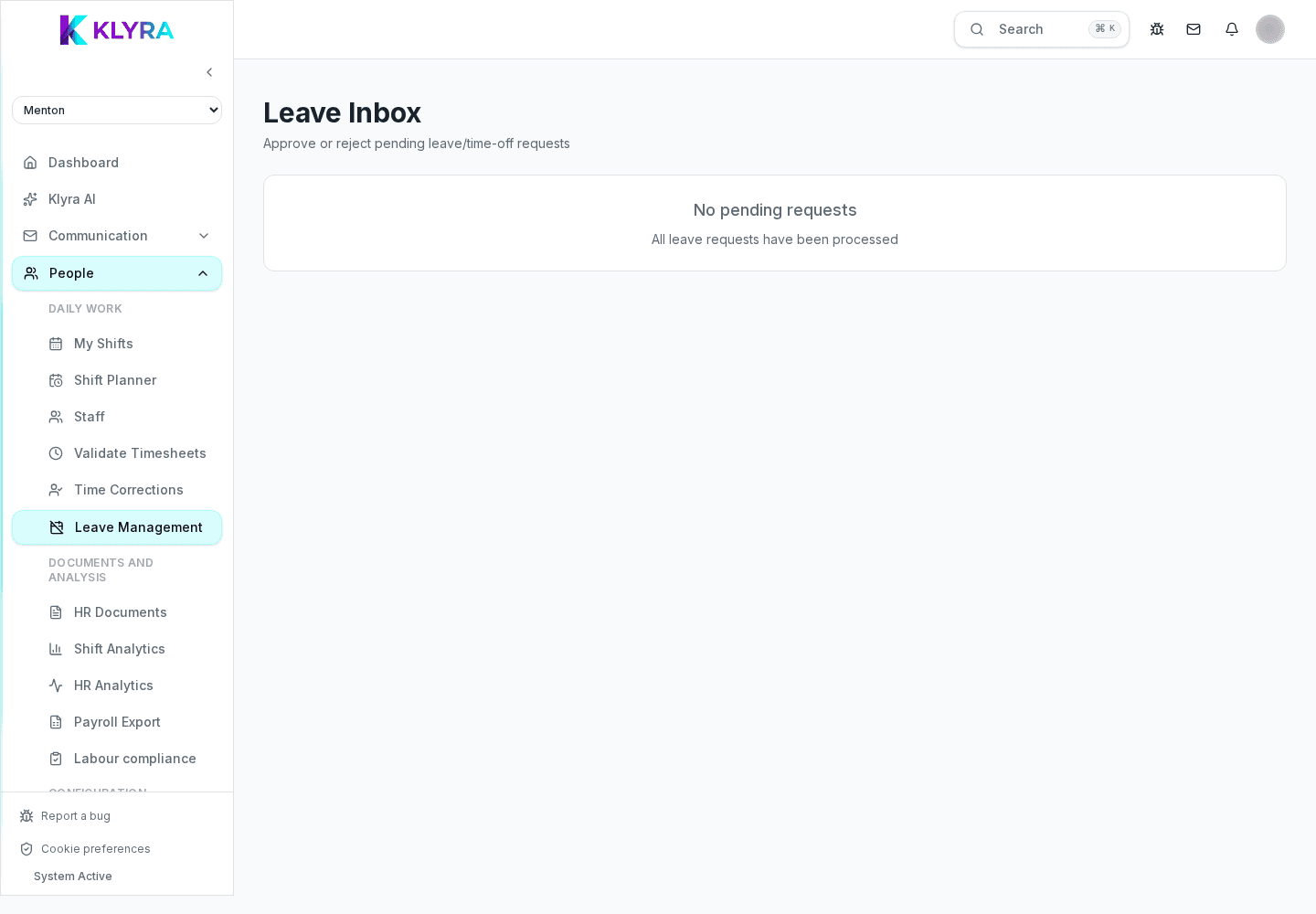
From the absence calendar the manager sees all pending requests and can approve or reject them with a reason. Once approved, the absence automatically blocks new shifts in the same period, avoiding overlaps.
Is declared availability mandatory to respect?
No, it is a helpful indication but the manager can still assign a shift outside availability, receiving an explicit warning.
Who can approve a leave request?
Anyone with shift management permission for that location or team, typically the store manager or HR manager.
Can I change a request that was already approved?
Yes, you can cancel or edit it from the absence calendar; the schedule updates accordingly and frees any blocked shifts.
Does the leave balance also account for hourly permits?
It depends on the contract configuration: if hourly permits are enabled they are deducted from the balance according to the rules set by administration.
Was this guide helpful?
Still need help?
Describe the issue: page, location, organisation and role are attached automatically.
Contact support