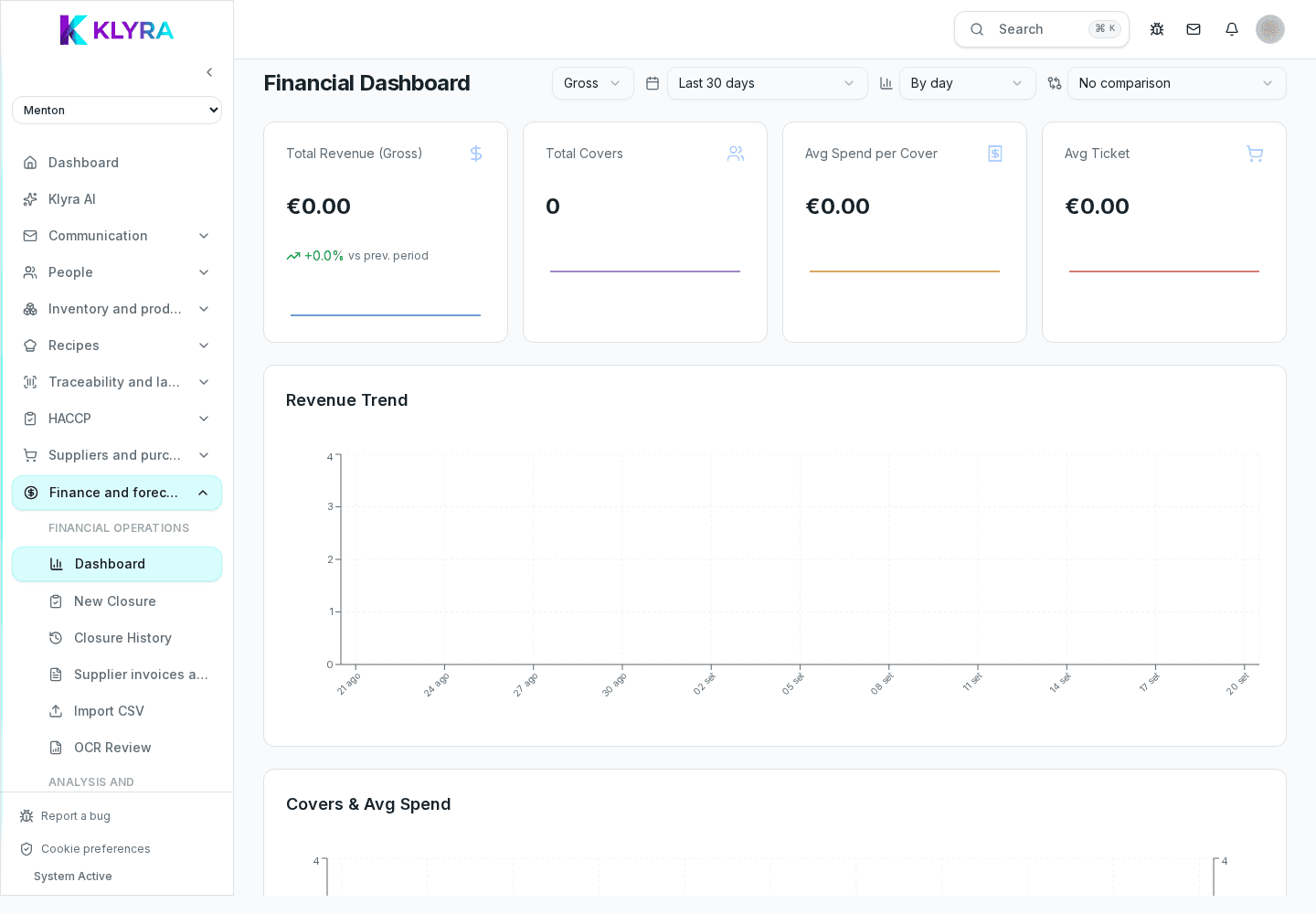
How to record the end-of-service cash closure, split it by payment method, and link it to POS sales.
The cash closure records the actual end-of-service takings, split by payment method, and becomes the reference for reconciliation against sales imported from the POS. An accurate closure prevents discrepancies that are hard to explain days later.
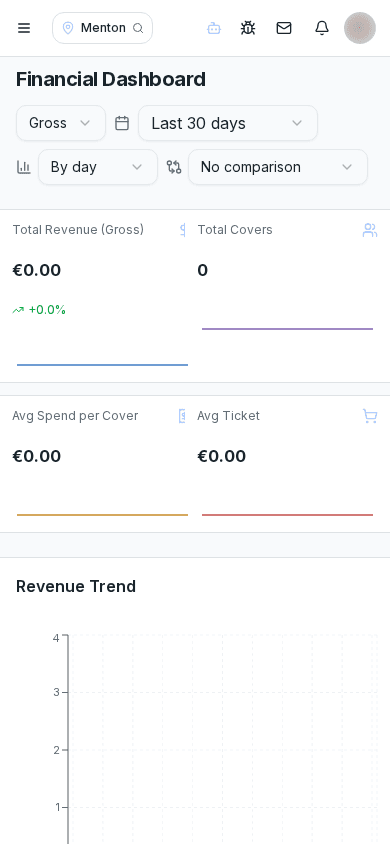
Every closure records the total amount taken, split between cash, cards and other accepted methods, plus the opening and closing float. Together these figures let you check that the declared takings match what was actually handled.
Separating cash, cards and other methods matters because each follows a different path: cash stays physically on site, card payments are settled by the payment provider, and other methods may settle on different timelines.
If the till is connected to KlyraOS, the amount declared in the closure is automatically compared with sales imported from the POS during reconciliation, flagging any discrepancy to check before treating the day as final.
A saved closure remains editable by anyone with finance management rights, useful when a typing error is found after the initial entry, without needing to cancel the whole day.
Can I edit a closure that has already been saved?
Yes, anyone with finance management rights can correct it at any later time.
What happens if the till is not connected to the POS?
The closure is still valid, but it is not automatically compared to sales: reconciliation has to be done manually.
Do I need to record a closure every day?
Yes, it is the basis for monthly finance reports and for catching cash discrepancies early.
How do I handle a refund that happens after the closure?
Record it as an adjustment on the closure for the day it happened, noting the reason clearly.
Was this guide helpful?
Still need help?
Describe the issue: page, location, organisation and role are attached automatically.
Contact support