How to read daily sales imported from the till and reconcile them against cash closures to spot differences.
The today’s sales screen shows in real time what comes in from the connected till, while reconciliation compares this data against the closure recorded in finance. Checking this regularly helps you spot discrepancies from typing errors or sync issues quickly.
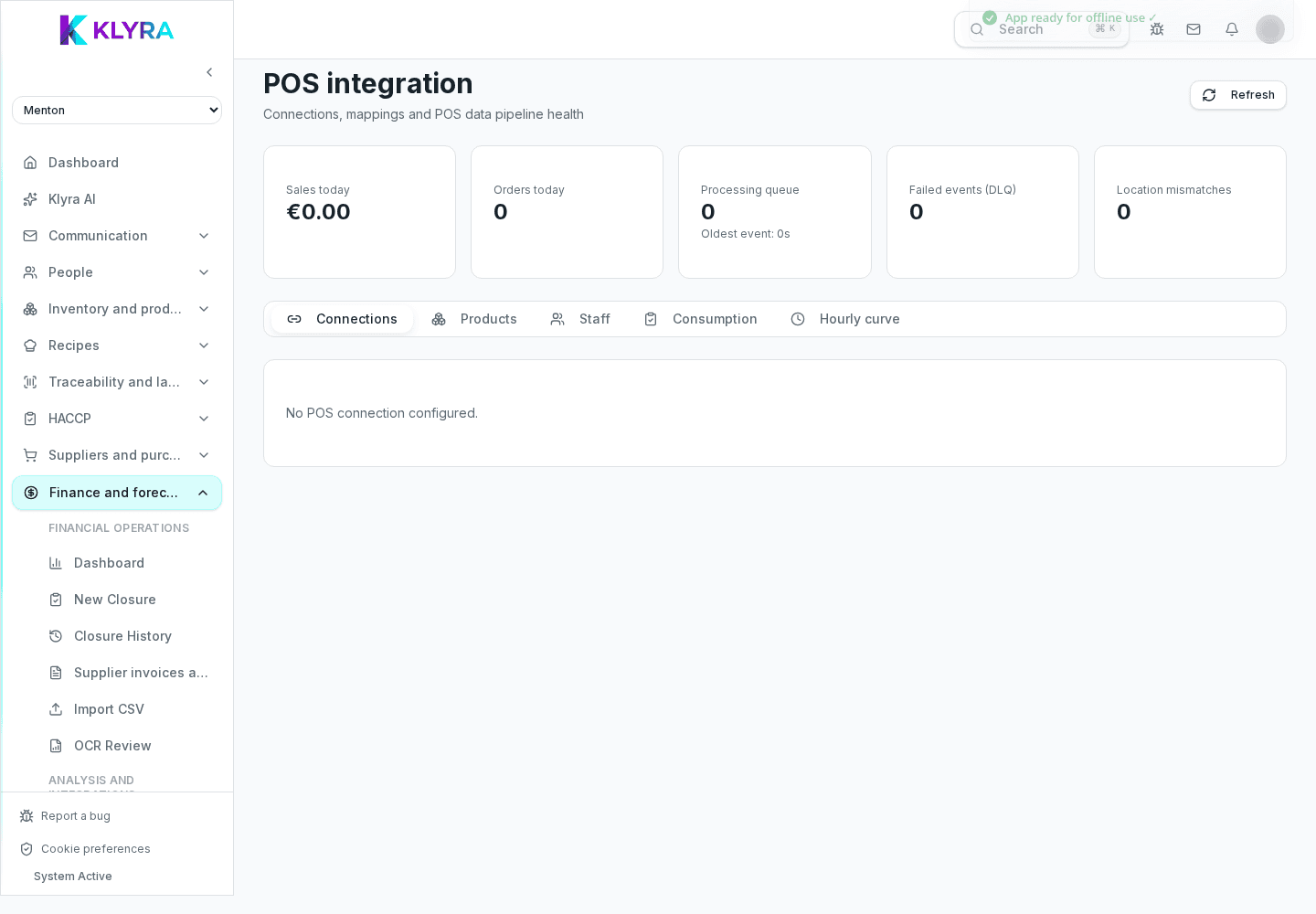
The screen summarises total takings, number of receipts, and the hourly trend, so you can compare today with previous days’ averages without opening separate reports.
Reconciliation compares the amount imported from the till with the amount declared in the cash closure recorded in finance. When the two match, the day is considered balanced; if not, KlyraOS flags the difference.
A discrepancy can come from a receipt voided after syncing, a payment recorded under the wrong method, or a delay in data arriving from the till. Identifying the cause avoids repeating the same mistake every day.
Beyond the daily comparison, you can view sales trends over several days or weeks, useful for telling whether a discrepancy is a one-off or a recurring issue with the till connection.
How often does today’s sales data update?
It depends on the connected POS provider, but data generally refreshes several times during service.
What should I do if I find a discrepancy every night?
Check payment methods not aligned between the till and the closure first, as this is the most common cause.
Does reconciliation block the cash closure?
No, it only flags the difference: the closure can still be edited to correct the declared amount.
Can I see sales by time of day?
Yes, the today’s sales section includes an hourly trend useful for spotting service peaks.
Was this guide helpful?
Still need help?
Describe the issue: page, location, organisation and role are attached automatically.
Contact support