How to download and install the KlyraOS mobile app and link it to your account in a few minutes.
KlyraOS also works from a browser, but for daily work in the dining room and kitchen the mobile app is more practical: a QR scanner always at hand, instant notifications and the ability to work even with a weak connection.
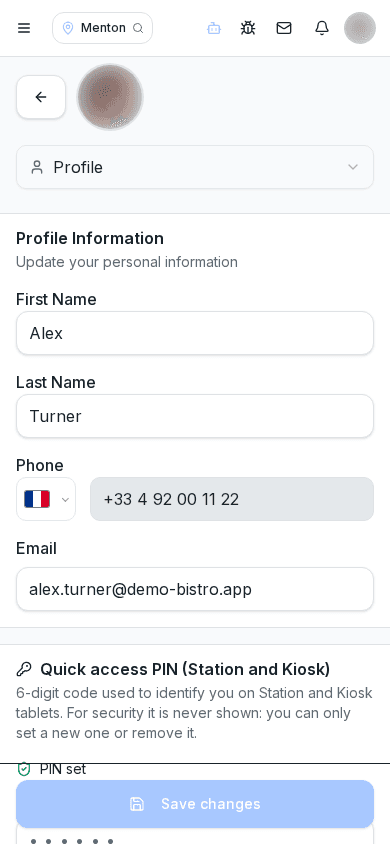
The installable KlyraOS web app is available now at app.getklyra.com. Native iOS and Android apps are coming soon; never enter credentials on another domain.
After installing, sign in with the same credentials used at your first login by email. If the device is a shared site tablet rather than a personal phone, consider whether it should instead be set up as Station: those are different modes designed for fixed stations.
The app asks for camera access to photograph documents and read QR codes, and for notifications to alert you about shifts and messages. You can grant these permissions on first use or later from your phone settings.
Does the app work without an internet connection?
Some features, such as reading already-scanned QR codes, remain available offline, but syncing data requires a connection.
Can I use KlyraOS only from the browser without installing the app?
Yes, but for daily work in the dining room and kitchen the app is faster, especially for the camera and notifications.
Do I need a different account for the app than for the website?
No, credentials are the same across the app, the website and Station stations.
Was this guide helpful?
Still need help?
Describe the issue: page, location, organisation and role are attached automatically.
Contact support