How to install KlyraOS, camera and notification permissions, offline work and updating the app.
KlyraOS runs as an installable web app in your browser at app.getklyra.com: in a few minutes your access is ready on your personal device. This overview summarises installation, permissions, offline use and managing connected devices.
On Android, iPhone and computers, open app.getklyra.com and add the web app to your Home screen: the public site www.getklyra.com no longer distributes the app. On first login you choose your active site, which determines what you see in the dashboard and shifts.
The camera is used to photograph documents during goods receiving and read batch QR codes; notifications alert you about shifts, HACCP deadlines and messages. Without these permissions the app still works, but you lose the fastest features.
In a cellar or storeroom without signal you can still log HACCP checks, scan a QR code or record a loss: the app syncs everything once the connection returns.
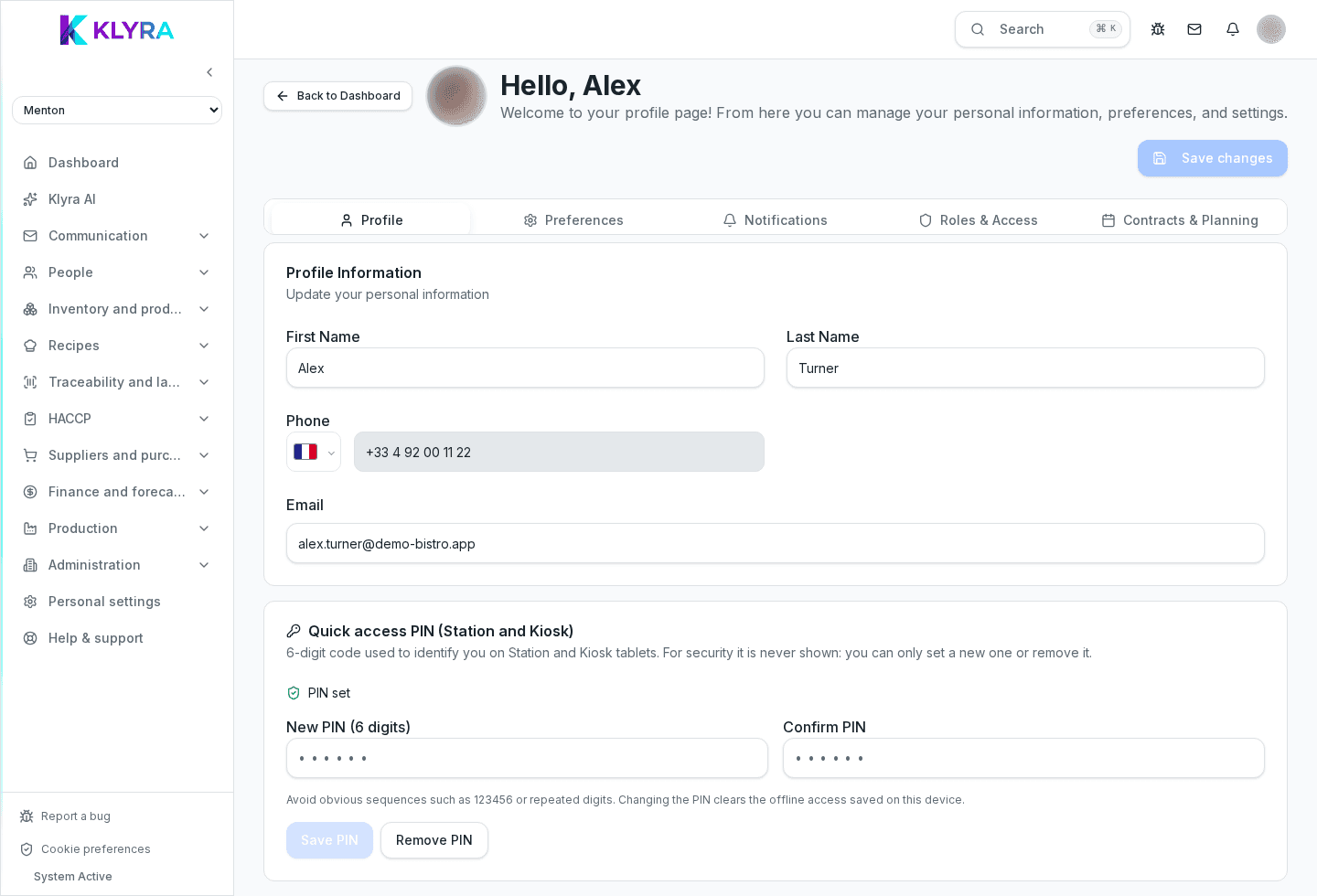
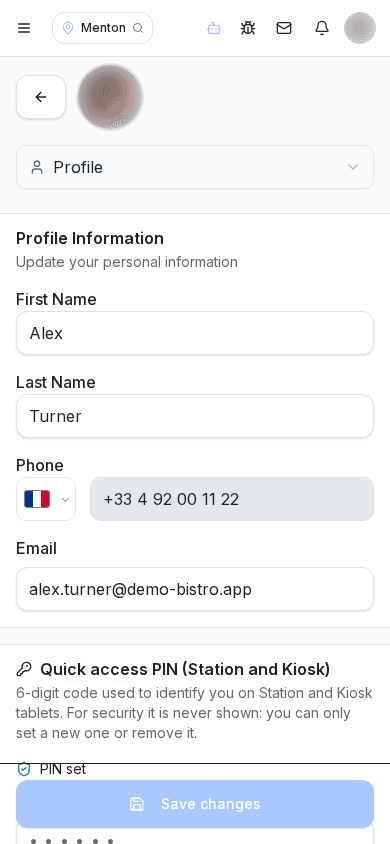
The web app loads the latest version automatically; reload the page if needed. In your profile settings you'll find the list of devices registered to receive push notifications, and you can remove the ones you no longer use; if you lose your phone, change your password right away at /reset-password.
Can I download KlyraOS from www.getklyra.com?
No, that site presents the product but no longer distributes the app: use the web app at app.getklyra.com; native iOS and Android apps are coming soon.
Do I need a different app for iPhone?
No, on iPhone and computers you use app.getklyra.com in a browser as an installable web app; native iOS and Android apps are coming soon.
Do I risk losing data while working without a connection?
No, actions are saved on the device and synced automatically once the connection returns.
What do I do if I lose my phone with KlyraOS installed?
Remove the device from the notification device list in your profile and change your password right away at /reset-password: KlyraOS does not manage active sessions that can be revoked remotely.
Was this guide helpful?
Still need help?
Describe the issue: page, location, organisation and role are attached automatically.
Contact support