How to start a goods receiving by photographing the delivery note or uploading the invoice PDF in KlyraOS.
Every goods receipt in KlyraOS starts from a document: a photo of the paper delivery note or the PDF of the electronic invoice received from the supplier is enough. The system automatically recognises the supplier and prepares the lines to verify, with no initial manual entry.
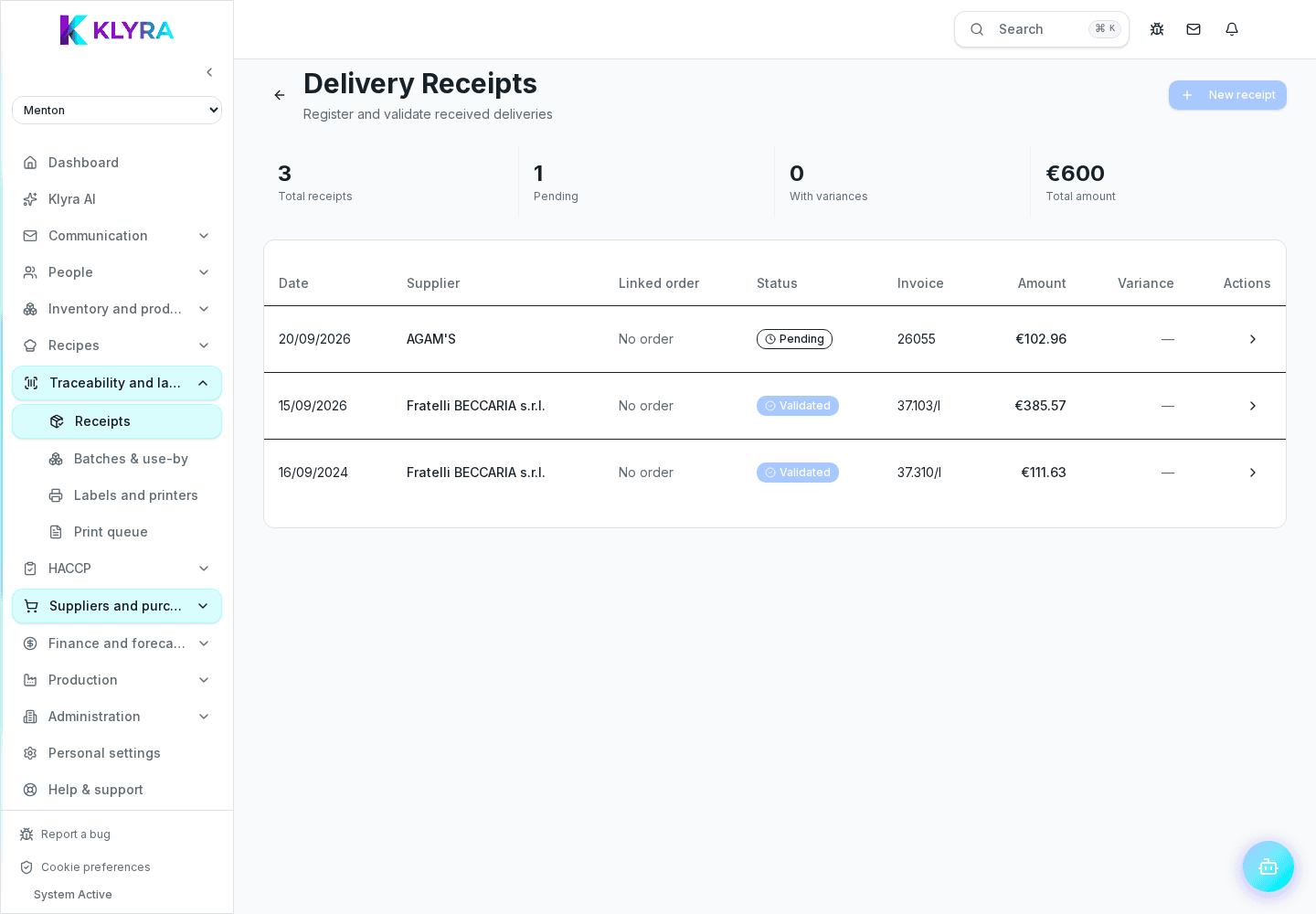
From Station, Station or the mobile app you can photograph the delivery document as soon as it arrives, right in front of the driver. The guided framing helps avoid blurry or cropped photos that would slow down automatic reading.
If the document has several pages, you can add more shots to the same receipt before moving on to reading.
When a supplier sends an invoice or delivery note as a PDF by email, you can upload it directly to KlyraOS without using the camera. Digital text quality generally makes automatic reading more accurate than a photo.
KlyraOS tries to recognise the supplier from the uploaded document based on data already in your records. If recognition fails, you can select the supplier manually before continuing with line reading.
Can I record a receipt without a physical document?
It is recommended to always have a reference document (delivery note or invoice); in exceptional cases you can still enter the lines manually without a photo.
What is the difference between uploading a photo and a PDF?
The final result is the same, but a native PDF generally produces a more accurate automatic reading than a photo.
What happens if the supplier is not yet in the records?
You can create it on the fly during the receipt, so the document stays properly linked for future deliveries too.
Is the document photo kept after the receipt is confirmed?
Yes, the original document stays attached to the receipt and can be viewed at any time from the history.
Was this guide helpful?
Still need help?
Describe the issue: page, location, organisation and role are attached automatically.
Contact support