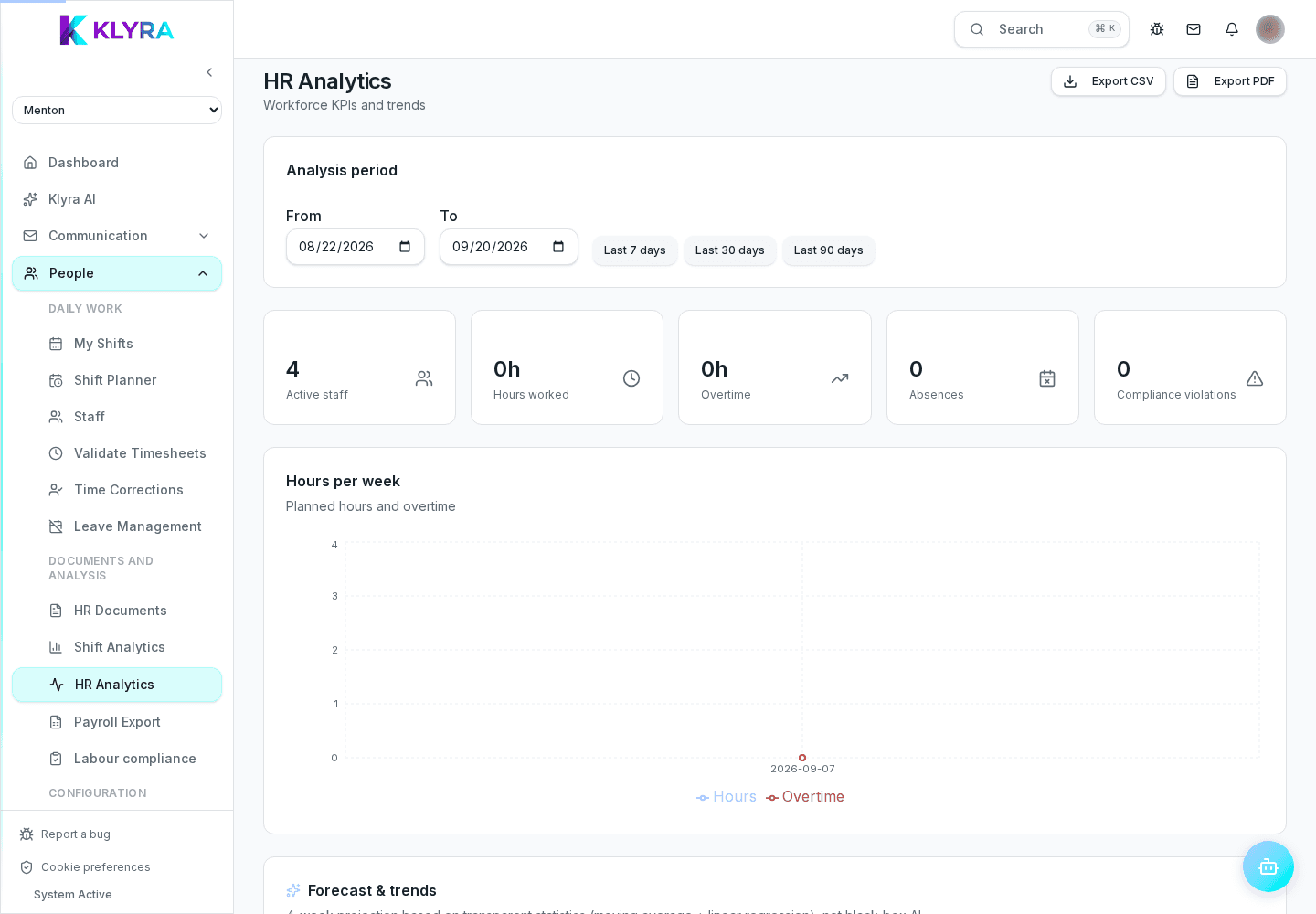
How KlyraOS calculates labour cost by site and period and how to use it to decide shifts and staffing.
The labour cost analysis combines worked hours, contracts and rates to show how much staff costs weigh on each site's revenue. It is a decision-making tool, not just an accounting report: it helps you see where to cut or reinforce shifts.
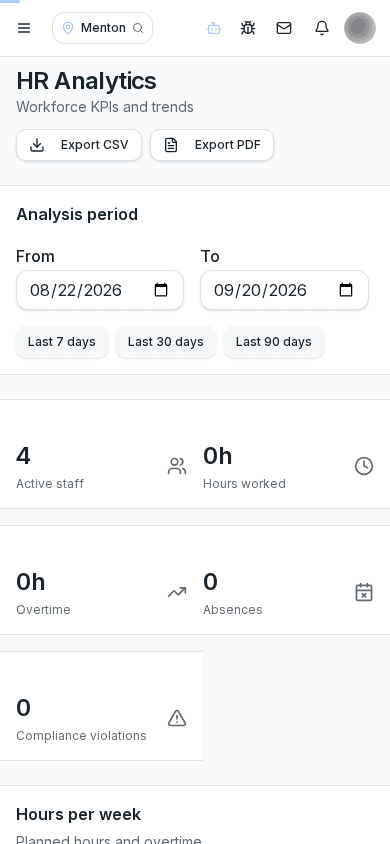
The calculation combines hours from actual clocking (or from the planned shift if clocking is unavailable) with contract data on grade and reference hourly rate.
You can compare labour cost across different periods or sites, identifying departments or days of the week where the ratio is highest against revenue recorded at the POS.
The report highlights overtime hours and deviations from the planned shift, useful to see whether a department is systematically understaffed.
A consistently high ratio on a specific day or department signals it is time to review shift planning before the problem becomes structural.
Does labour cost include social security contributions?
The calculation uses the reference hourly rate set in the contract; for the full employer cost including contributions, combine this data with your payroll consultant.
Can I compare two different sites over the same period?
Yes, the report lets you select multiple sites and compare cost and percentage side by side.
Why does the report change if I correct a clock entry?
The calculation updates in real time on actual hours: an approved correction automatically recalculates the cost for that period.
Was this guide helpful?
Still need help?
Describe the issue: page, location, organisation and role are attached automatically.
Contact support