How KlyraOS's Finance module works: cash closures, payment methods, accounting data import and invoice review.
The Finance module covers the daily money side of the restaurant: recording cash closures, configuring accepted payment methods, importing accounting data and automatic review of supplier invoices. It's also where you manage who receives closure reports by email.
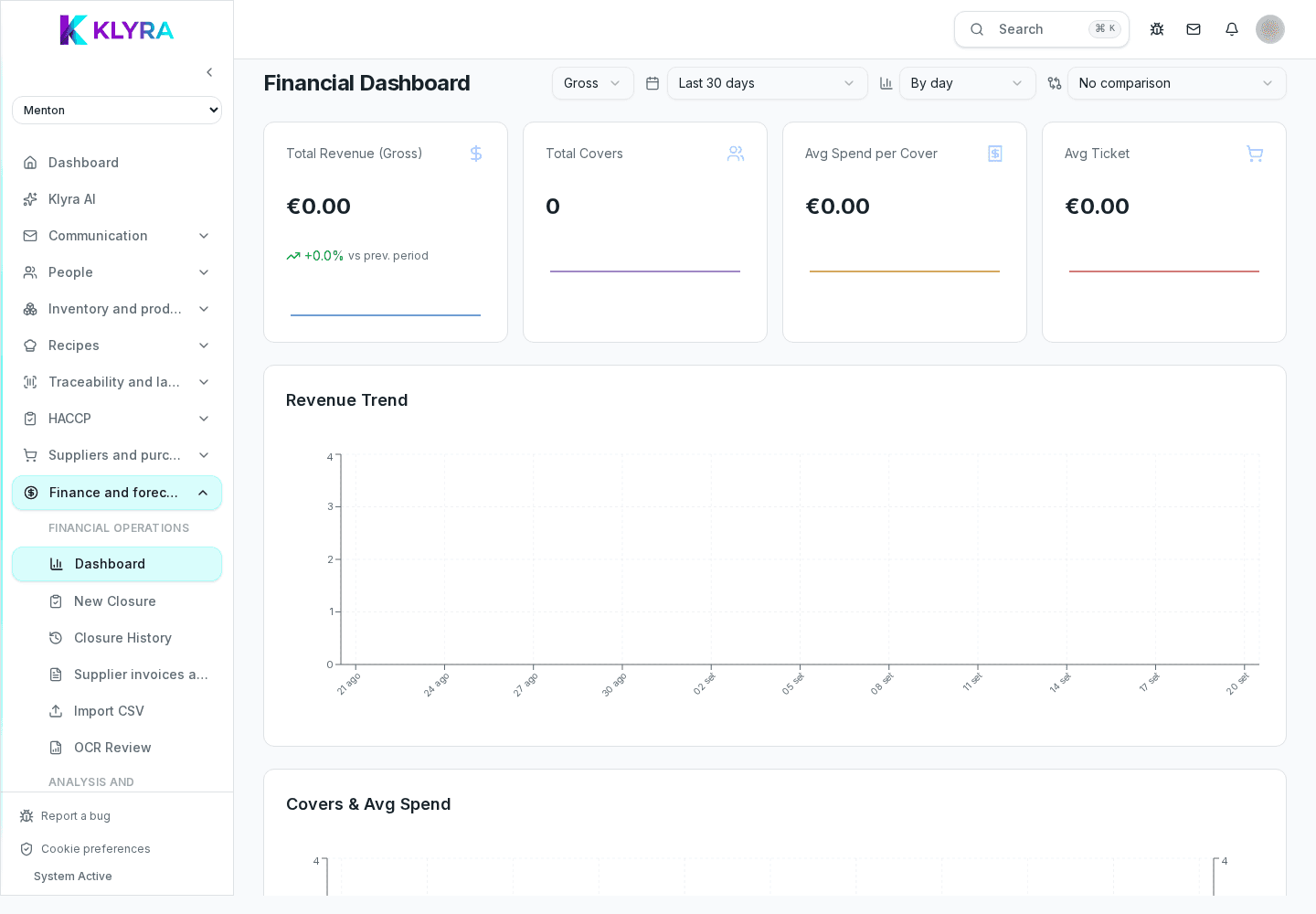
The dashboard summarizes recent closures, revenue trends and invoice status, giving a quick overview of the financial situation across locations.
Every service day ends with a cash closure, recording revenue split by payment method (cash, cards, meal vouchers and others). Methods are configured per location to match what's actually accepted at the till.
Anyone working with an accountant or external software can bulk-import historical closures or accounting statements via file, mapping columns once and reusing that mapping in later imports.
Supplier invoices are automatically compared against goods receipts and agreed price lists, flagging price or quantity differences to accept or dispute before payment.
Under Admin, Finance, Settings, Recipients you manage the list of email addresses that receive the cash closure whenever it's saved, either for all locations or a specific one: it's not a scheduled send, it's tied to each individual closure.
Do I need to record a cash closure every day?
Yes, it's the basis for monthly financial reports and helps you quickly spot cash discrepancies.
Can I edit a closure that's already saved?
Yes, anyone with finance management permission can correct it at any later time.
What happens if the till isn't connected to the POS?
The closure is still valid but isn't automatically compared to sales: reconciliation has to be done manually.
Who can see flagged invoices?
Anyone with at least finance view permission (finance:view); recording closures or importing data requires create or manage permission.
Is there a schedule to configure for sending reports?
No, the closure email is sent when a closure is saved or resent, not on a periodic calendar.
Was this guide helpful?
Still need help?
Describe the issue: page, location, organisation and role are attached automatically.
Contact support