How to pair a new tablet with a location to use it as a Station for staff clocking.
Before it can be used for clocking, a tablet must be paired with a specific location through a dedicated code. This procedure ensures that every clock event is always tied to the correct location.
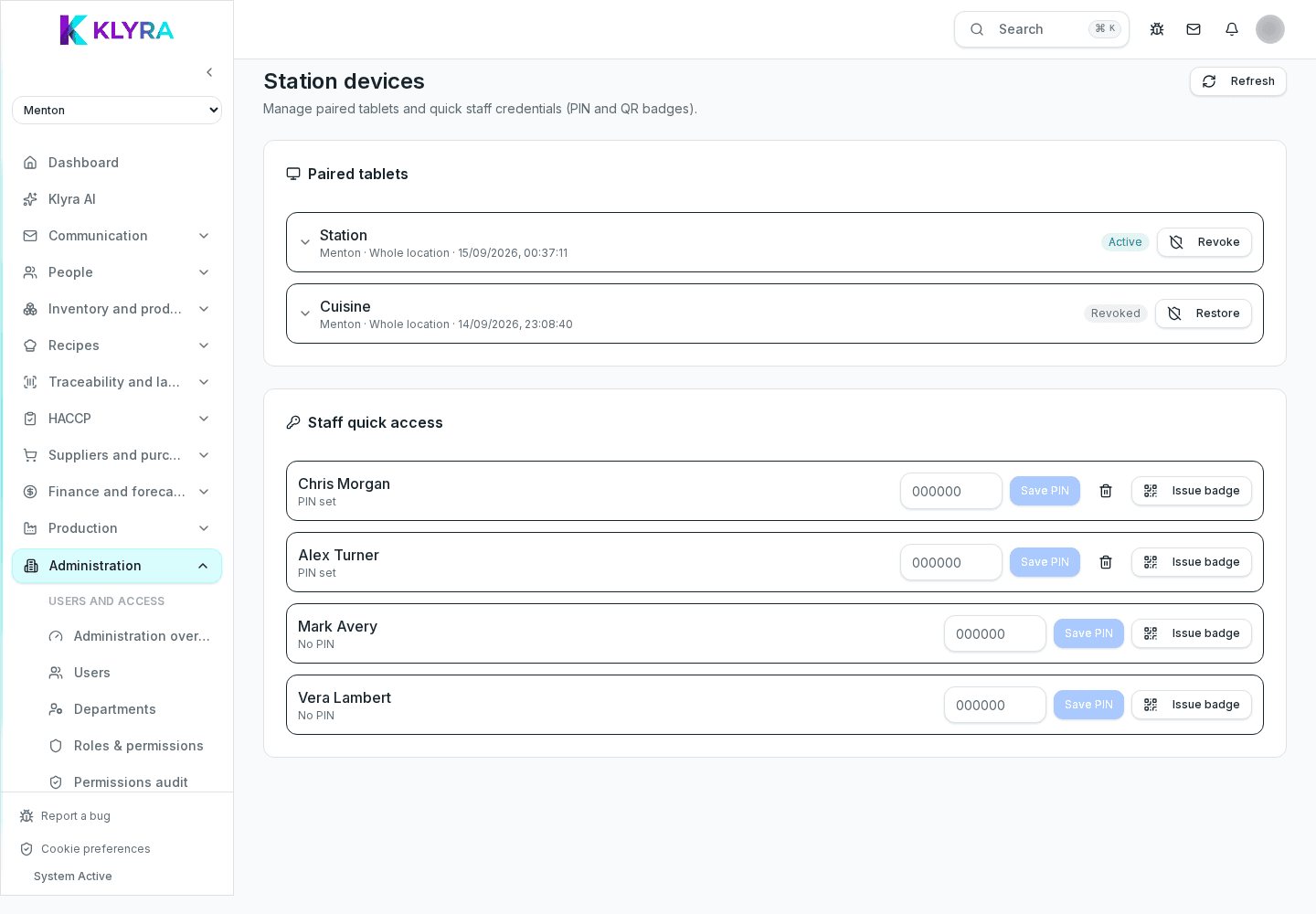
From the location settings, an administrator generates a temporary pairing code. The code is valid for a limited time and must be entered only on the device that will become the Station for that location.
On the tablet, open the Station app and enter the received site code. Once paired, the device shows the person selection screen and stays assigned to that location until manually unpaired.
You can have multiple Station devices active at the same location, for example one in the kitchen and one in the dining room, all paired with the same site code or with separately generated codes.
If a tablet is replaced or lost, it must be unpaired from the location settings: this immediately stops the ability to clock from that device, even if it remains physically powered on.
Can I have multiple Stations at the same location?
Yes, you can pair several devices with the same location, for example to separate kitchen and dining room.
Can the site code be reused?
No, each code has a limited validity for security reasons: generate a new one for each pairing.
What should I do if I replace a tablet?
Unpair the old device from the location settings and pair the new one with a specifically generated code.
Can the tablet be used for other functions besides clocking?
Yes, if configured as a Station it can also be used for other departmental operational tasks supported by the app.
Was this guide helpful?
Still need help?
Describe the issue: page, location, organisation and role are attached automatically.
Contact support