Best practices to protect the shared tablets used for clocking, HACCP checks and label printing.
Site managers and administratorsusers:manageReading: 3 minUpdated on: 2026-09-19
Station tablets stay on and shared between several people during service, so their security depends more on daily habits than on complex settings. This guide gathers the practices that genuinely reduce risk without slowing down floor or kitchen work.
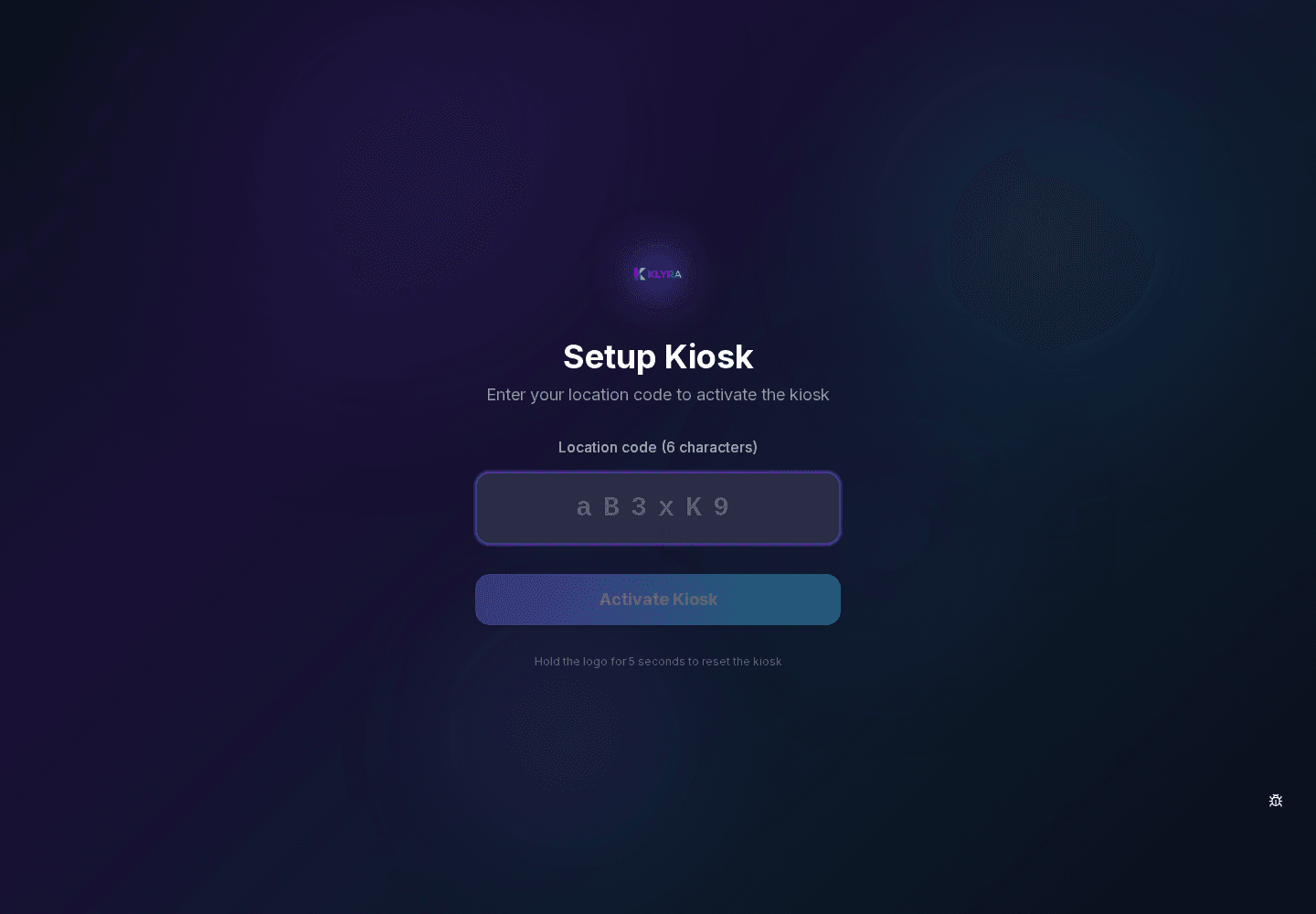
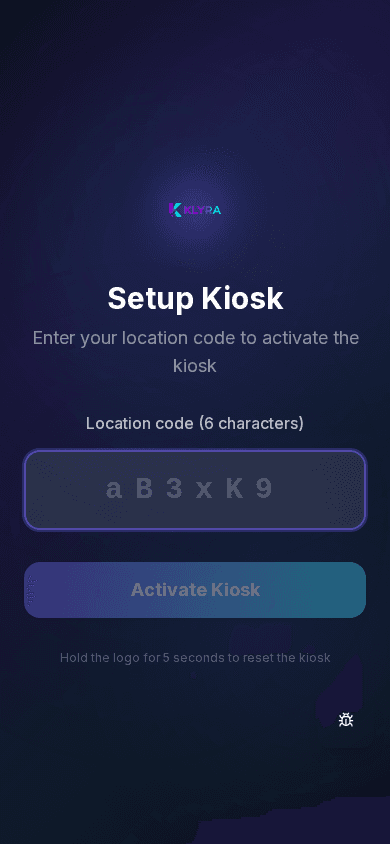
Desktop view (browser)Mobile view (phone or tablet)
Pairing and device access
A tablet paired with a site code is bound to that site and cannot access data from other sites in your organisation. Treat the site code as confidential information: share it only with whoever actually needs to set up a device.
Personal PIN and individual responsibility
Every clock-in or action on Station is tied to the personal PIN of whoever performs it, not to the tablet account: this makes every operation traceable to the right person, but only if the PIN is never shared between colleagues.
Never share your PIN with a colleague
Change your PIN immediately if you suspect someone saw it
Report to a manager a tablet left unlocked
Physical placement of the tablet
Placing the tablet somewhere visible but not accessible to customers or outsiders reduces the risk of tampering. Avoid leaving the device connected to public or unprotected Wi-Fi networks at the venue.
Maintenance and replacement
When a tablet is replaced or decommissioned, it should first be properly unlinked from the organisation so it does not remain associated with the site’s data. A lost device should be reported immediately to revoke its access.
What this guide covers
shared tablet security
kiosk station
personal PIN
on-site devices
field data protection
Steps
Keep the site code somewhere not accessible to everyone.
Pair a tablet only when you actually need to set up a new one.
Place the tablet somewhere visible to staff but not to customers.
Connect the tablet only to the site’s protected Wi-Fi network.
Remind staff to never share their personal PIN.
Unlink the tablet from the organisation before replacing or retiring it.
Report a lost or stolen device to support immediately.
Common issues
A lost tablet still shows the site’s data → it was not unlinked in time → report it immediately to revoke access remotely.
Several people use the same PIN → this defeats the traceability of actions → assign a unique PIN to each person and remind them to keep it confidential.
The tablet is paired with the wrong site → check the code used during pairing and repeat the process from the correct site.
The tablet is connected to an unprotected public network → connect it to the site’s dedicated, password-protected Wi-Fi instead.
Frequently asked questions
What should we do if a Station tablet is stolen?
Report it immediately to support and to your administrator to unlink it from the organisation and prevent access to the site’s data.
Can the site code be changed if we think it has been shared too widely?
Yes, an administrator can generate a new site code from the organisation section at any time.
Are clock-ins still correctly attributed on a shared tablet?
Yes, because every clock-in requires the personal PIN of whoever performs it, not a generic device login.