How KlyraOS tracks every batch from delivery to the plate, manages FEFO, QR codes and product recalls.
The Traceability area gathers every batch created on delivery or in production, so you can follow it from the supplier to the plate served. It is the documentary backbone of HACCP in KlyraOS.
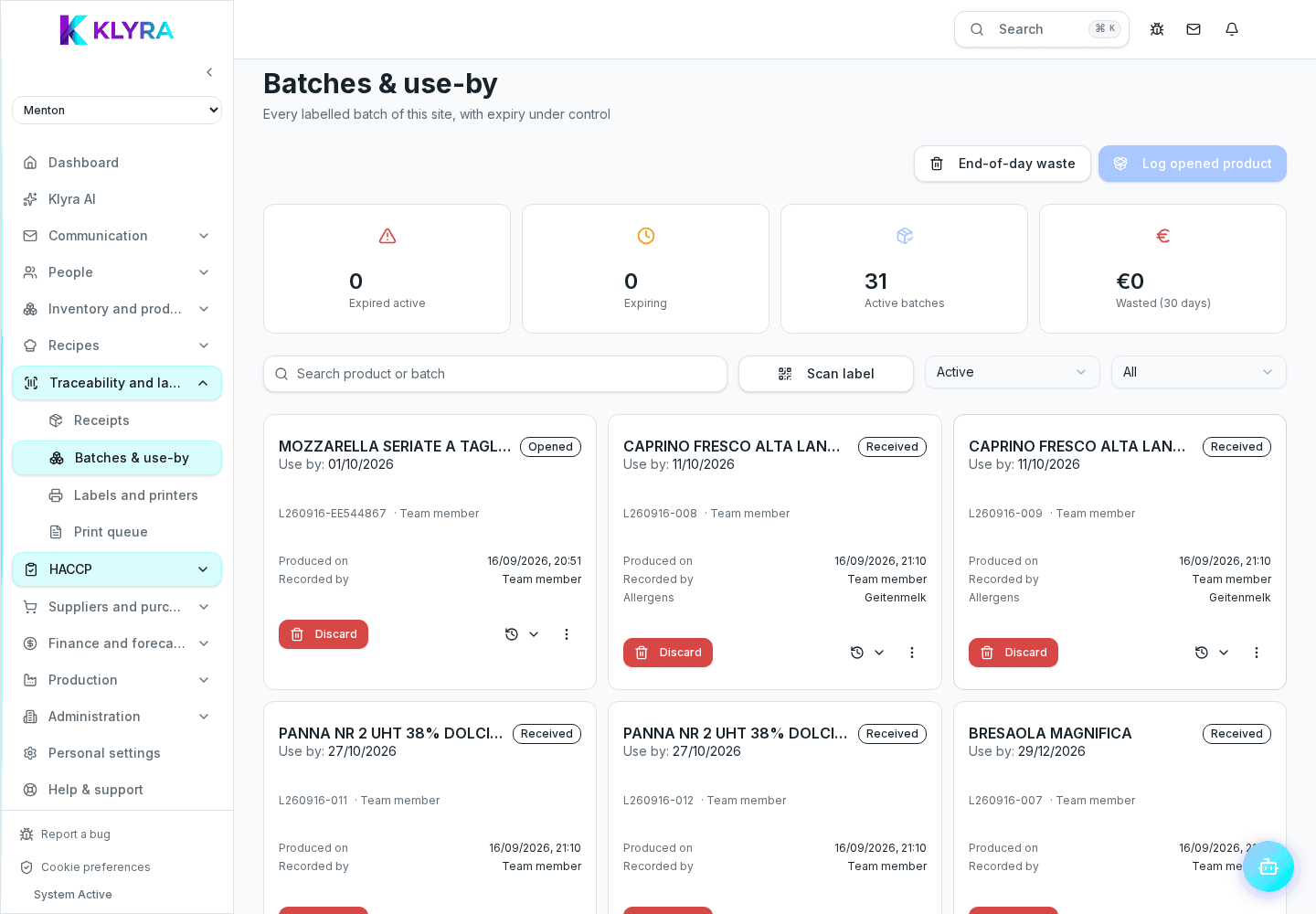
Every goods delivery and every declared preparation in the kitchen can generate a batch, linked to the source document or to the ingredients consumed to make it.
Every batch has an original expiry date and, when relevant, a secondary expiry after the pack is opened. Picking lists follow FEFO, showing what expires first at the top.
Every batch can have a printable QR code linking to a public verification page, viewable even by people without a KlyraOS account, such as a customer or an inspector.
From any batch you can trace back to the original supplier and see which recipes, production runs or transfers used it, essential in a product recall.
Traceability never places automatic supplier orders: it only reports batch status. Staff clock-ins and kitchen checks happen from Station, not from this section.
Who can see the Traceability area?
It requires the haccp:view permission: typically quality, warehouse and kitchen managers.
Are batches created automatically?
Yes, on goods delivery or when a preparation is declared, for products with traceability enabled.
Is a batch's QR page visible without a KlyraOS account?
Yes, the linked verification page is public and viewable by anyone who scans the code.
Does KlyraOS automatically order from the supplier during a recall?
No, no order is generated automatically: the recall must be handled manually, KlyraOS only helps rebuild the batch history.
Was this guide helpful?
Still need help?
Describe the issue: page, location, organisation and role are attached automatically.
Contact support