How KlyraOS handles personal data, how long it is kept, who can see it, and how to export or delete it.
This overview brings together everything about privacy, security and compliance in KlyraOS: what data is handled, who can access it, and how to exercise people's rights. It's the starting point before diving into each specific topic.
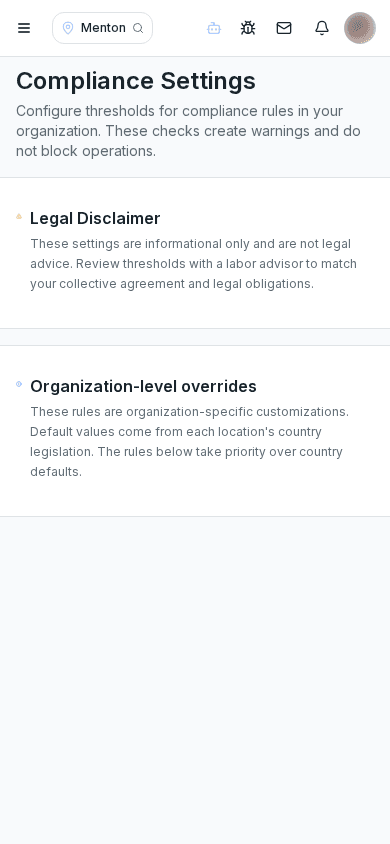
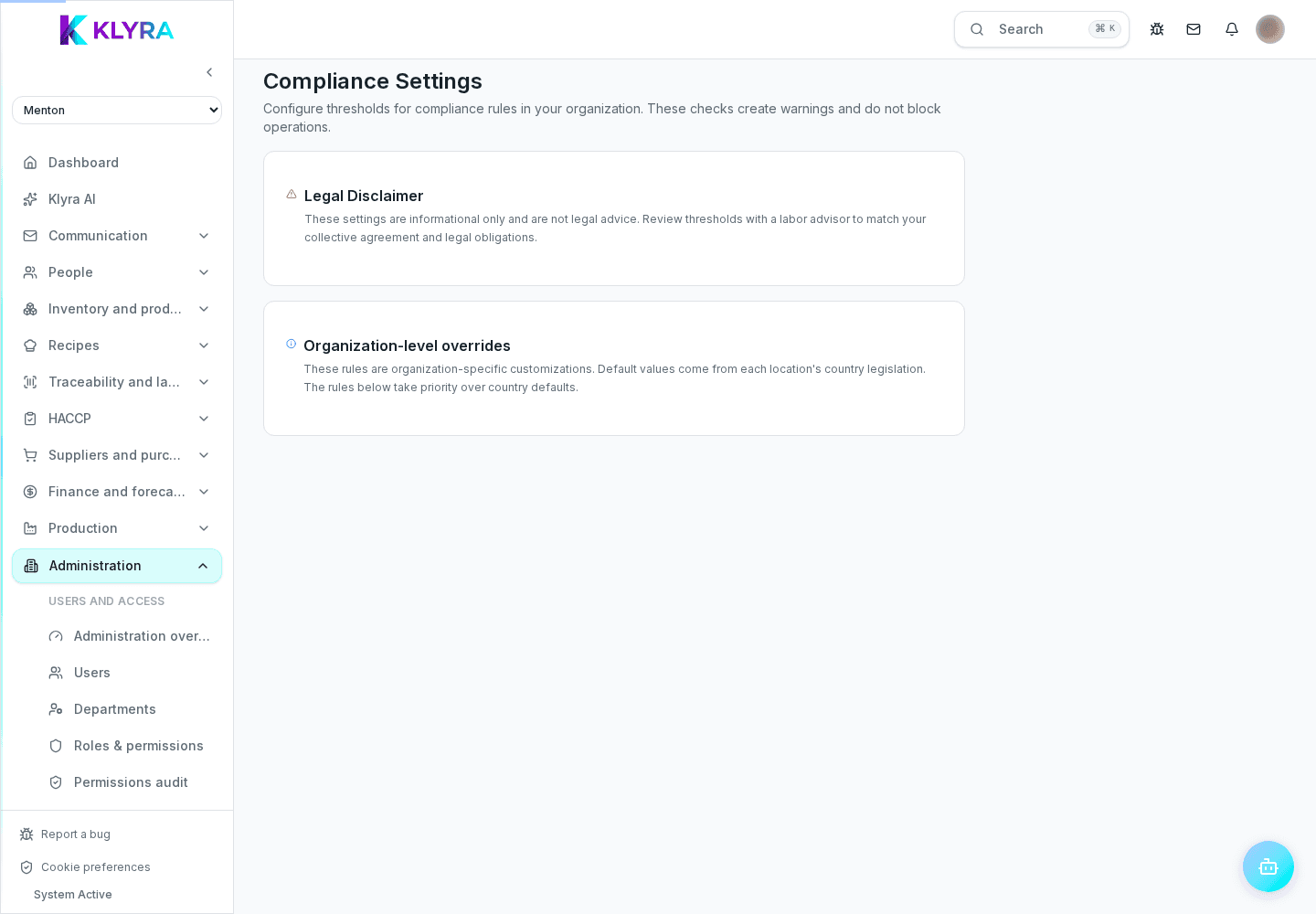
The Compliance page manages operational compliance rules. Users, activity logs and privacy requests remain in their dedicated sections.
KlyraOS records the data needed to manage people, sites and HACCP operations: employee records, documents, clockings, electronic signatures and the actions performed in the platform. Every piece of data is linked to a site and a role.
Data is kept for as long as needed for operations and legal obligations. When someone leaves the organisation, an admin can request export or deletion of their personal data.
Every user only accesses the sites and features allowed by their role and permissions. An admin can review who has access at any time and revoke it, for example when someone leaves.
Station stay on site for clockings and checks: keep them secure, use personal PINs without sharing them, and report a lost or unpaired tablet right away.
Who can see employees' personal data?
Only users with the right role and permissions, based on their assigned site and job.
How long does KlyraOS keep clockings and HACCP documents?
For as long as needed for daily operations and the legal obligations that apply to the food service industry.
How do I delete the data of an employee who has left?
Use Contact support with a verified email address; individual self-service is coming soon.
Can clockings be done from a phone?
No, clockings only happen from the on-site Station tablets, using a personal PIN.
How do I revoke a person's access?
From user management you can deactivate the account or remove assigned sites; access is revoked immediately.
Was this guide helpful?
Still need help?
Describe the issue: page, location, organisation and role are attached automatically.
Contact support