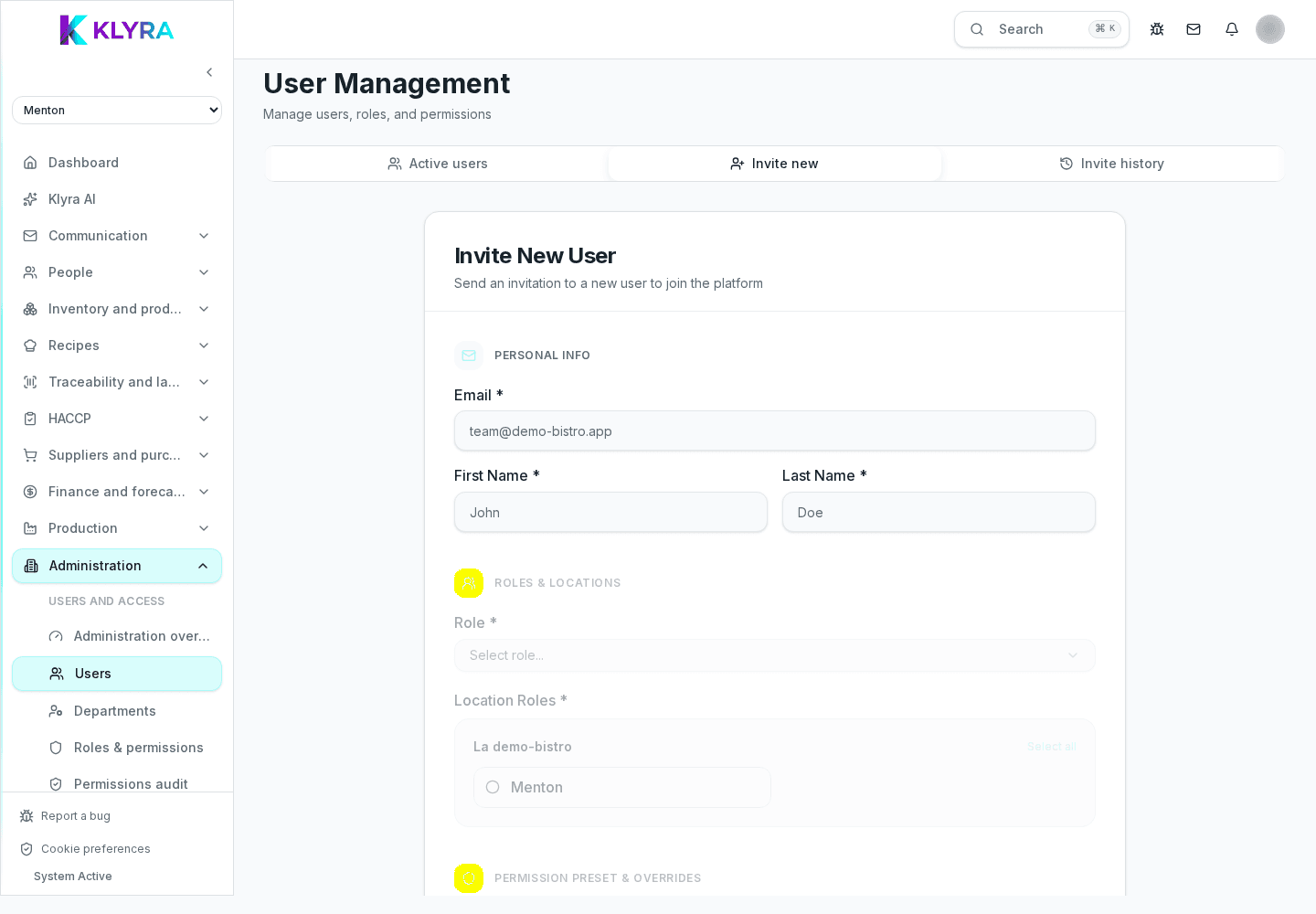
How to invite a new team member, set the invitation link expiry and handle invitations that never arrive.
Everyone who works in KlyraOS must be invited individually by whoever manages users. The invitation carries the first important data: role, job function and assigned sites. Setting it up correctly avoids having to fix permissions after the first login.
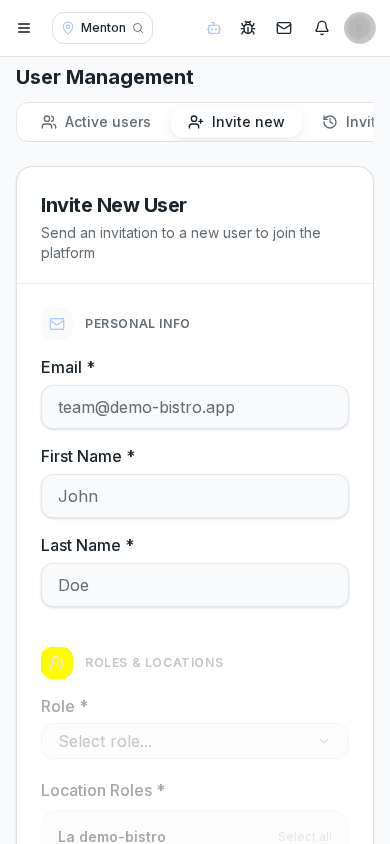
Prepare the person’s first name, last name and email, together with the role they will have (administrator, manager or staff) and their job function, for example waiter or cook. This data determines what they see as soon as they log in, so it is worth deciding the sites they need access to beforehand.
If the person will work across several locations, you can assign every relevant site right away instead of adding them one by one later.
The invitation link is valid for a limited time, for security reasons: it does not stay open indefinitely in an inbox. If the person does not complete registration within that time, the link stops working and a new one must be generated.
There is no way to extend an expired invitation: the solution is always to resend it from the users section, which automatically generates a new valid link.
The user list immediately shows who has not yet completed registration. From there you can resend the invitation with a new link, or cancel it, for example if the person changed their mind or the hire did not go through.
The most common cause of a stuck invitation is a mistyped email address: the person receives nothing and you only see a "pending" status that never changes. Checking the address before sending saves many follow-up messages.
How long does an invitation last before expiring?
The link is valid for a limited time for account security; if it expires you need to generate a new one from the users section, without re-entering all the data.
Can I invite several people at once?
You can send multiple individual invitations in sequence; each carries a role, job function and sites tailored to that person.
What happens if I cancel an invitation by mistake?
You can simply create a new one with the same data: nothing is lost because the person does not yet have an active account.
Does an expired invitation create a ghost account?
No, until the invitation is accepted there is no account with active permissions in KlyraOS.
Was this guide helpful?
Still need help?
Describe the issue: page, location, organisation and role are attached automatically.
Contact support