How the connection between your till and KlyraOS works, who sets it up, and how to read status and sites on the Connections tab of Point of sale.
Connecting your till to KlyraOS is not something you configure yourself by entering a code: the connection with the POS provider is set up and maintained by KlyraOS together with the provider for your organisation. Once active, the Point of sale admin page lets you check its status, link sites, and follow imported sales.
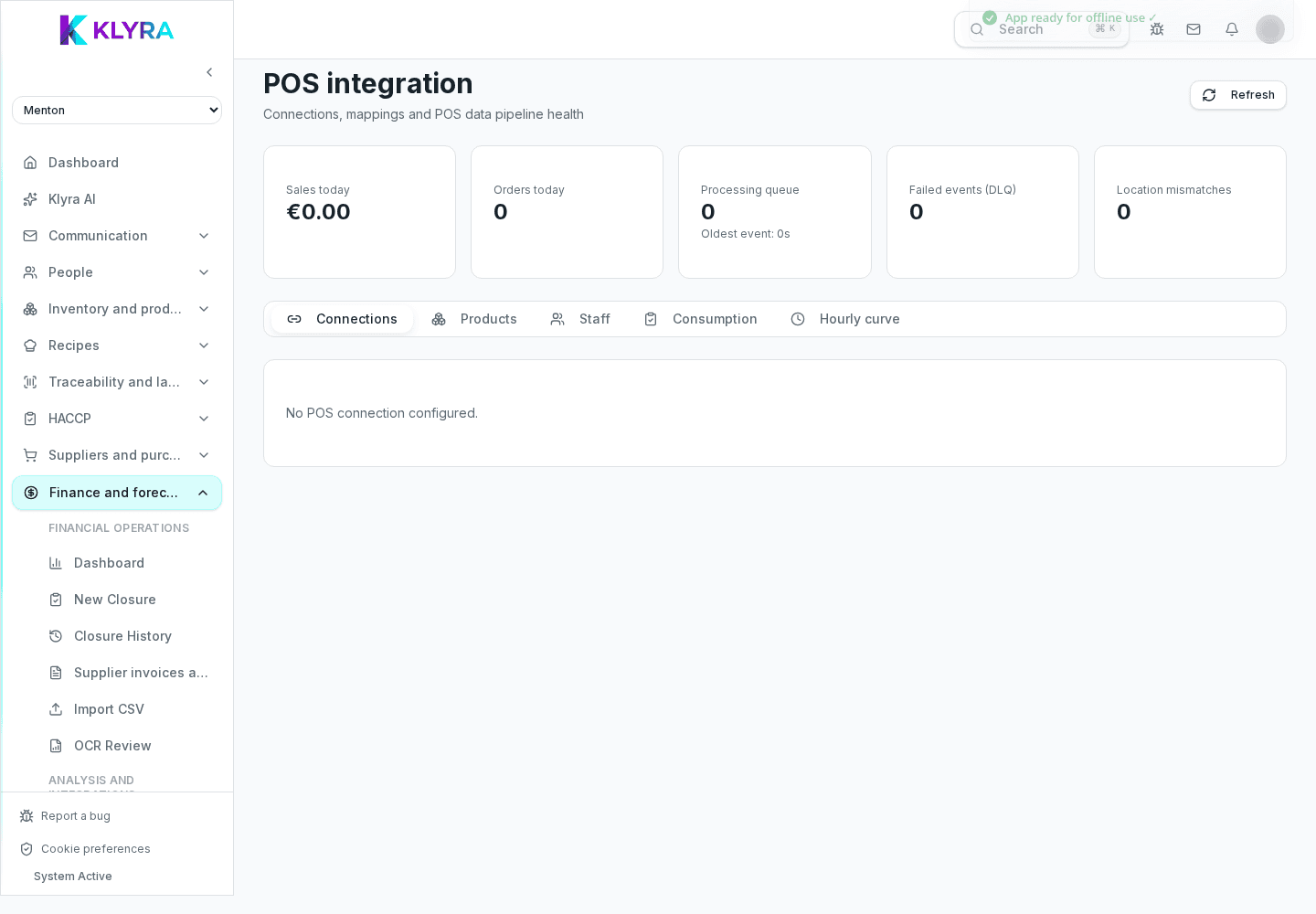
Connecting a till requires stating the POS provider in use and the sites involved: the connection is created on the KlyraOS side together with the provider or support, not through a self-service form. Once created, it appears on the Connections tab with a name, environment (production or test) and status.
Every connection shows a status — active, pending or revoked — along with the number of mapped sites and the products and staff still to confirm. The "Discover" and "Suggest inventory and recipes" buttons trigger a fresh read of the data coming from the POS, useful after a menu change or a new site opening.
Under each connection you find the list of sites detected by the POS: each needs linking to the matching KlyraOS site. For every linked site you can enable shadow mode, which records theoretical consumption without deducting real stock, useful for checking data before fully relying on automation.
At the top of the page you find today’s takings and orders, the processing queue, failed events (DLQ), and any data mismatches between the KlyraOS site and the POS site, which you can resolve by choosing which value to keep.
Can I connect a till myself by entering a code?
No, the connection with the POS provider is set up by KlyraOS together with the provider: on the Point of sale page you manage site linking and check status, but you do not create the initial connection yourself.
What does shadow mode mean?
It is a mode that records theoretical consumption calculated from POS sales without actually deducting stock, useful for checking data before relying on automation.
Who can see and manage the Point of sale page?
Anyone with finance management permission; from there they can link sites, products and staff and read the connection status.
What do I do if a connection stays in error for several days?
Check the queue and any DLQ events on the page, then contact KlyraOS support: the connection is managed centrally and cannot be restarted by a user action.
Was this guide helpful?
Still need help?
Describe the issue: page, location, organisation and role are attached automatically.
Contact support