How to interpret the "no till connected" message, read the sync queue, and fix the most common POS connection issues.
When the dashboard shows "no till connected" or sales stop coming in, the problem is almost always the connection between the POS and KlyraOS, not the data itself. A structured check restores the flow without losing sales already recorded on the till.
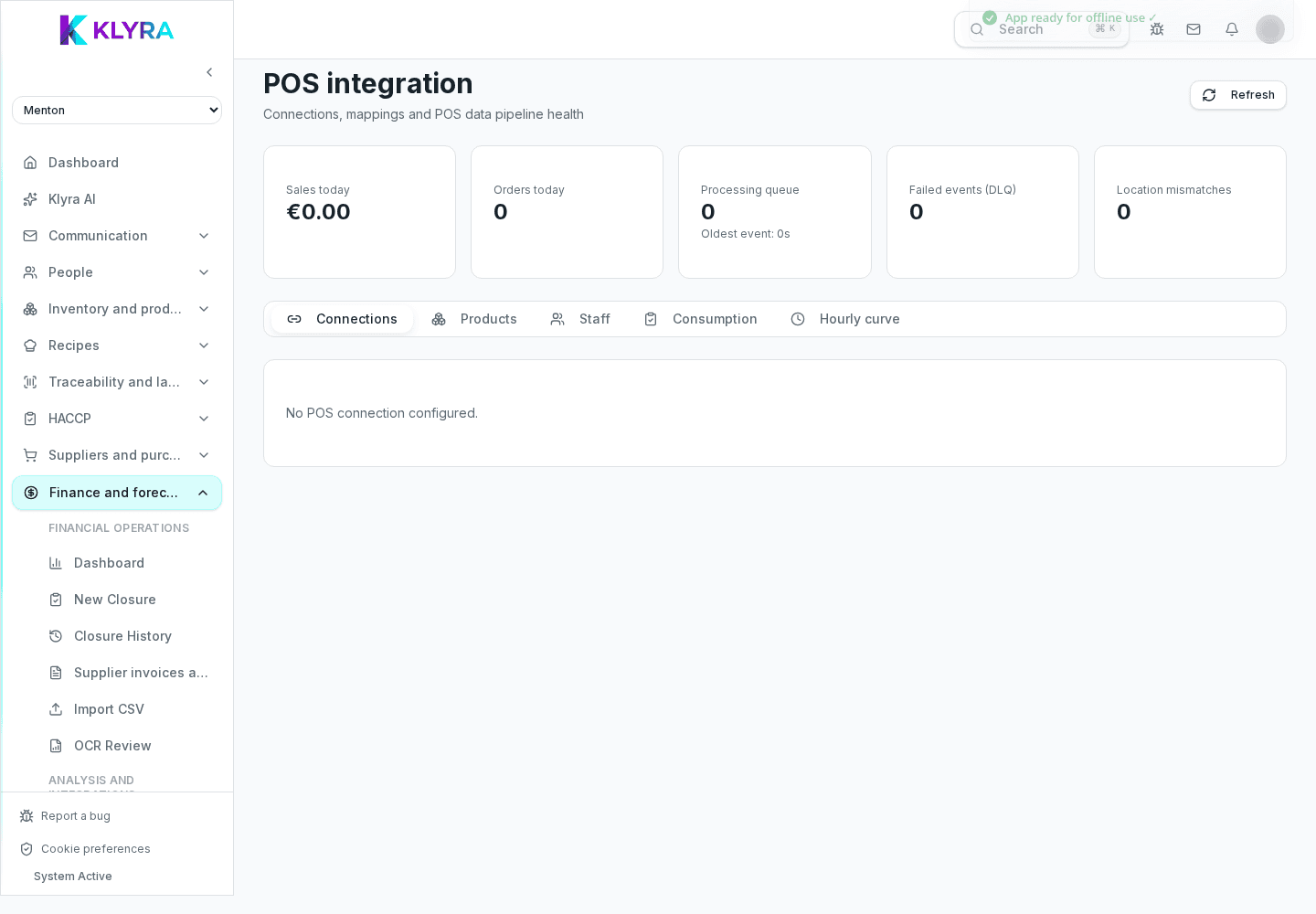
This message appears when KlyraOS has not received any communication from the till for a while. It does not mean sales are lost: in most cases they remain recorded on the POS and get imported as soon as the connection resumes.
The till connection page shows the integration status and the time of the last successful sync. A status stuck for hours during opening time signals a problem worth checking right away.
The most frequent cases involve an unstable site internet connection, an expired or revoked KlyraOS-managed connection, or a POS system update that invalidated the previous connection.
In most cases, waiting for the provider-side restore or reporting it to KlyraOS support is enough: sales rung up on the POS during the outage are imported automatically at the next successful sync cycle.
Are sales made during the outage lost?
No, they remain recorded on the till and are imported automatically as soon as the connection resumes.
Do I need to redo the whole setup after an outage?
Usually not: restoring the connection or contacting KlyraOS support is normally enough.
How do I know if it’s a network or a POS problem?
Check the site’s internet connection first; if it’s fine, the issue is likely the KlyraOS-managed connection or the POS itself.
Who should I contact if the problem persists?
Check the status on KlyraOS’s side first, then contact the till system provider’s support if the error stays on the POS side.
Was this guide helpful?
Still need help?
Describe the issue: page, location, organisation and role are attached automatically.
Contact support