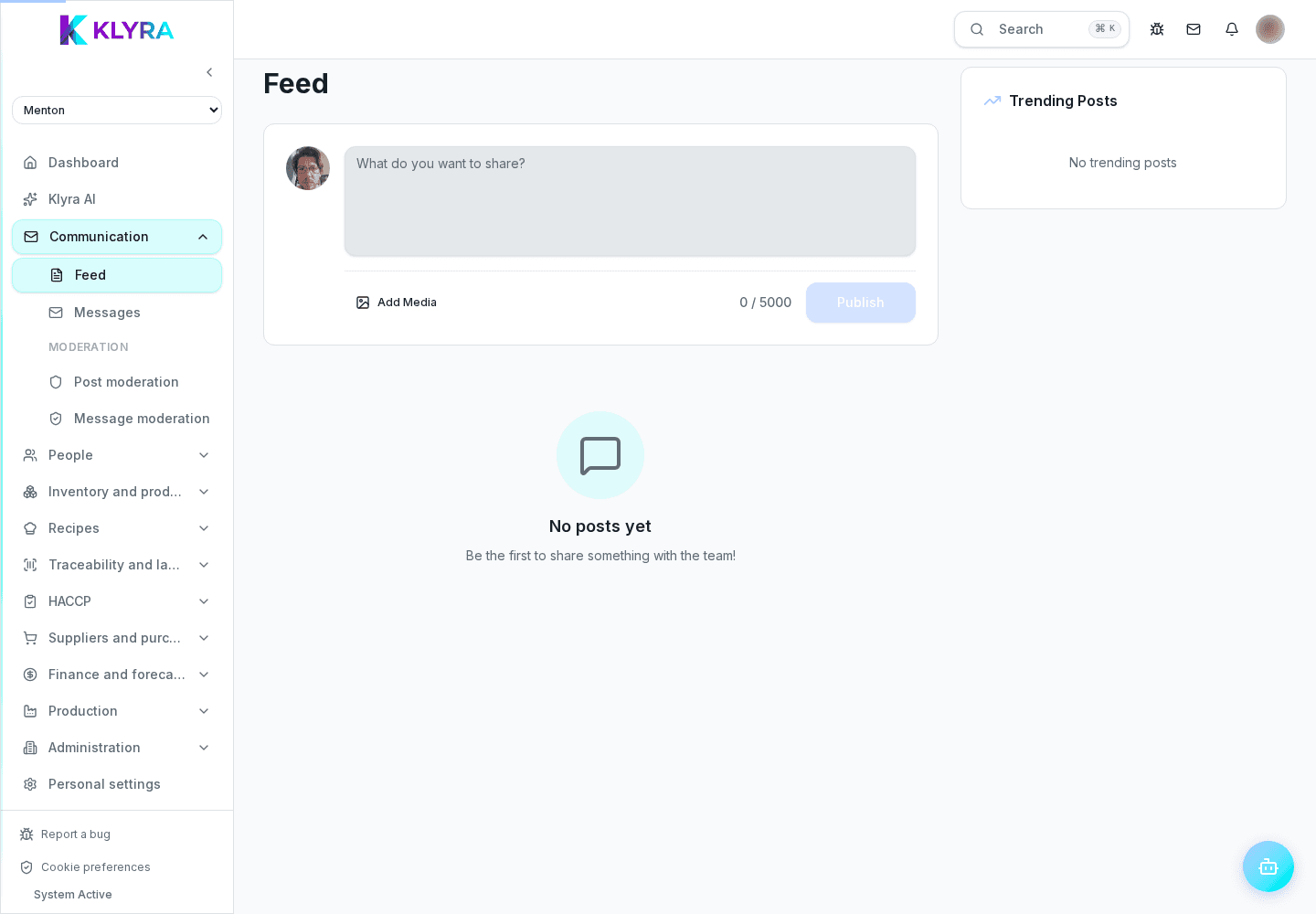
How to write and publish a board announcement, choose recipients and check who has read it.
The team board is the main channel to communicate with all staff at a site: announcements about shifts, procedures or events stay visible as long as they matter. You choose who should see them and know who has read them.
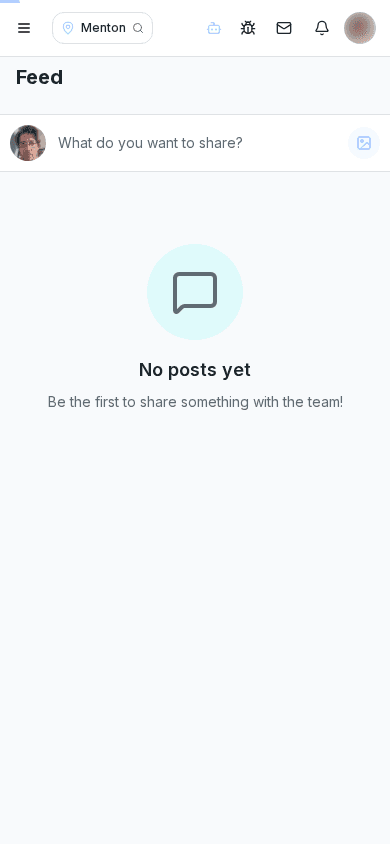
An announcement has a title, text and can include images or attached documents. You can schedule its publication or make it visible immediately.
You can target the whole site, a specific department or a group of people: this avoids overwhelming the team with information that does not concern them.
For important announcements (new procedures, safety obligations) you can require a read receipt: the board shows who has already read it and who has not.
Expired or outdated announcements stay archived and searchable, but no longer appear among active board content.
Can I see who has not read an important announcement yet?
Yes, if you enable the read receipt the board shows the list of who has read it and who is still missing.
How do I communicate only to the kitchen and not the floor?
Choose the kitchen department as recipient instead of the whole site: only that team will get the notification.
Can an announcement published by mistake be withdrawn?
Yes, you can delete or archive it at any time; people who already read it still keep the notification they received.
Was this guide helpful?
Still need help?
Describe the issue: page, location, organisation and role are attached automatically.
Contact support