Use the internal chat for direct or group messages, with mentions and attachments, without leaving KlyraOS.
Besides the board, KlyraOS offers an internal chat for quick messages between colleagues or within a work group. It is designed for the day-to-day operational exchange, not to replace official documentation.
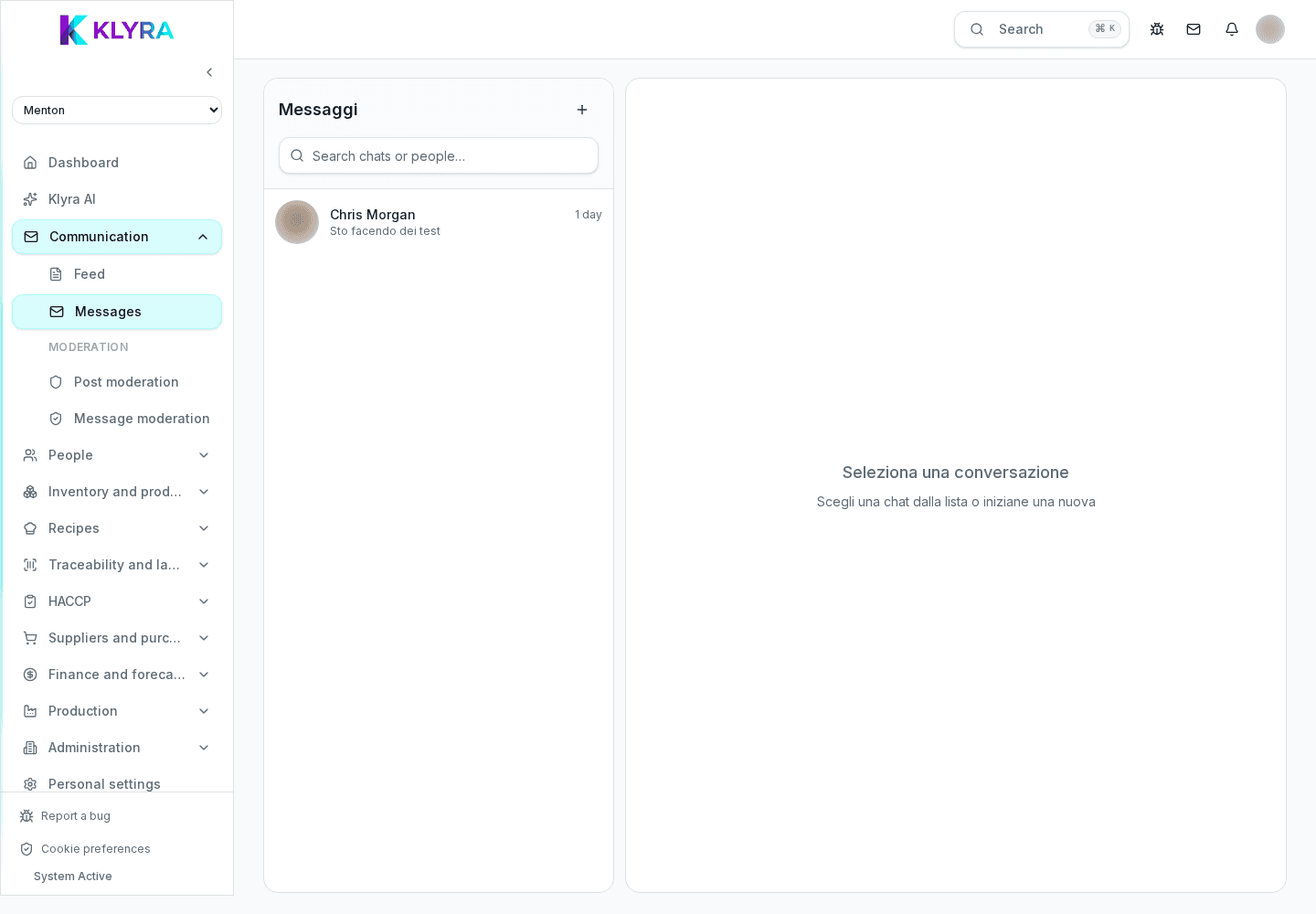
You can message a colleague directly about an operational question: the conversation stays private between the two participants.
Groups gather a department or a specific project: useful to coordinate a site opening, an event or an extra shift.
You can mention a person to draw their attention to a specific message and attach photos or documents directly in the chat.
For official procedures or communications that everyone must read, use the board: chat is meant for quick exchange, not permanent documentation.
Does chat replace official communications?
No, for procedures, policies or communications that everyone must read and confirm use the board, not the chat.
Can I create a group between people from different sites?
Yes, if you have the permission you can create groups including people from multiple sites, useful for coordinating managers or shared projects.
Do conversations remain visible if a person leaves the group?
Messages already sent stay in the group history; the person who left no longer receives new messages.
Was this guide helpful?
Still need help?
Describe the issue: page, location, organisation and role are attached automatically.
Contact support