How to import bank statements, historical closures or accounting data into KlyraOS without duplicating existing entries.
Import lets you load existing accounting data in bulk, such as historical closures or statements provided by your accountant, instead of entering them one by one. A well-prepared import avoids duplicates and keeps the site’s financial history consistent.
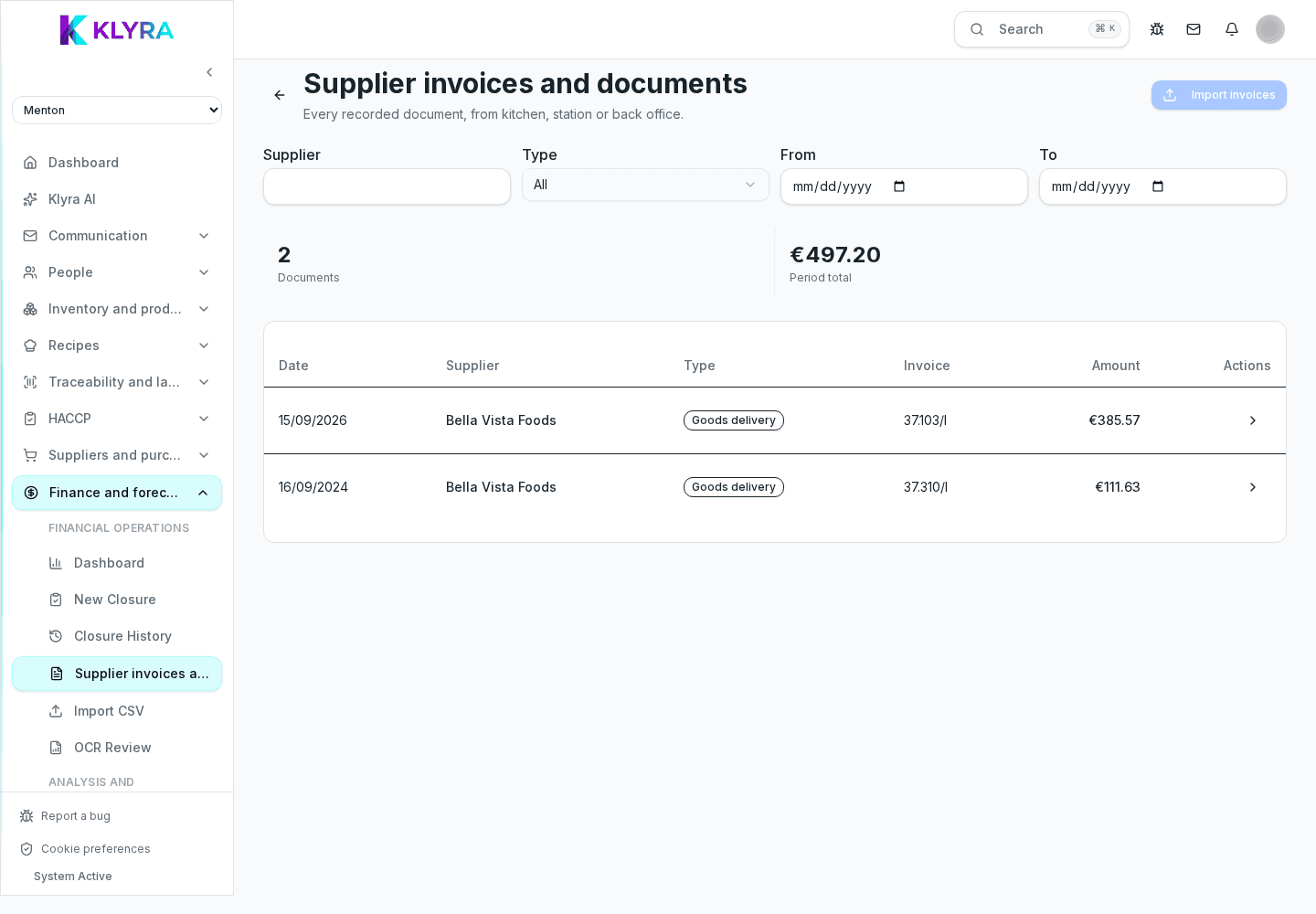
KlyraOS imports accounting data from structured files, typically tabular, as long as they contain at least a date, an amount and a method or category for each entry. A non-compliant format is flagged before the import completes.
During import you specify which KlyraOS field each file column corresponds to, for example which column holds the date and which holds the amount. The mapping can be saved for reuse on later imports from the same accountant or system.
Before confirming, KlyraOS compares the file rows with entries already present for the stated period and flags possible overlaps, so you can choose to skip or knowingly replace them.
After every import it is worth checking the imported total against the expected total from the original document, to catch rows discarded due to format errors right away.
Can I import several periods in one operation?
Yes, as long as the file clearly states each entry’s date; KlyraOS distributes them into the correct periods automatically.
Does import change cash closures already recorded?
No, import adds separate accounting data and does not overwrite manually entered closures, unless you explicitly choose to when duplicates are found.
Can I save the mapping to reuse every month?
Yes, column mapping can be saved and reused for recurring imports from the same file format.
What if my accountant uses a different format every time?
You can remap columns on each import: the process only takes a few minutes even without a saved mapping.
Was this guide helpful?
Still need help?
Describe the issue: page, location, organisation and role are attached automatically.
Contact support