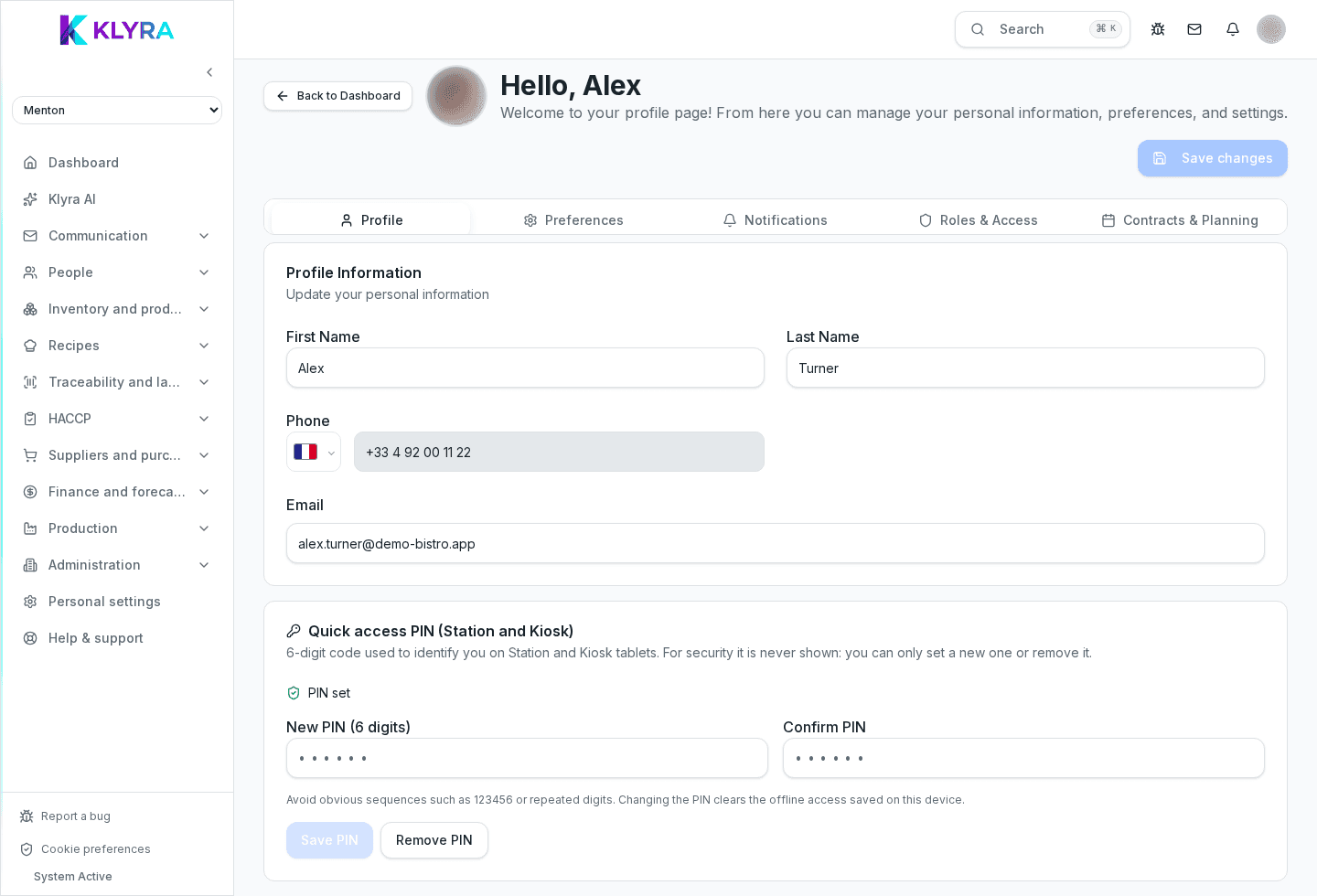
How to select the site you are working at and the interface language when you manage several locations.
If your organisation runs several locations, KlyraOS always asks which site you are working at: the data shown in dashboard, stock and shifts depends on this choice. The interface language, on the other hand, is a personal preference independent of the site.
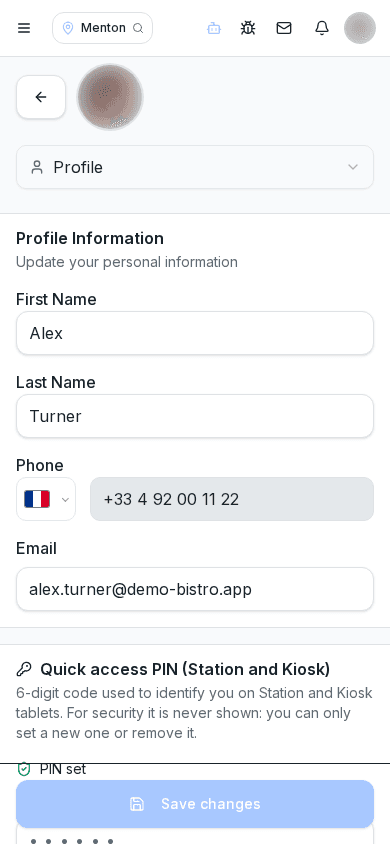
Each site has its own stock, its own shifts, its own till and its own HACCP checks. Working with the wrong active site means recording data in the wrong place, for example a delivery logged at the site next door instead of yours.
The site selector is always visible at the top of the app or website. You can change it at any time, but some sections ask for confirmation if you have work in progress, to avoid losing half-entered data.
Language is chosen from the profile and applies to the whole interface, including error messages, automatic emails and PDF reports. Changing it does not alter data already entered, only how it is displayed.
Can I work on two sites at the same time?
No, the interface always shows one active site; to work on another you need to switch it from the selector.
Does my chosen language affect my colleagues?
No, it is a personal preference tied to your account and does not affect what other users see.
Do notifications arrive in my chosen language?
Yes, emails and push notifications follow the language set in your profile.
Was this guide helpful?
Still need help?
Describe the issue: page, location, organisation and role are attached automatically.
Contact support