How KlyraOS prevents double receipts, handles credit notes and lets you cancel a receipt safely.
Mistakes such as a receipt recorded twice or a delivery with differences discovered after confirmation are common in day-to-day warehouse management. KlyraOS includes dedicated checks and tools to handle them without permanently creating wrong data.
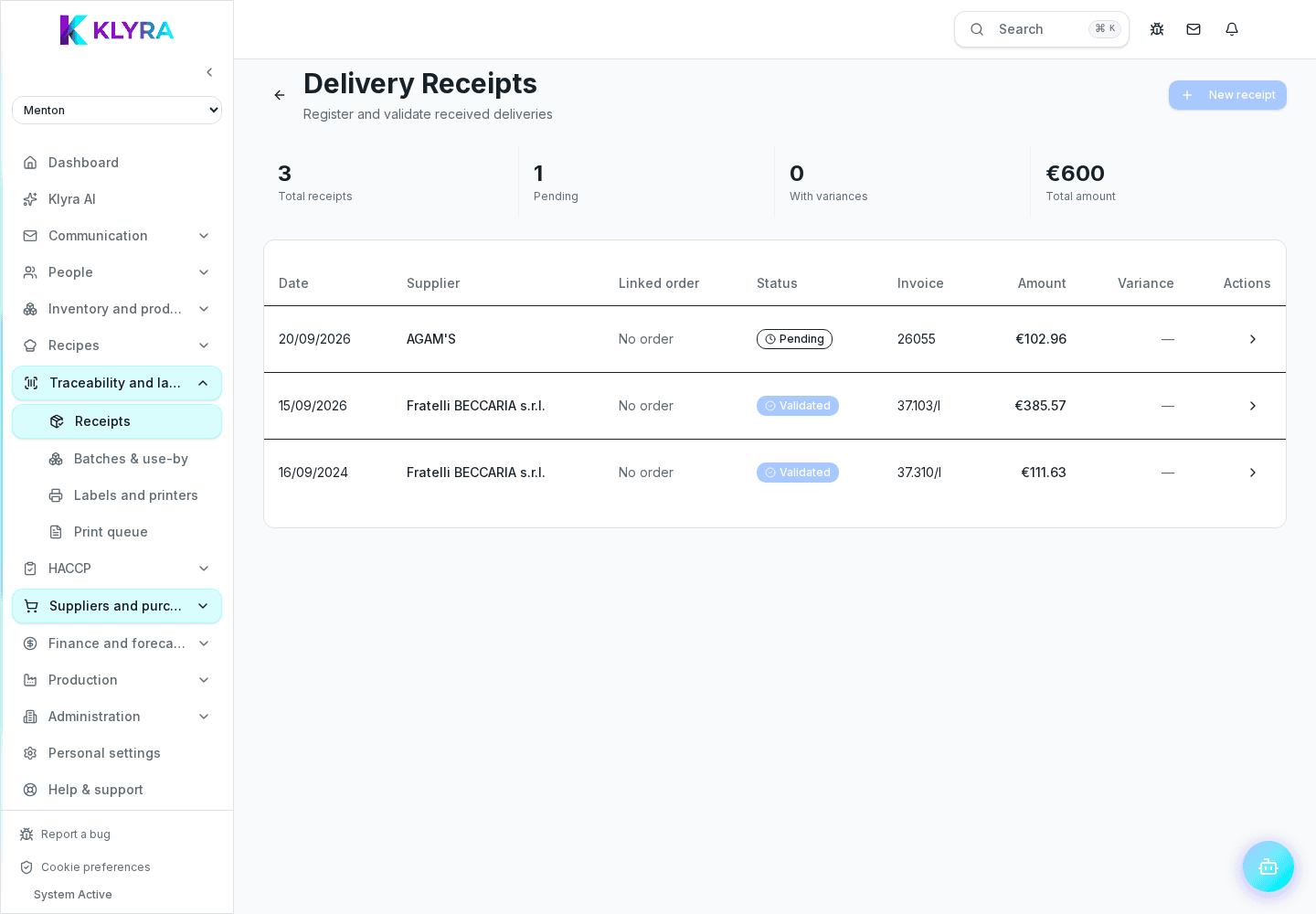
Before saving, KlyraOS compares the document with receipts already recorded for the same site and supplier, recognised even when the name is spelled slightly differently. A warning appears in two cases: the same document number, or the same delivery date and the same total. Either condition is enough on its own.
When the supplier issues a credit note for an error or a return, you record it linked to the original receipt, so the history stays consistent and the effective product cost updates accordingly.
If a difference is discovered only after confirmation, for example a missing product found while restocking, it is handled as a follow-up adjustment linked to the original receipt, not as a new disconnected receipt.
A receipt confirmed by mistake can be cancelled, but the operation requires a reason and updates stock accordingly, reverting quantities and any batches created. The cancellation stays visible in the history with date and author.
What happens if I accidentally upload the same document twice?
KlyraOS flags the possible duplicate by comparing document number and date before the second receipt is confirmed.
How is a return to the supplier recorded?
It is recorded as a credit note linked to the original receipt, which updates the quantity and cost of the affected product.
Can I cancel a receipt after several days?
Yes, but if the batches have already been partially used in production, cancellation may require assisted handling to keep traceability correct.
Does cancelling a receipt leave a trace in the history?
Yes, every cancellation records date, author and reason, and remains available for later checks.
Was this guide helpful?
Still need help?
Describe the issue: page, location, organisation and role are attached automatically.
Contact support