How to check delivered quantities and prices against price lists before confirming a goods receipt.
Before a receipt updates stock, every line must be confirmed: the quantity actually delivered, the price applied and the match with what was agreed with the supplier. KlyraOS automatically highlights the most common deviations to speed up this check.
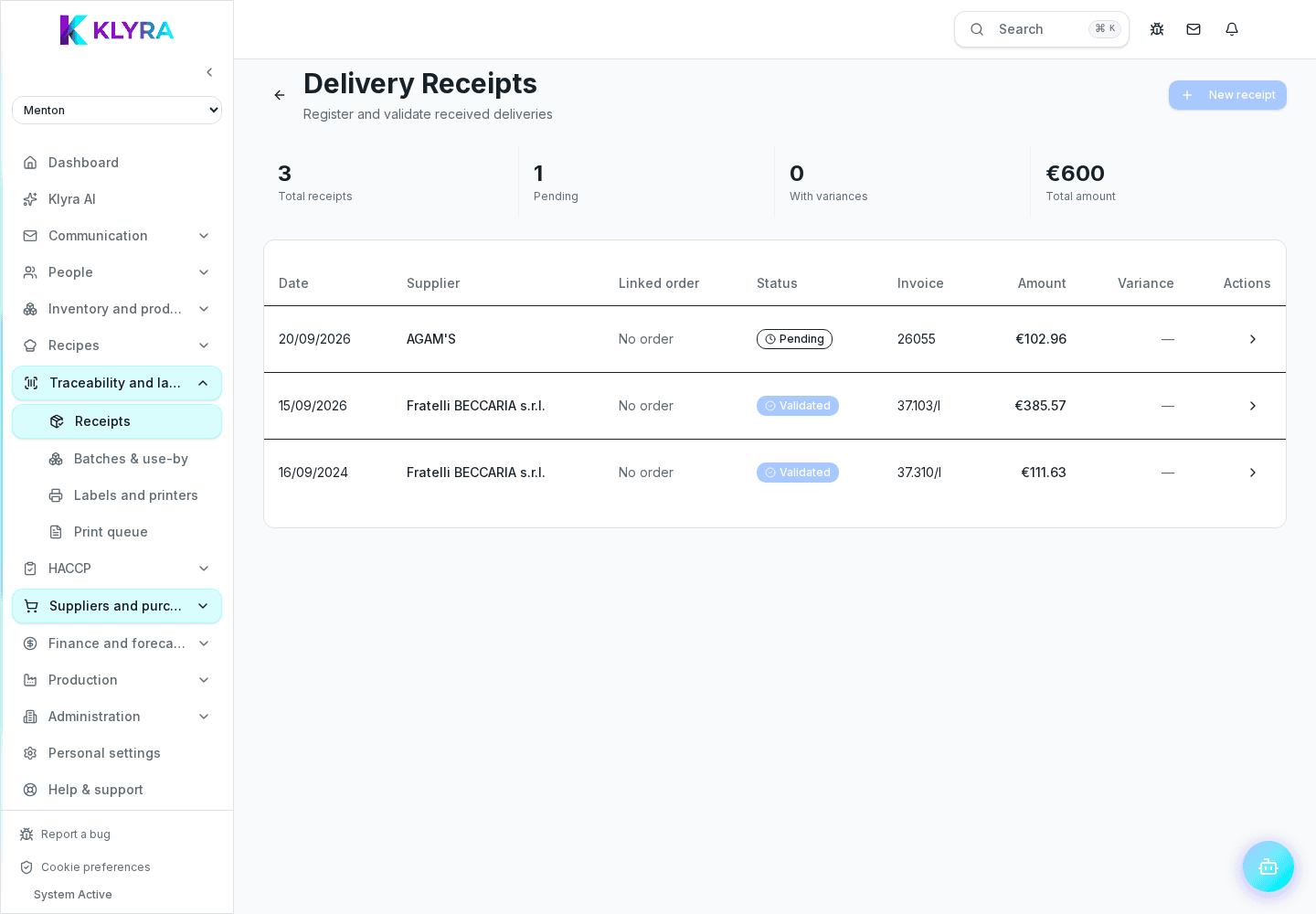
For each line you can confirm the quantity read from the document or correct it based on what was actually counted at delivery. If the receipt is linked to an order, KlyraOS also shows the ordered quantity for comparison, flagging any partial deliveries.
When an agreed price list exists with the supplier for that product, or a linked order, KlyraOS shows the expected price next to the document price and the variance calculated line by line. The flag is always visual: no line is blocked or corrected automatically, the decision stays with you.
You can accept the document price, flag it internally for a later check with the supplier, or correct it if it was a reading error.
Suppliers round at different moments: some round the discounted unit price before multiplying it by the quantity, others multiply first and round at the end. That is why the total KlyraOS calculates can differ by one or two cents from the one printed on the document.
The rule is simple: the total printed by the supplier is the reference. Within two cents per line the difference counts as rounding and blocks nothing. Beyond that, the line is flagged for review and is never corrected automatically, because a larger gap is almost always a real error to clear up with the supplier.
Only after verifying all lines can you confirm the receipt, at which point stock is updated and, where applicable, batch and expiry entry requests open for traceable products.
What happens if the supplier delivers less than ordered?
You record the quantity actually received; the order stays open for the remainder, which can be received in a later delivery.
How are unagreed price increases flagged?
KlyraOS compares the document price with the price list or the linked order and shows the variance on the line. There is no threshold to configure: the difference is always visible and you decide whether to accept or dispute it.
Can I confirm a receipt with a line still to verify?
No, every line must be verified before confirmation, to prevent incomplete data from entering stock.
Does price verification work even without a linked order?
Yes, the comparison with the price list still happens if the price list is configured, regardless of an order being present.
Was this guide helpful?
Still need help?
Describe the issue: page, location, organisation and role are attached automatically.
Contact support