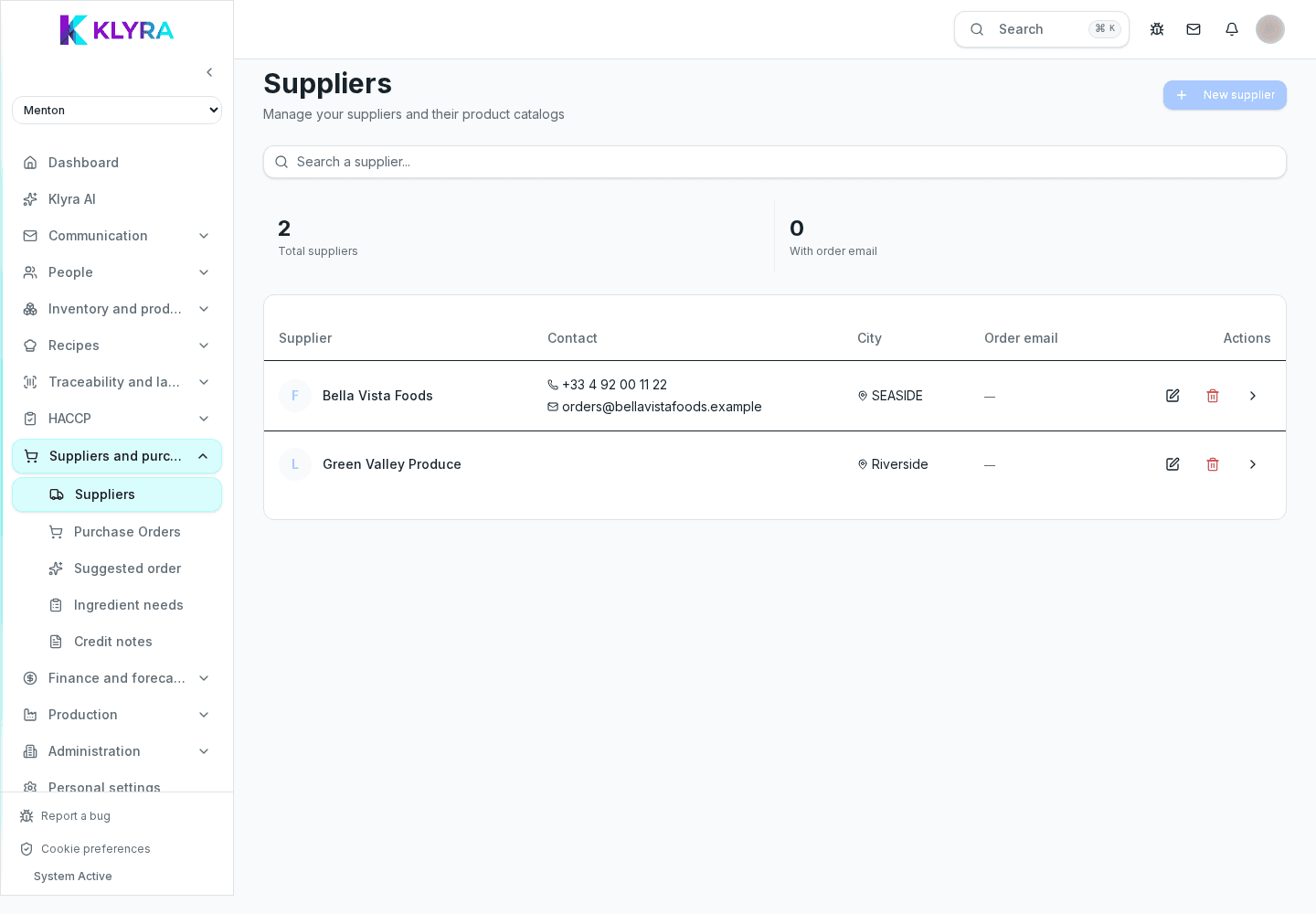
Overview of suppliers and orders: supplier records, price lists, restock requests and manually sending orders.
The suppliers and orders area brings together supplier records, price lists and restock requests, but no order is ever sent on its own: the system proposes a suggested quantity, always editable, that someone must review and confirm before sending.
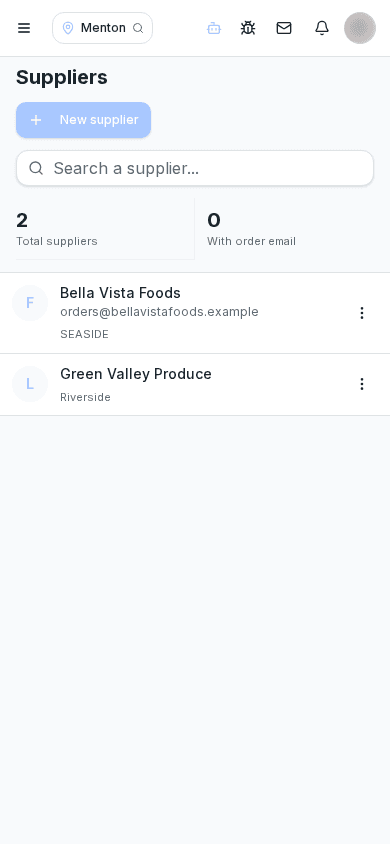
Here you manage who your suppliers are, what prices they charge, and when it makes sense to reorder. It is the starting point for keeping both costs and stock levels under control.
The site or warehouse manager creates suppliers, updates price lists and confirms orders before sending. Kitchen staff can flag restocking needs, but the final confirmation stays with someone who has permission to order.
Start by creating supplier records with their price lists, then review the restock requests the system generates based on the minimum thresholds set in the product catalogue.
KlyraOS never sends an order on its own: the restock request is just a suggestion based on minimum thresholds and consumption, which a person must always review, edit if needed, and confirm before sending it to the supplier.
Minimum thresholds come from the product catalogue in Inventory, and every confirmed order is closed with a goods receiving that updates stock and feeds price analysis.
Does KlyraOS send orders to suppliers automatically?
No, no order is ever sent automatically: the system only proposes a suggested quantity that a person must always review and confirm.
Who decides the quantity to order?
The system suggests a quantity based on minimum thresholds and consumption, but it stays editable before sending.
What happens if the supplier delivers only part of the order?
You can record a partial delivery linked to the order, and any remaining balance stays open for a later delivery.
How do I know which supplier is most reliable?
Order history shows delivery times and differences versus orders, useful for comparing suppliers over time.
Was this guide helpful?
Still need help?
Describe the issue: page, location, organisation and role are attached automatically.
Contact support