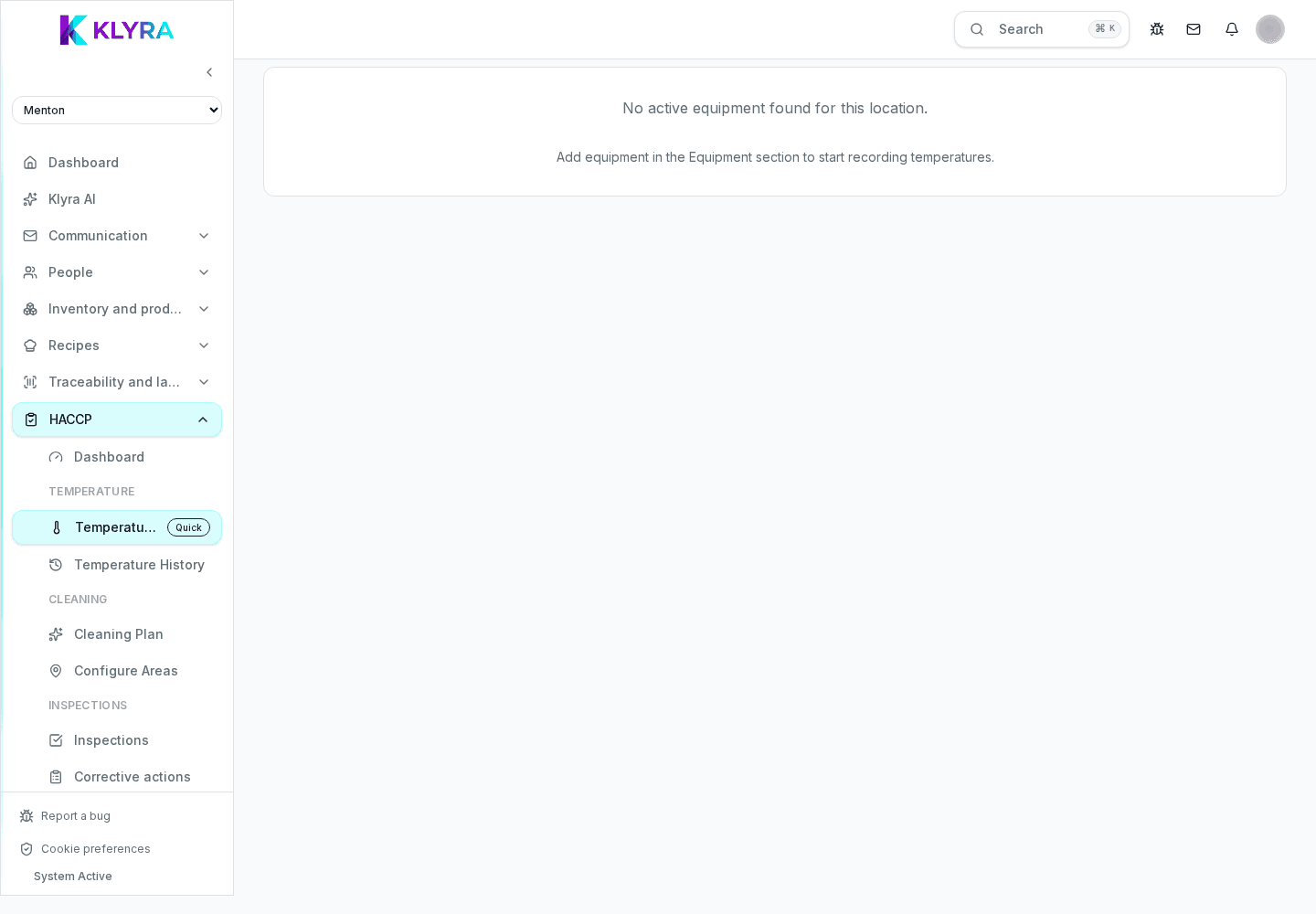
Preview of the upcoming plug-and-forget kits; temperatures are logged manually today.
This feature is not available yet. KlyraOS is preparing plug-and-forget automatic probe kits; this page describes the planned direction, not a procedure available today.
Create or open the fridge, cold room or refrigerated counter, enable temperature monitoring and check its thresholds. Only active monitored equipment can be selected.
Enter a name, vendor, optional external ID, calibration offset, alert persistence and the delay after which the probe is considered offline.
KlyraOS displays a secret key once when the sensor is created. Copy it directly into the device configuration and never place it in shared documents. If lost, rotate it and update the physical probe immediately.
Online means a reading arrived within the configured delay; Offline means the probe has been silent for longer; Out of range remains visible while temperature is beyond limits. The list also shows latest reading, battery and calibration.
Can I view the token again?
No. It is shown once for security; if lost, rotate it and reconfigure the device.
When is a sensor shown as offline?
When no reading arrives within the configured minutes; the default is 120 minutes.
Was this guide helpful?
Still need help?
Describe the issue: page, location, organisation and role are attached automatically.
Contact support