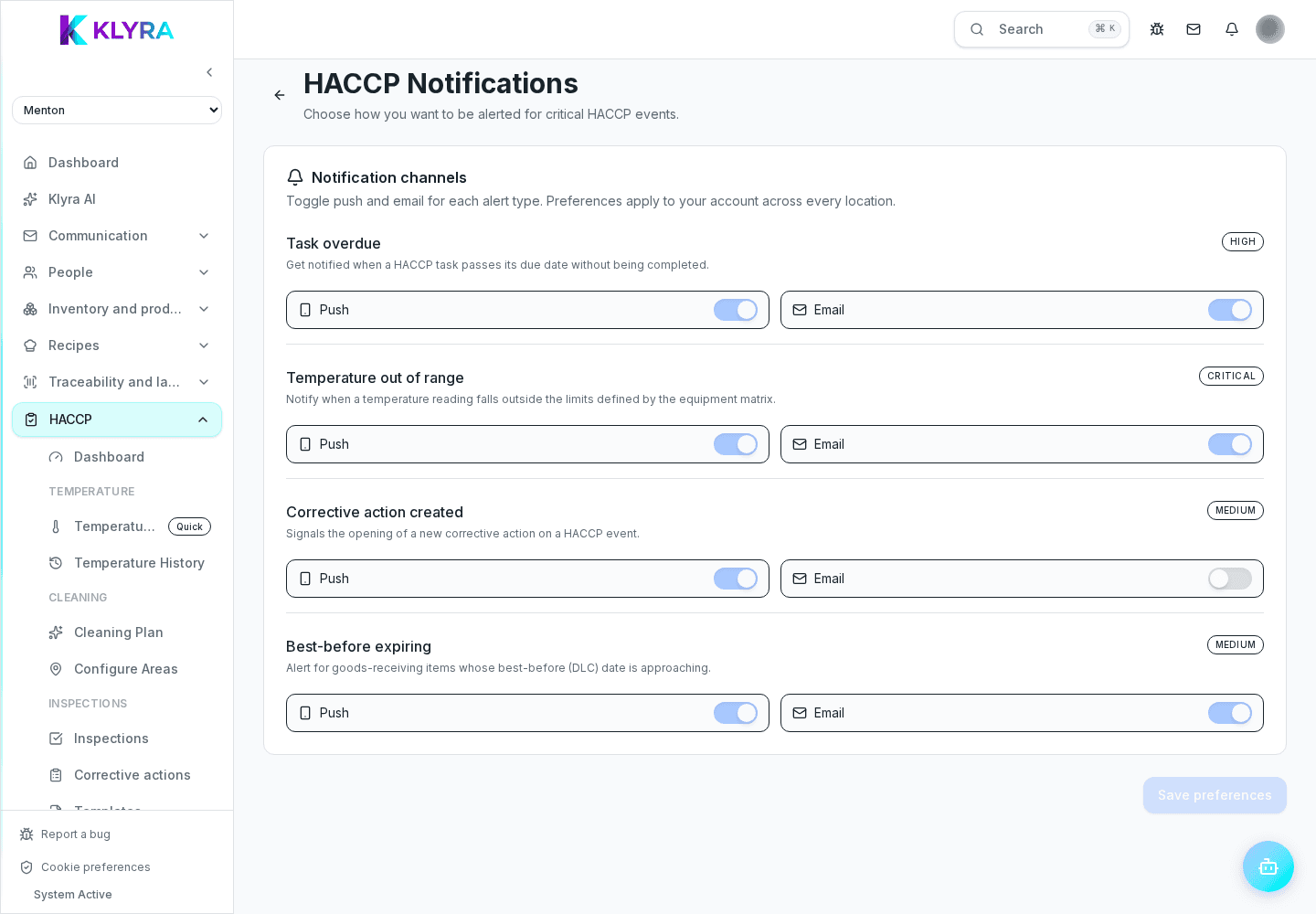
Choose which HACCP alerts arrive by push or email for overdue tasks, temperatures, corrective actions and expiry dates.
HACCP preferences are personal: each user chooses which alert types to receive and through which channel. They reduce noise without hiding critical events from sites where that person has an active role.
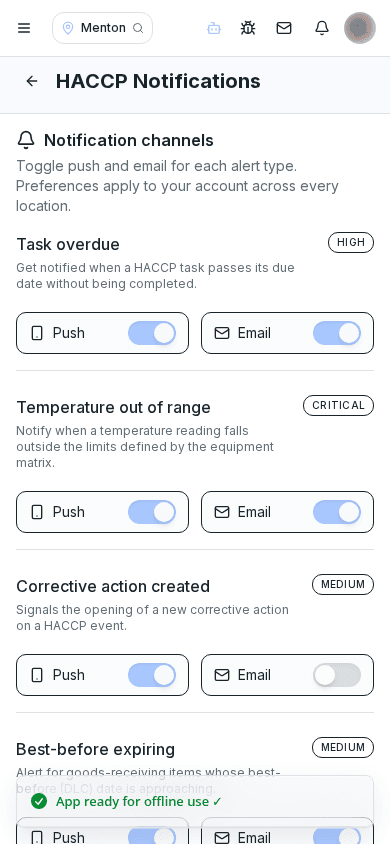
Configure overdue tasks, out-of-range temperatures, new corrective actions and products nearing expiry separately. Each type can use push, email, both or neither.
Choices apply to the signed-in account. An alert is sent only when the person has an active role at the affected site; changing your preferences does not affect other managers.
KlyraOS groups similar events to prevent notification fatigue, with a different quiet period for each event type. The event still remains visible in the app when a duplicate notification is suppressed.
An enabled HACCP channel cannot work when push or email is disabled in general account preferences, or when the device blocks notifications. Check both levels.
Do these preferences apply to the whole organisation?
No. They are personal and do not change settings for other users.
Does disabling a notification delete the event?
No. It only changes delivery; the check or anomaly remains recorded in the app.
Was this guide helpful?
Still need help?
Describe the issue: page, location, organisation and role are attached automatically.
Contact support