How to map connected sites and link till products to KlyraOS product cards for reliable food cost data.
For sales to correctly feed inventory and food cost, every till product must be linked to a KlyraOS product card or recipe. Without this mapping, sales come through but stay disconnected from actual consumption.
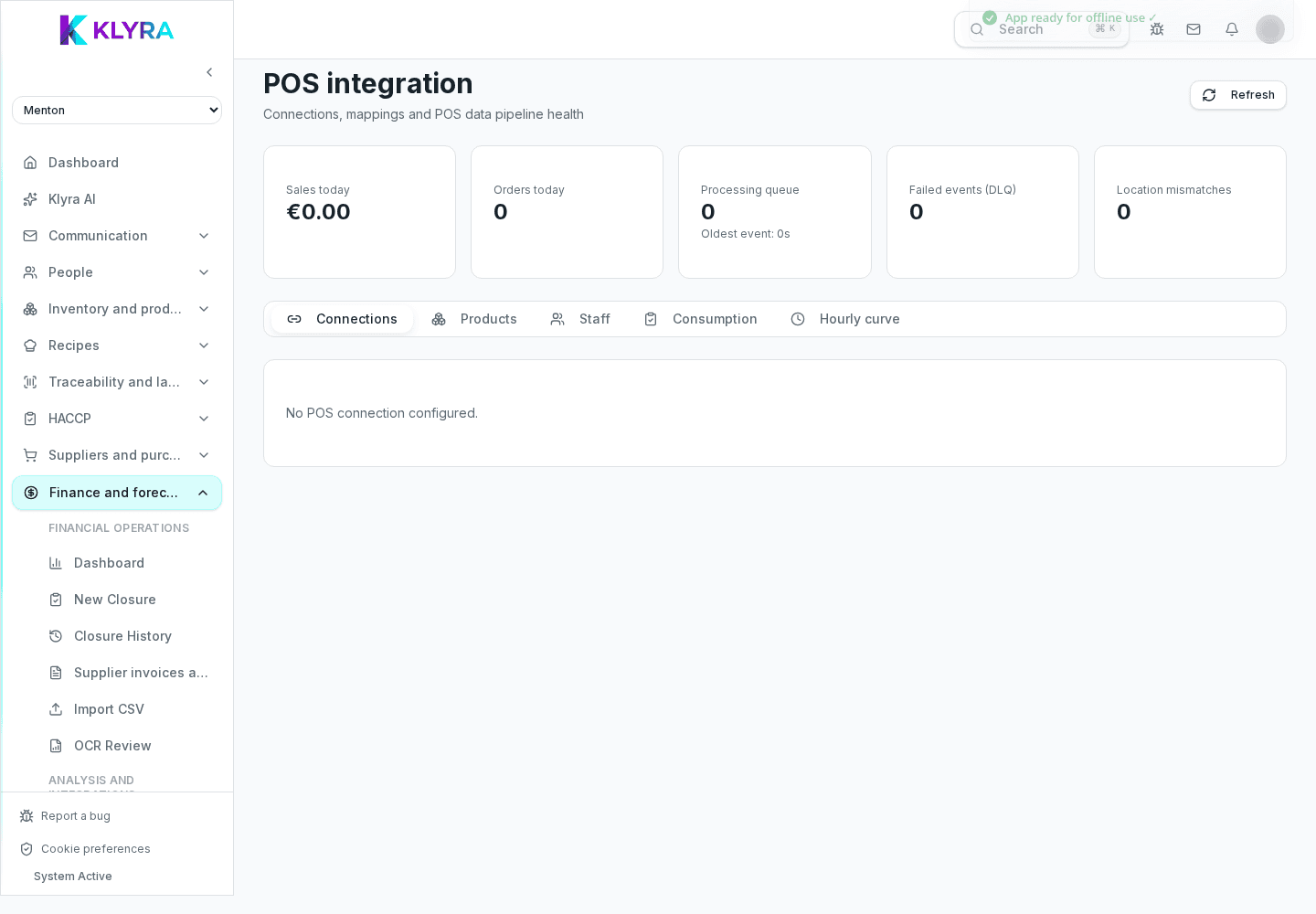
Every till item has an internal POS code or name that does not automatically match a KlyraOS product card. Mapping links the two, so a sale rung up on the till automatically deducts the ingredients defined in the recipe.
You can manually link each till product to a recipe or catalogue product, or let KlyraOS suggest a match automatically when the names clearly correspond.
Products that are sold but not yet mapped appear in a dedicated list, so they don’t stay invisible to food cost. Check it regularly, especially after adding new menu items.
Beyond per-product mapping, you can group items into sales categories, useful for reading trends by product family without checking every single line item.
Does every site need its own mapping?
Yes, each site has its own mapping because the till catalogue can differ between sites.
What happens if I leave a product unmapped?
The sale is still recorded in totals, but it will not automatically deduct the linked ingredients.
Can several till products link to the same recipe?
Yes, this is useful when the same dish is rung up as several distinct items on the till.
Does mapping affect prices shown on the till?
No, mapping only links sales to consumption in KlyraOS and never changes POS prices.
Was this guide helpful?
Still need help?
Describe the issue: page, location, organisation and role are attached automatically.
Contact support