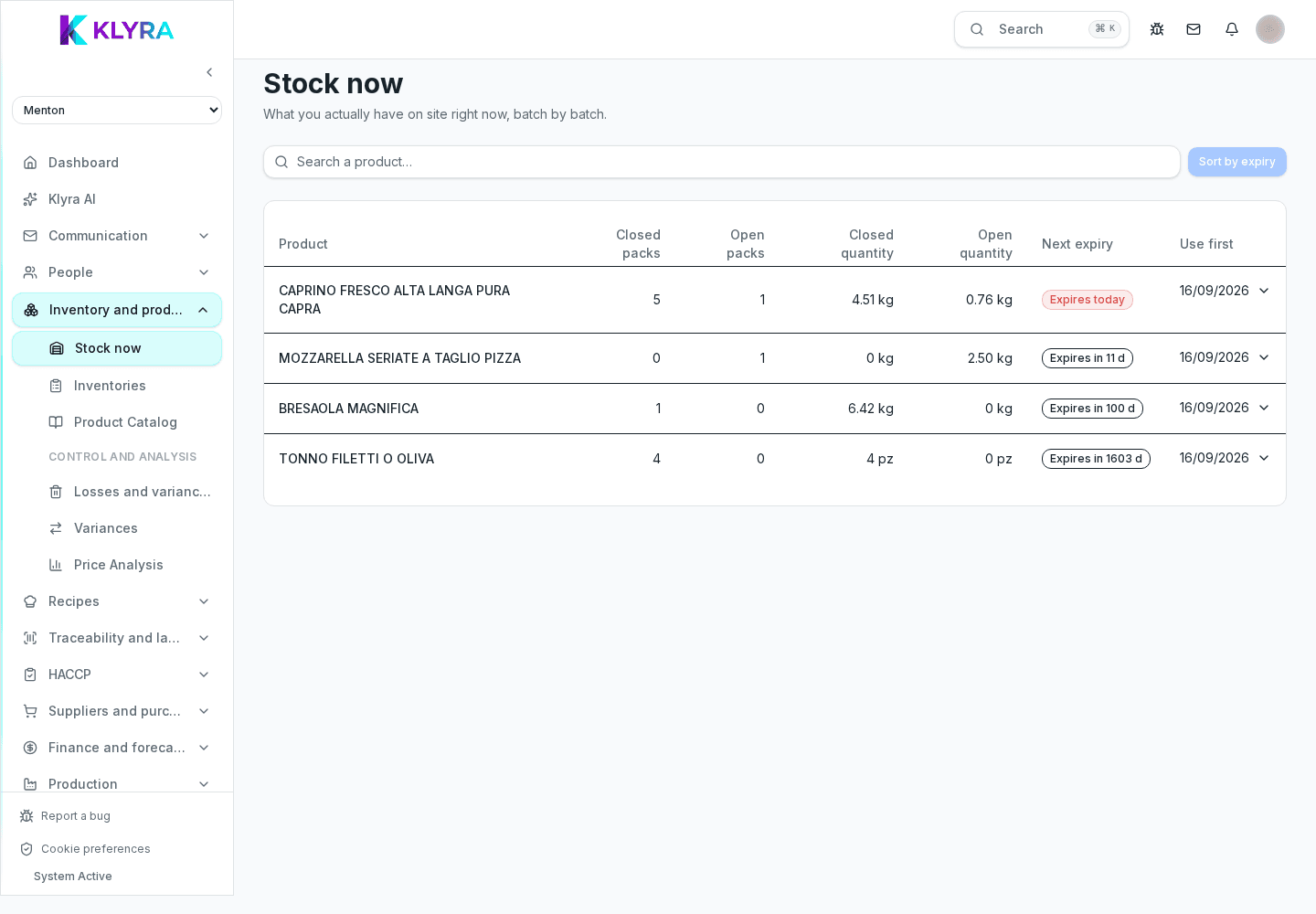
Overview of stock management: product catalogue, real-time stock, inventory counts, losses and price analysis.
Stock is KlyraOS's operational core: the product catalogue, real-time stock levels, periodic counts and recorded losses all live here. Every other module, from recipes to orders, relies on the data in this area.
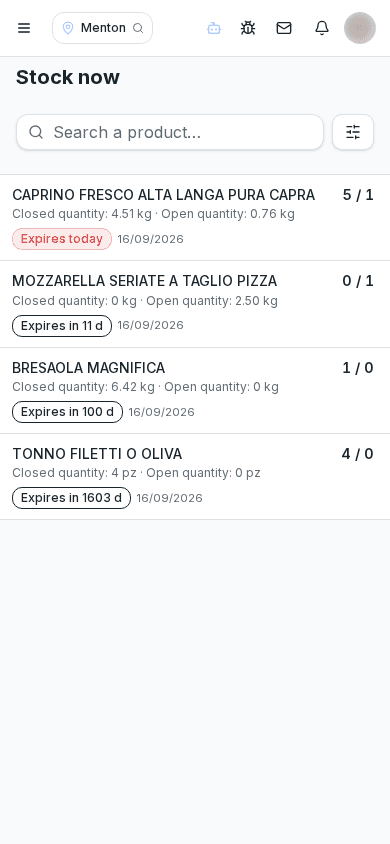
Stock always answers the same question: what do you have, where is it and what is it worth. Catalogue, stock, counts and losses work together to give a reliable picture of what's on hand.
Kitchen and floor staff check stock and log daily losses. The warehouse manager maintains the catalogue, organises periodic counts and analyses variances. The administrator sets up permissions and catalogue structure.
Start with the product catalogue, setting units of measure and minimum thresholds, then watch daily stock split between open line and sealed reserve, and run a physical count periodically.
Catalogue thresholds feed restock requests to suppliers, batches track expiry dates linked to traceability, and purchase prices feed recipe food cost calculations.
Accurate stock needs daily discipline: logging receiving, transfers and losses as they happen avoids variances that are hard to explain during a count.
Where do I start if I'm setting up stock for the first time?
With the product catalogue: create sheets with units of measure and minimum thresholds, then move to daily stock.
What's the difference between open line and sealed reserve?
Open line is what's open or ready to use, sealed reserve is what's still packed in the pantry or cold room: the distinction gives a more realistic stock reading.
How often should I run a count?
It depends on the business, but a periodic check of critical categories helps catch variances before they grow.
Do recorded losses affect food cost?
Yes, they contribute to the site's real food cost, distinct from the theoretical one calculated from recipes.
Was this guide helpful?
Still need help?
Describe the issue: page, location, organisation and role are attached automatically.
Contact support