How to submit a GDPR request safely while individual self-service tools are coming soon.
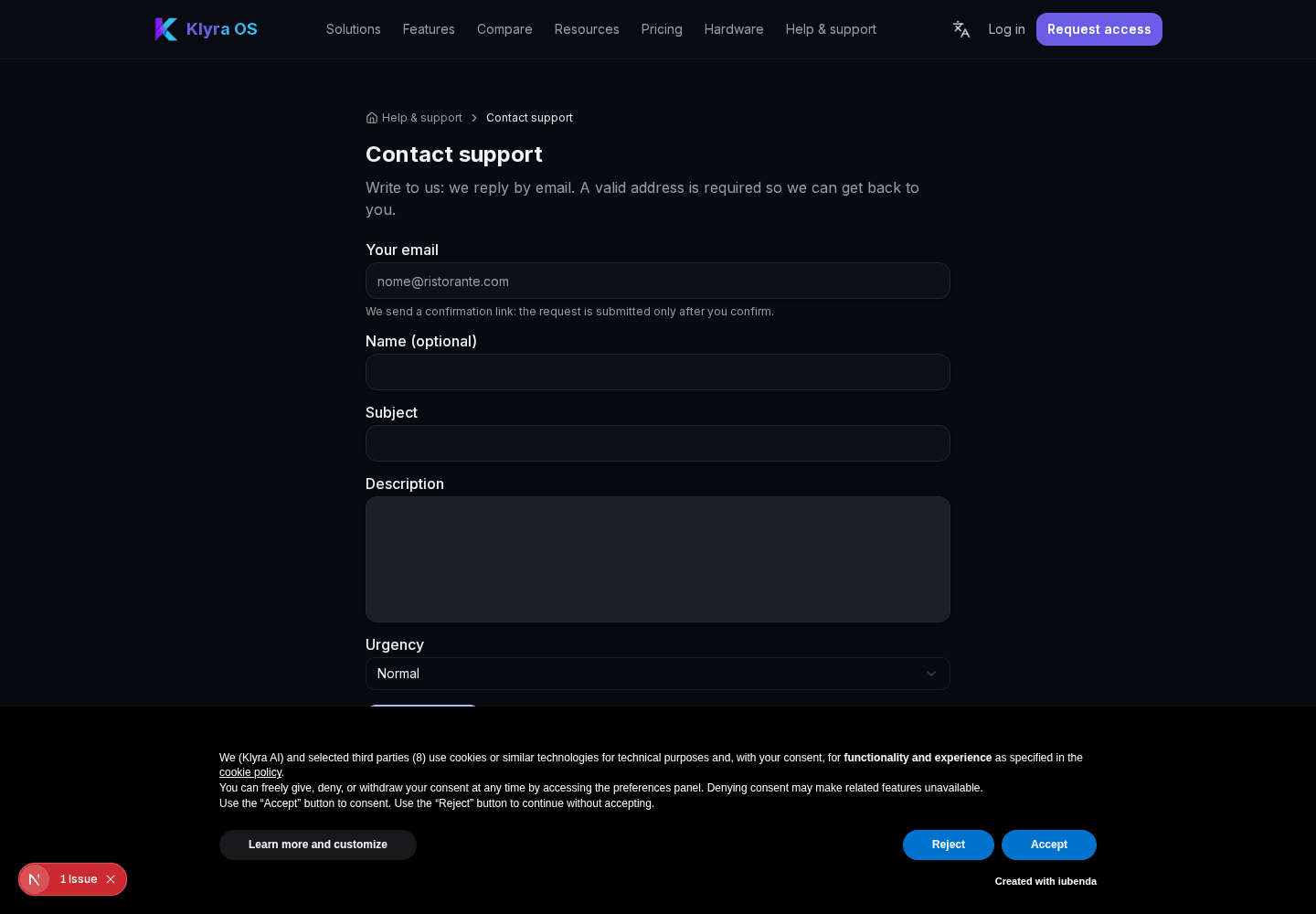
Self-service handling for an individual person’s data is not yet available in the app. For access, portability or deletion, use Contact support with a verified email address: KlyraOS will confirm identity, scope and retention duties before taking action.

After identity and scope checks, KlyraOS support prepares a summary of the relevant personal data. Do not look for a command in the person’s profile: individual self-service is not available yet.
The export produces a readable file gathering the person’s data, suitable both for handing to the data subject and for keeping as proof that the request was answered within the legal deadline.
Deletion removes personal details that are no longer needed, while keeping in anonymised or aggregated form the information required by legal obligations, for example HACCP records or accounting entries linked to invoices already issued.
If longer retention obligations apply, such as tax documents or food safety records, full deletion only happens once those periods expire: in the meantime the data is isolated from daily use and made inaccessible to the rest of the team.
How long do I have to respond to an access request?
The deadlines are set by the data protection rules applicable to your organisation. Contact support promptly: timing depends on identity verification, scope and any retention obligations.
Can I delete the data of an employee who still works for us?
Generally not, since the data is needed to manage the ongoing employment relationship: check the request with an HR advisor.
Must HACCP records showing an operator’s name be deleted on request?
No, food safety records follow specific retention obligations that override the deletion request until they expire.
Was this guide helpful?
Still need help?
Describe the issue: page, location, organisation and role are attached automatically.
Contact support