How to manage shipments to customers outside your group and automate recurring preparations with a template.
Beyond transfers between sites in the same organisation, KlyraOS handles shipments to external customers who buy finished products from your lab, and lets you turn recurring runs into reusable templates instead of recreating the same order from scratch every time.
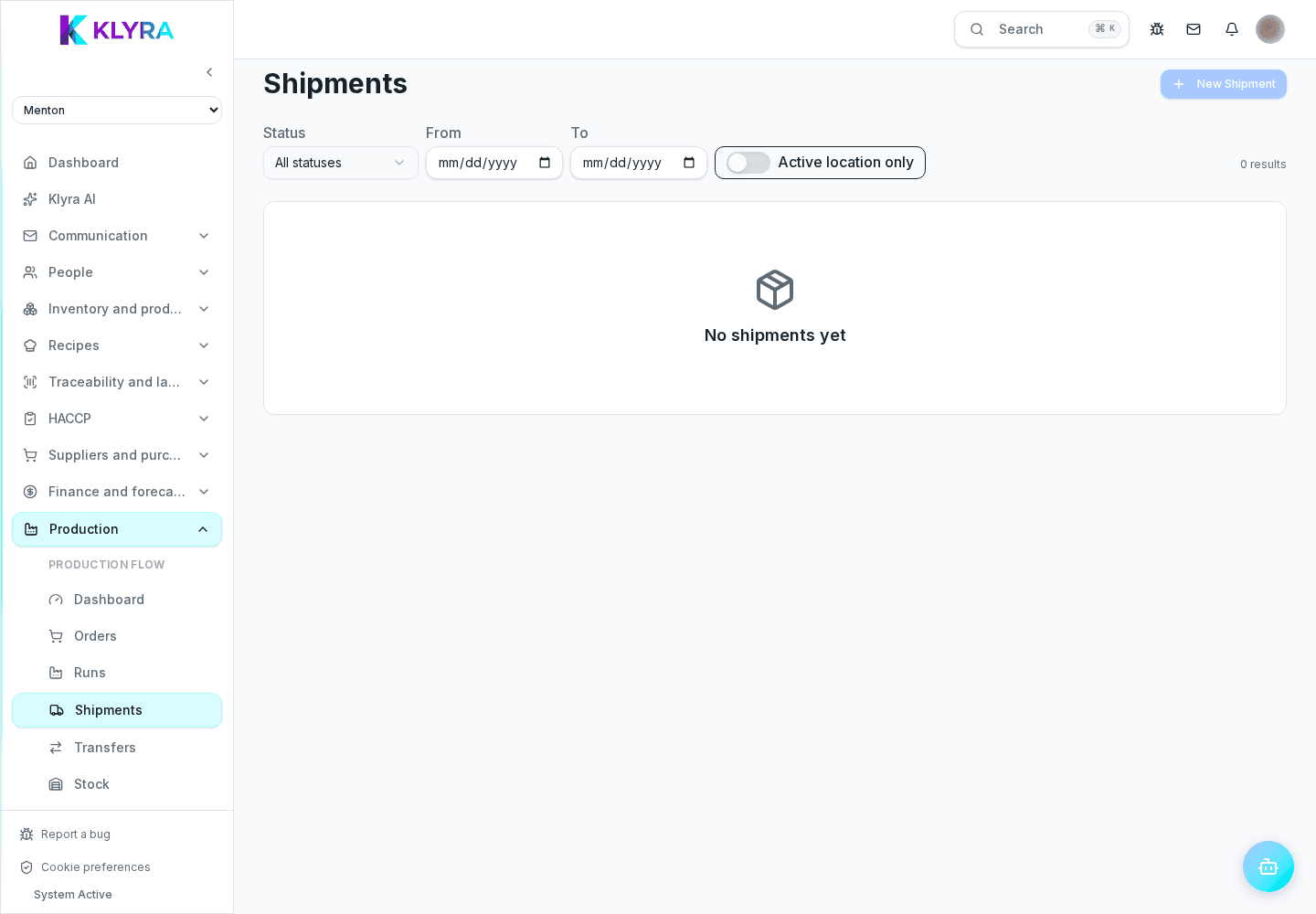
In the customers section you can register who buys products from your lab: name, delivery address and the products they usually order. This record is separate from suppliers and is used only for outgoing shipments.
A shipment links one or more finished product batches to a customer and a delivery date. As with transfers between sites, the document records batches, quantities and recipient, keeping traceability from the original batch through to the external delivery.
For preparations repeated every week, such as bases, doughs or sauces, you can save a template with recipe, default quantity and station. Generating next week’s order only requires confirming or correcting the quantities, instead of re-entering everything from scratch.
If a run recurs more than once a week with similar quantities, it is worth creating a template: the time saved becomes clear after just a few weeks, especially when planning involves several stations.
Does a shipment to an external customer work like a transfer between sites?
The traceability mechanism is similar, but a shipment involves a customer record outside the organisation, not another internal site.
Does a recurring production template generate the order by itself?
No, the template prepares the base data but you always need to confirm or correct the quantity before the order is created.
Can I edit a template without affecting orders already generated?
Yes, editing the template only changes future orders generated from it, not ones already confirmed in the past.
Do I need a different template for each station?
It is best to create one for every recurring combination of recipe and station, so the workload stays clear department by department.
Was this guide helpful?
Still need help?
Describe the issue: page, location, organisation and role are attached automatically.
Contact support