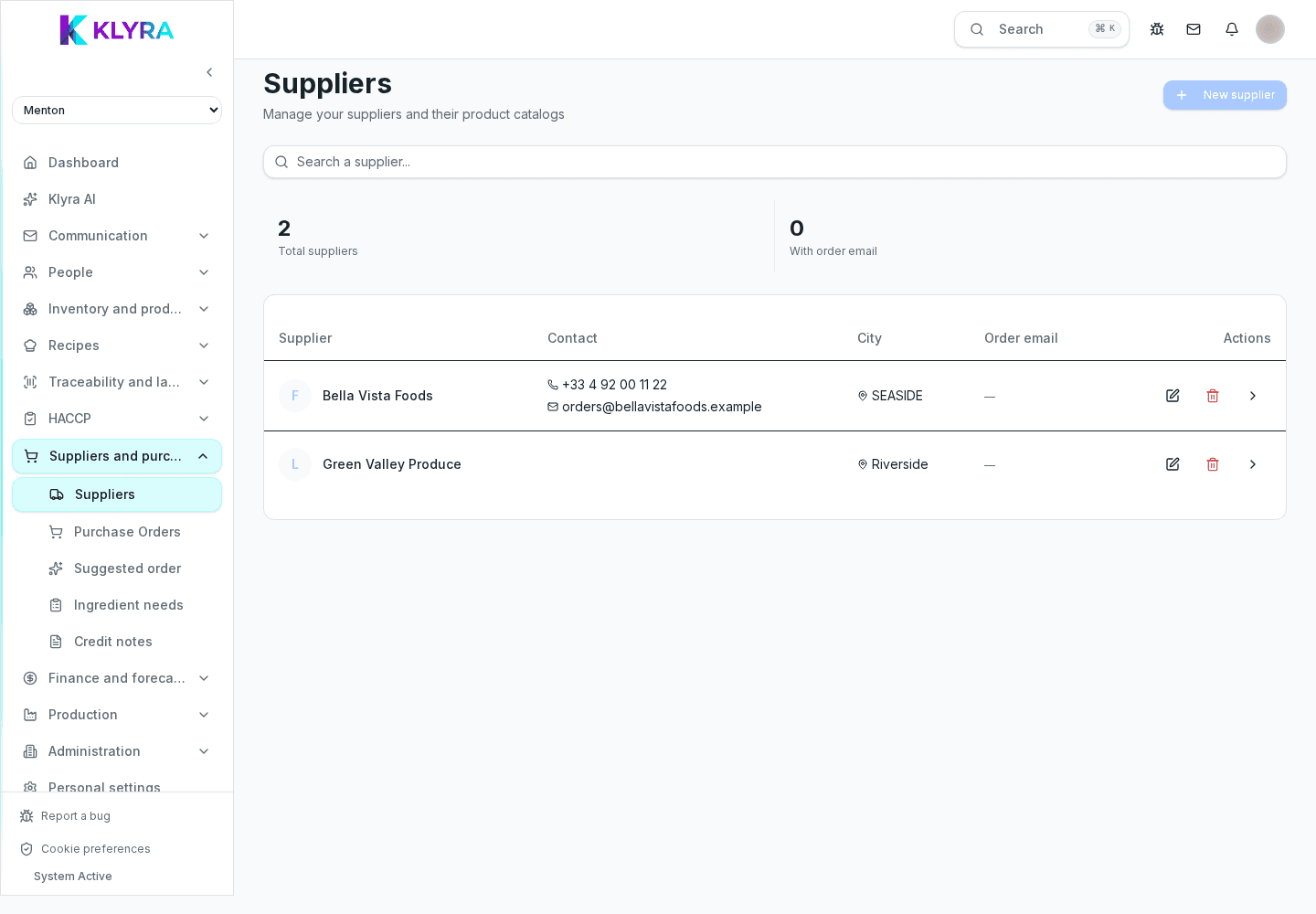
How to create a supplier, link products and keep price lists up to date with agreed prices.
Every supplier in KlyraOS has a record with company details, commercial terms and a price list linked to your product catalogue. Keeping it up to date is the foundation for correct deliveries, reliable food cost and sensible restock requests.
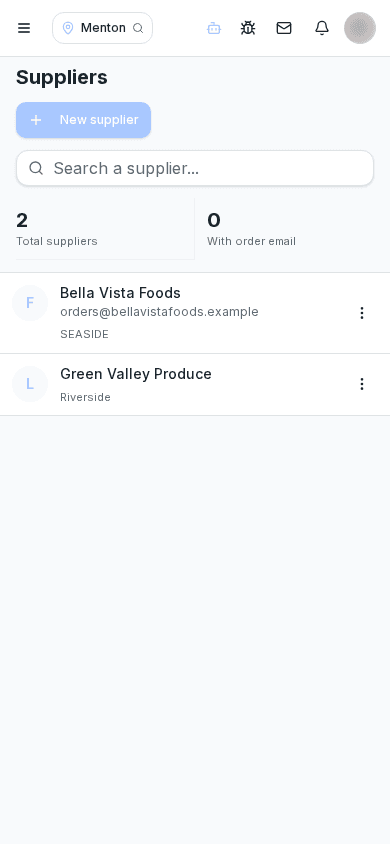
In the Suppliers section, enter the company name, VAT number, address and at least one commercial contact with phone or email. You can add several delivery sites if the supplier serves multiple locations with different terms.
If you work with several brands or a group of restaurants, the record can be shared across sites in the same organisation, so you never have to recreate it.
Each catalogue product can have one or more linked suppliers, each with its own supplier item code, purchase unit and price. This link is what lets KlyraOS automatically read invoices during goods receiving and calculate price variances.
Update the price list every time a new commercial agreement comes in: historical prices remain visible for comparison over time.
You can note payment terms, the supplier’s closing days and any minimum free-shipping thresholds. This information does not trigger automation, but it stays visible to whoever prepares orders, avoiding recurring mistakes.
When comparing different suppliers for the same item, price analysis shows the purchase history by supplier, useful when renegotiating or switching suppliers.
Can I have several suppliers for the same product?
Yes, you link the product to several suppliers, each with its own price, and choose which one to use when placing the order.
Does the price list also update recipes using that product?
Yes, recipe food cost is recalculated on the most recent prices recorded at receiving, not only on the theoretical price list.
Can I archive a supplier I no longer use?
Yes, archiving keeps it in past order history but removes it from the list of active suppliers.
Was this guide helpful?
Still need help?
Describe the issue: page, location, organisation and role are attached automatically.
Contact support