KlyraOS suggests what to reorder based on stock and consumption, but every request must be reviewed and confirmed manually.
KlyraOS helps you spot what is running low by calculating a suggested quantity for every product under threshold, but no request becomes an order without someone reviewing and confirming it. It is a suggestion, not an automation.
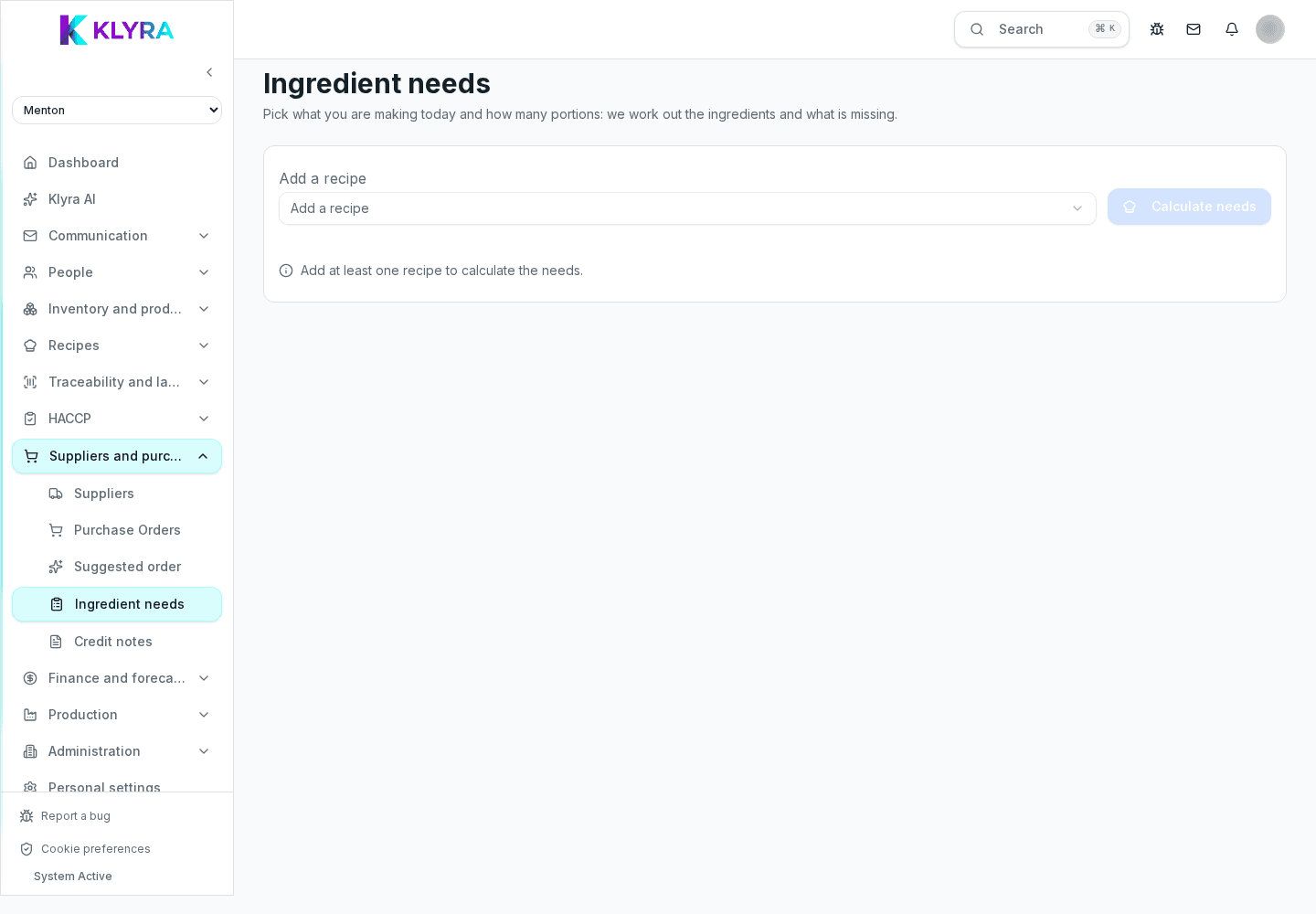
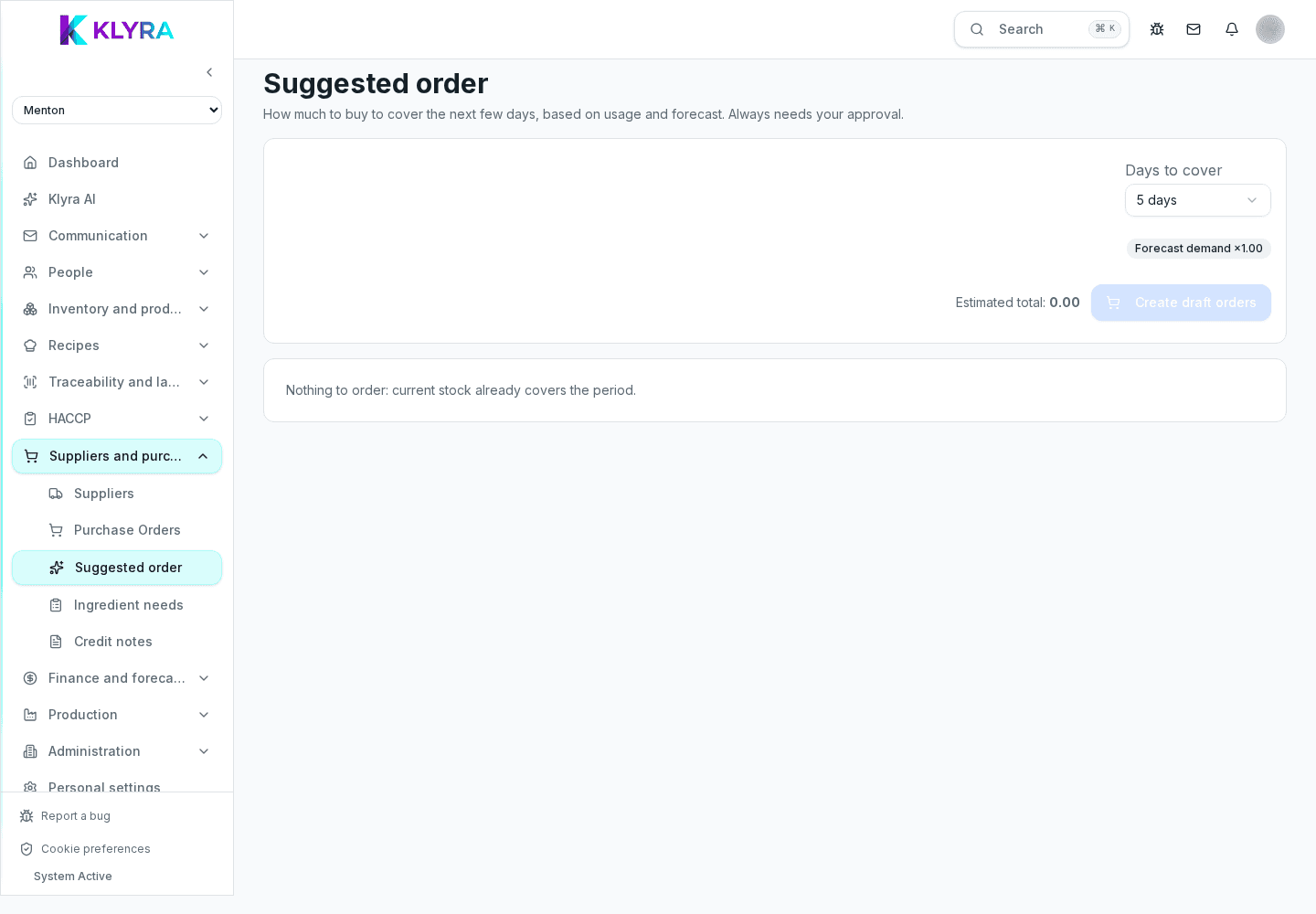
The suggested quantity comes from comparing the current stock recorded in Stock with the minimum threshold set on the product, taking recent average consumption into account when available. It is a starting point, not a fixed value.
If you have not set minimum thresholds on products, the system cannot propose a reliable suggestion: it is worth defining them at least for critical items.
Every line of the restock request is editable: you can increase or reduce the quantity based on known events such as a large booking, a holiday, or a supplier closing for vacation.
You can also remove products from the request if you already know you do not need them, or add new ones manually.
This is a product constraint: no restock request turns into an order sent to the supplier by itself. It always requires manual confirmation from an authorised person, who becomes responsible for the final decision.
Once confirmed, the request becomes the basis for creating the actual order, possibly split by supplier if the products involved come from different suppliers.
Does KlyraOS send orders to suppliers automatically?
No. It only proposes a restock request with a suggested quantity: sending the order always requires manual confirmation.
What is the suggested quantity based on?
On current stock, the minimum threshold set on the product and, when available, recent average consumption.
Can I ignore a suggestion?
Yes, you can remove any line from the request before confirming it, without that generating an order.
Was this guide helpful?
Still need help?
Describe the issue: page, location, organisation and role are attached automatically.
Contact support