How KlyraOS generates a batch for every delivery or production run, and why it underpins all traceability.
Whenever goods arrive on site or a production run is completed, KlyraOS can automatically generate a batch linked to the originating document or production order. This batch is the thread that lets you rebuild where an ingredient came from and where it ended up.
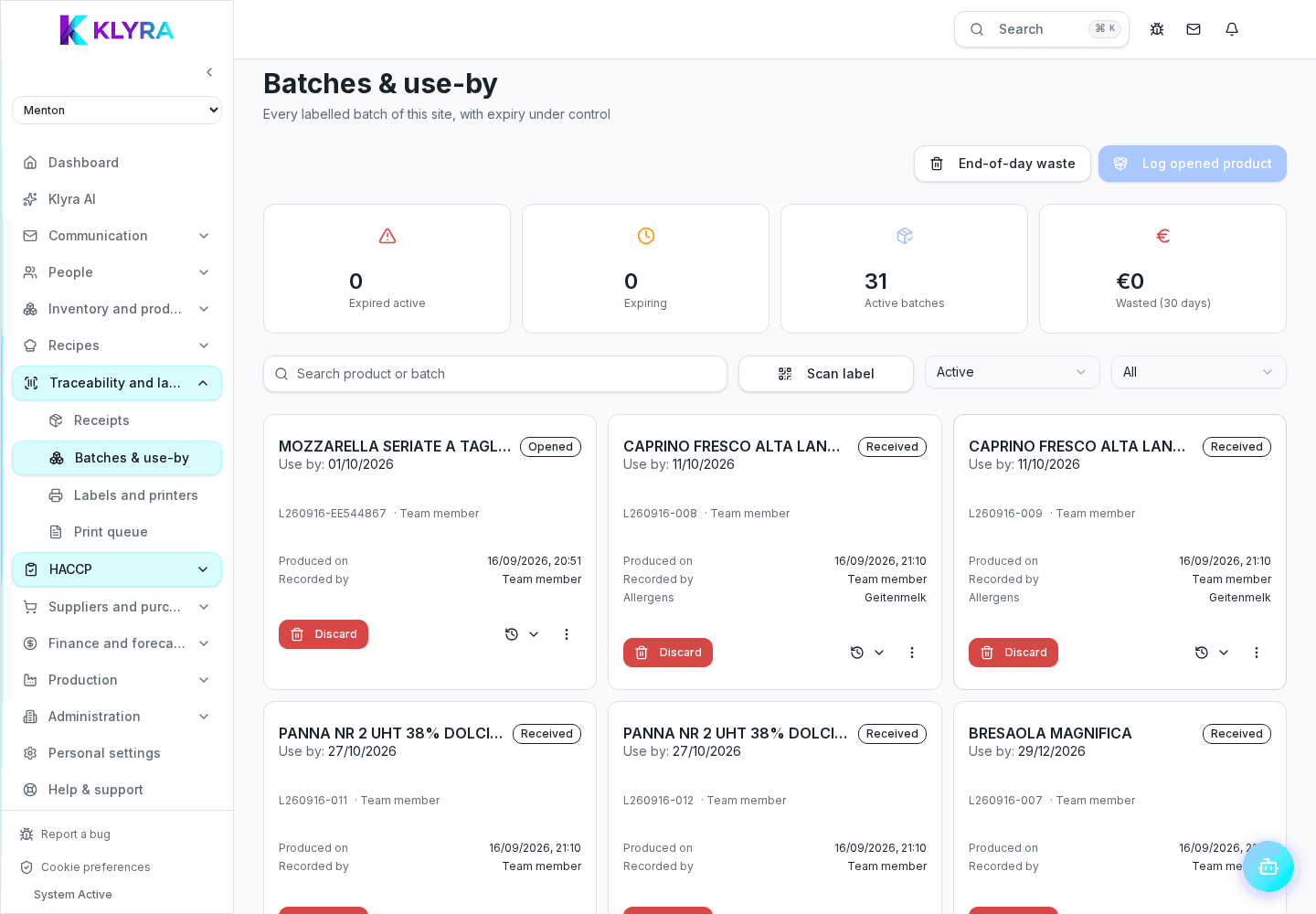
When you record a delivery, each product line can generate a batch with quantity, arrival date and, where applicable, the expiry supplied by the vendor or read from the document. Legally exempt products keep the date empty and record the exemption, without a fictitious date. The batch stays linked to the delivery note or invoice for its whole life.
When you declare a preparation or recipe, KlyraOS can create a new batch for the finished product, recording which raw material batches were consumed to make it. This link is what makes downstream traceability possible.
The batch number can follow automatic numbering or be entered manually when the supplier already provides its own code. Either way, the batch remains searchable from every connected screen.
Even for products that seem low risk, having the batch traced lets you answer an inspection request or a customer complaint within minutes, instead of rebuilding everything by hand from paper documents.
Is a batch created automatically for every delivery?
Yes, for products with traceability enabled KlyraOS proposes creating a batch on every delivery, with a chance to review before confirming.
Can I trace batches created by internal production too?
Yes, every declared production run can generate a new batch linked to the raw material batches actually consumed.
What happens if I enter a manual batch code?
It stays searchable like an automatically generated batch, with all the links to receiving, consumption and production.
Was this guide helpful?
Still need help?
Describe the issue: page, location, organisation and role are attached automatically.
Contact support